Gather a few things See what you’ll need
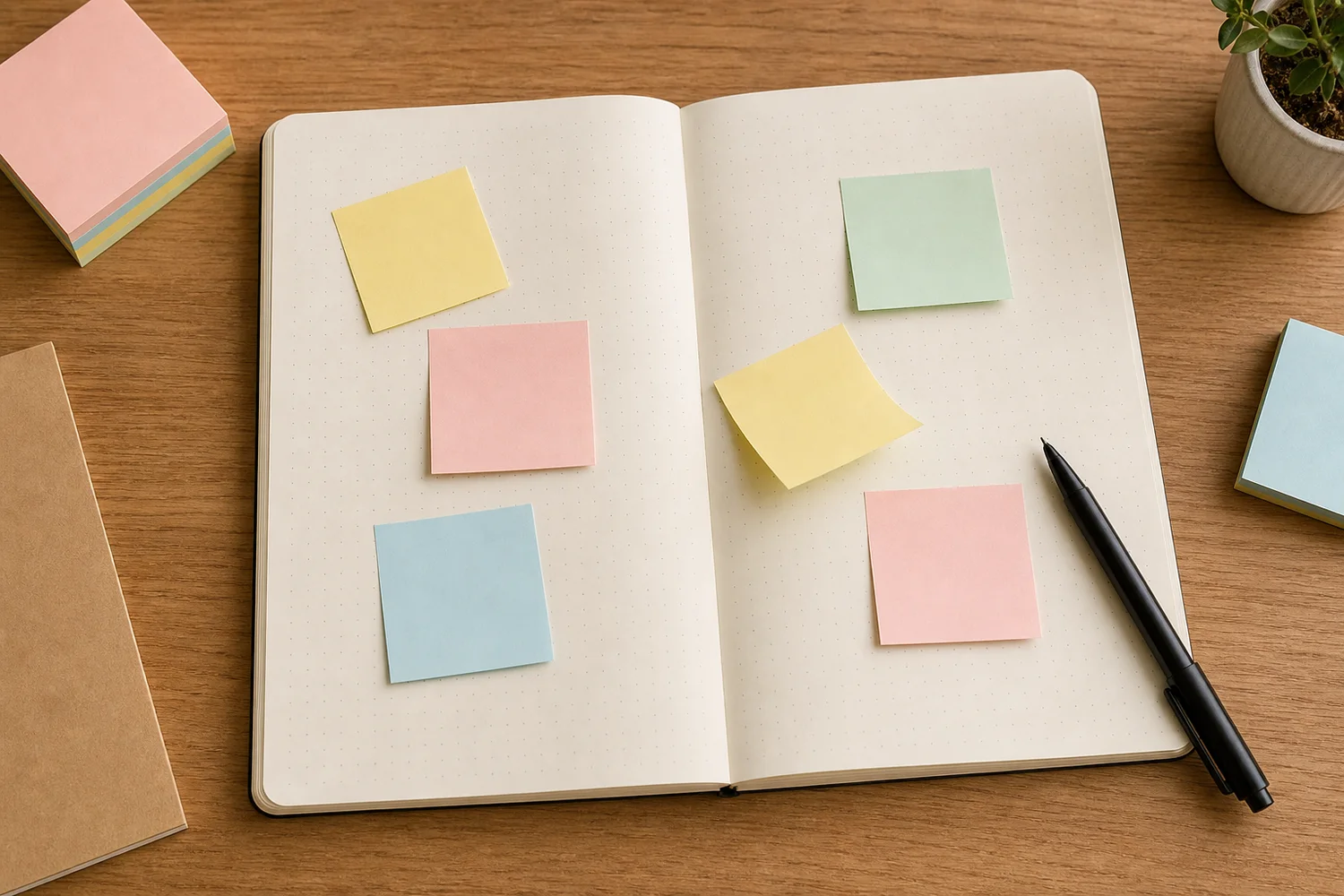
- A few fresh sticky notes
- Dark pen
- Open journal
- Optional plain backing card
Choose an exercise 4 things to try as you read
Move one small thing from Today to Done
Give each sticky note one concrete action: print the photo, add the date, or write the caption. Move “write the caption” when the words are written, even if the rest of the spread is unfinished. Separating the actions lets the note move when its own job is complete.
At the end of the session, remove completed tasks. If a note holds a memory instead, copy its words onto the page or a fresh memo. You can keep the information without gluing down every square that helped you get there.
ONE WORKED EXAMPLE
The caption finishes before the spread
You are building a page around a walk photograph. The image is placed, but the caption and date are separate small actions still waiting.
Before
A single note says “finish spread,” so writing the caption does not change the note’s status and the useful step remains hidden inside a larger task.
After
Two notes say “write walk caption” and “add date.” The caption note moves from Today to Done as soon as its sentence is written. The date note stays under Today. At the end of the session, the completed task note is removed.
What changed—and what to check
Each note has a completion boundary you can recognize. The page can show useful movement before every decorative choice is settled.
Try this check. Read each movable note and check that it names one action you could decide is complete.
Give loose thoughts a waiting corner
Choose one corner for notes that haven't found a home. It can hold a phrase someone said, a possible caption, a color you'd like to use, or a moment you don't want to forget. Write each separately so one can move without taking the others with it.
When you return, choose whether to keep, move, rewrite or discard each note. “Keep” might mean copying it into today's entry; “move” might mean putting it beside a photo tomorrow. A shorter, more specific rewrite is useful too. You don't owe every passing thought its own space in the finished spread.
Compare the optionsGive each waiting thought its own next step
Give each waiting thought its own next step
Choose what this temporary note needs. The finished page changes with that decision.
Read the words in this example
- photo
- caption
Move it beside the image, then keep the words.
Place the note near the photo it now explains and read them together. When the relationship is clear, copy the caption onto the journal or a fresh memo if you want it to last. The temporary square does not have to become permanent decoration.
Keep the days fixed and let plans move
Write the day names once, then place uncertain errands, meals, prompts, or photos-to-print on movable notes. Shift those plans when their timing changes. Keep a confirmed appointment at its actual day and time unless the booking changes too; moving paper alone cannot reschedule it. Remove a low-priority note for now if the week becomes crowded.
Color can help when it has a simple meaning. Try yellow for events, pink for feelings, blue for ideas and green for gratitude, with a small written key. Or use only two: happened and felt. Keep the categories written as well as colored, so you can understand a note without remembering the key.
See the differenceMove the plan while the day labels stay put
Move the plan while the day labels stay put
Switch the sample plan from Monday to Wednesday. Watch what stays fixed.
Read the words in this example
Plan on Monday
- Monday
- Wednesday
- print photos
- notes
Plan on Monday
A fixed day heading names the space; the separate note holds the uncertain action. That distinction makes a change possible without redrawing the page.
GO A LITTLE FURTHERAsk for one next action or one sentence
Ask for one next action or one sentence
A page nudge makes “finish this spread” less vague. Write three small actions on one note: choose, place, stop. Another version is write, decorate, paste. Use whichever matches the page, and peel the nudge off when it has helped you begin.
For a prompt note, put the question on the movable paper and write your answer underneath on the journal page. Try “What did I notice?” or “What do I want to remember?” The question can stay like a little heading, or leave once the answer is strong enough to stand by itself.
Try the title before writing it in ink
Write two or three possible titles on separate notes. Place them one at a time near the photo or sentence that matters most. “The corner table” might fit better than a broad title about the whole day. Read the page with each version and see which makes the memory easier to understand.
Leave an uncertain choice until tomorrow if you like. Once it feels right, write it directly on the page or on a plain memo. If you like the look of the temporary note, redraw its arrangement rather than relying on the old sticky adhesive to hold indefinitely.
Write your versionTry a title that points to this particular memory
Try a title that points to this particular memory
Edit the title and read it beside the sentence it will introduce.
The corner table
We stayed there while the rain ran down the window.
Your words have a place now.
The filled card is a sample. Replace any part with your own words; leave a field empty if it does not help.
- Words on this card
- 13
Make a note look chosen without fixing it forever
When a sticky note lands well, add one light cue around it: a bracket, a thin border, a small drawn tape corner or a short shadow. That is the eighth variation—acknowledging the placement while it can still change. Don't stack all four marks around one little square.
Retire a note that curls, collects dust, or no longer peels cleanly. If the sheet lifts fibers, use a separate backing card for the movable plan. Before clearing it, read the note: discard a finished task, but copy a memory or useful title into its lasting place. You can end with one chosen idea and an empty waiting corner.
Try a what-ifA movable note carries a fixed booking
A movable note carries a fixed booking
Separate a flexible paper plan from a confirmed time.
A timed museum booking is confirmed for Tuesday at 2. You move its sticky note to Wednesday to make Tuesday’s page less crowded, but have not changed the booking.
Compare the three choices
What should the plan show now?
- Remove the time and keep the museum name under Wednesday
That would hide the booking’s constraint. A flexible visit idea and a timed reservation need different labels.
- Return the confirmed booking to Tuesday at 2 and move an uncommitted task instead
The physical note can move, but the booking remains fixed until actually changed. Keep that distinction visible in the plan.
- Keep the note on Wednesday and add an arrow back to Tuesday
The extra cue may leave two apparent times. A single clear entry at the confirmed time is easier to rely on.
Moving a note changes the paper plan; it does not change an outside agreement.
What would you try?
Choose an option to see what it would do. You can explore all three.
Something for a future page?
The Washi Tape ShopAffiliate links: we may earn a commission if you buy through these links.
Where this idea began
Renee Day's layout shows sticky notes acting as quick paper masks; the remaining sources informed the movable task, prompt, and weekly variations.
Want to explore the techniques a little further? Here are the maker tutorials and references behind this guide.
- Maker exampleRenee Day: How to Create a 5-Minute Journal Layout with Sticky Notes
Renee Day’s sticky-note layout supplies a named temporary planning example.
- Manufacturer examplePost-it: Organize tasks and keep your team on track
A manufacturer’s task-organizing example shows temporary notes in use, not independent effectiveness evidence.
- Product referenceHobonichi Techo: TSUKI no IRO Add-on Sticky Notes
A particular add-on sticky-note product illustrates the format; the guide does not require that brand.
- Method referenceBullet Journal: Migration
An inherited official migration reference; the original guide’s layout and timing remain adaptations.
- Maker exampleHobonichi Techo: How to use the Hobonichi Techo
Hobonichi’s use examples provide possible notebook applications, not measured benefits.
- Product reference3M Post-it: Page marker product details
A particular page-marker product illustrates the removable marker format.
- Material careNational Archives: Paper-Based Records
Paper-preservation guidance informs copying unstable thermal information before creative use.