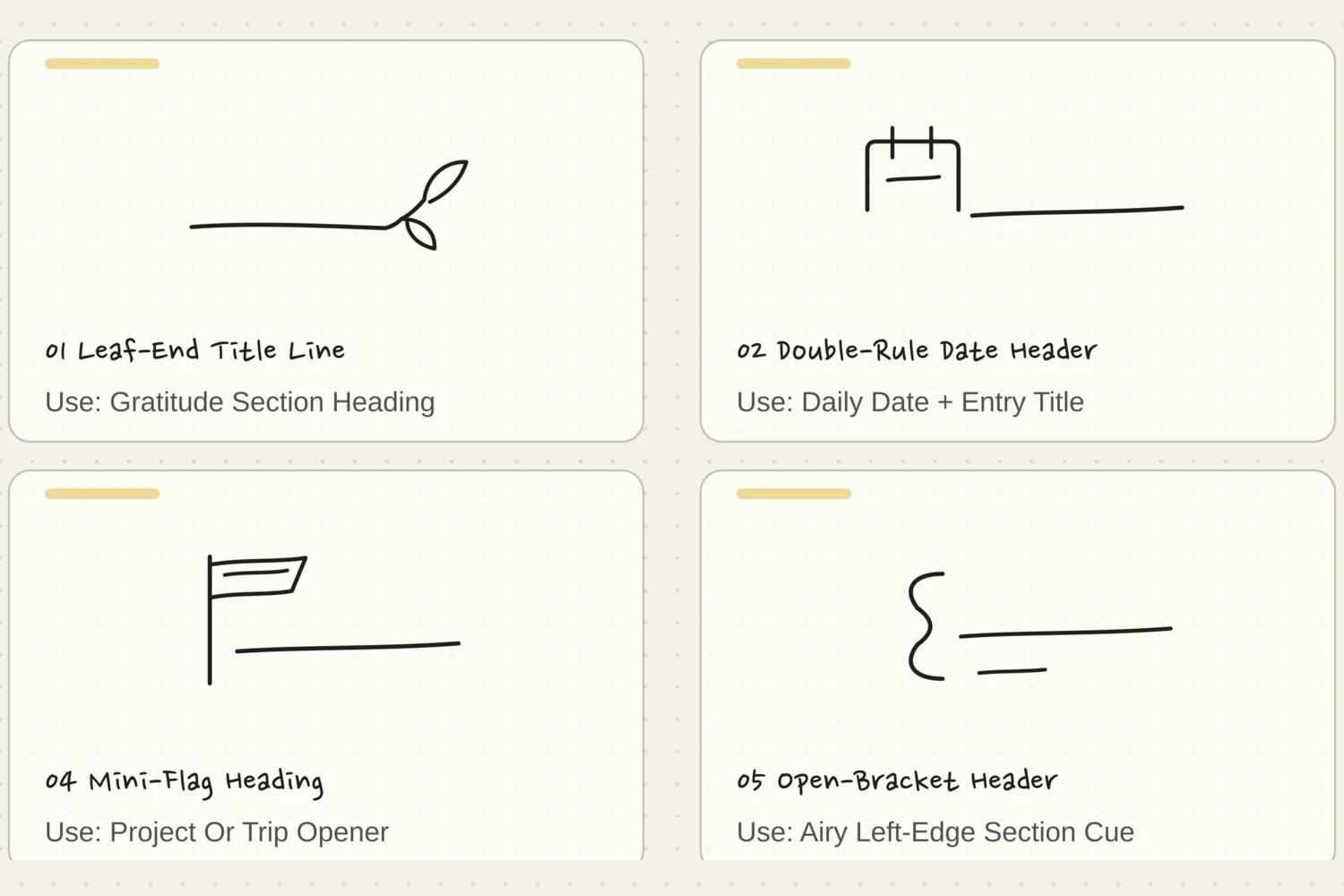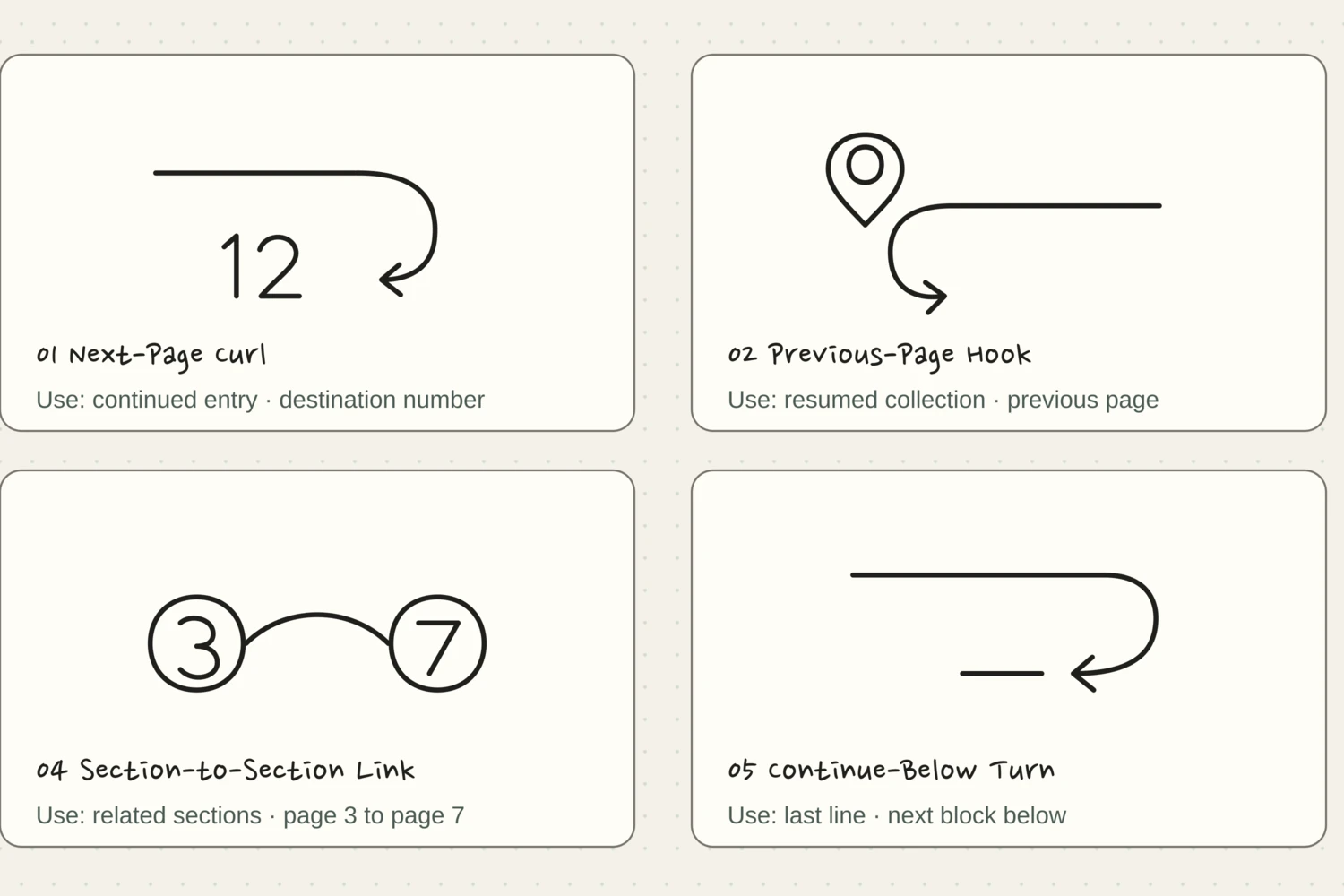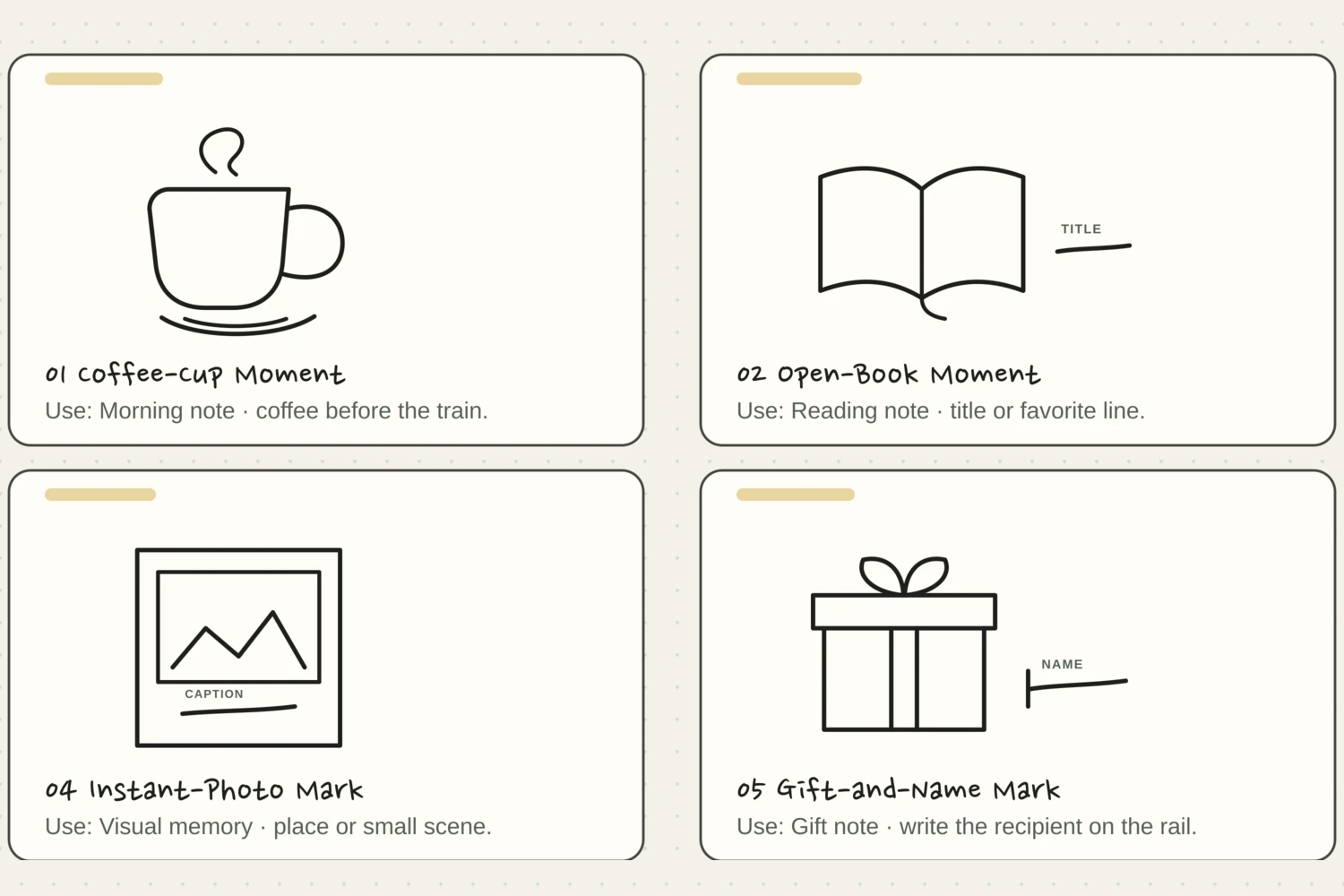
Gather a few things See what you’ll need
- An ordinary pen
- Your journal
- A date, caption, or reference you want to add
Choose an exercise 3 things to try as you read
Write the little piece you want to keep
Choose the words before the shape. For a photo, that might be a place and date. For a saved ticket, it might be who went with you. For a reference note, it could be the page where the story continues.
Write those words once at your normal size on scrap paper. Look at how much space they actually occupy. It’s easier to draw a comfortable label around real handwriting than to shrink a caption into a pretty shape you’ve already committed to on the page.
Write your versionFind the words before drawing their border
Find the words before drawing their border
Replace this sample with the date, context, and short caption you want to keep. These words show how much room your label needs.
Riverside café
6 September
We waited out the rain.
Your words have a place now.
Use only the fields that help this caption. A page reference needs a real destination, while a photo may need a place and date.
- Words on this card
- 9
ONE WORKED EXAMPLE
A caption that outgrows its ticket
You have a small photograph of a windy picnic and want to include the date, place, and the moment everyone chased the napkins across the grass.
Before
The ticket fits the date and place, but the final sentence needs smaller, crowded letters to stay inside its border.
After
The ticket reads “14 May / Riverside picnic.” A plain line directly below reads “We chased the napkins across the grass.” Both lines align beneath the photograph, with a clear gap before the next image.
What changed—and what to check
Moving the extra sentence outside preserves normal handwriting and keeps the whole caption visibly attached to one photograph.
Try this check. Read the caption at your usual distance and point to its photograph without following a decorative line.
Find the label that suits those words
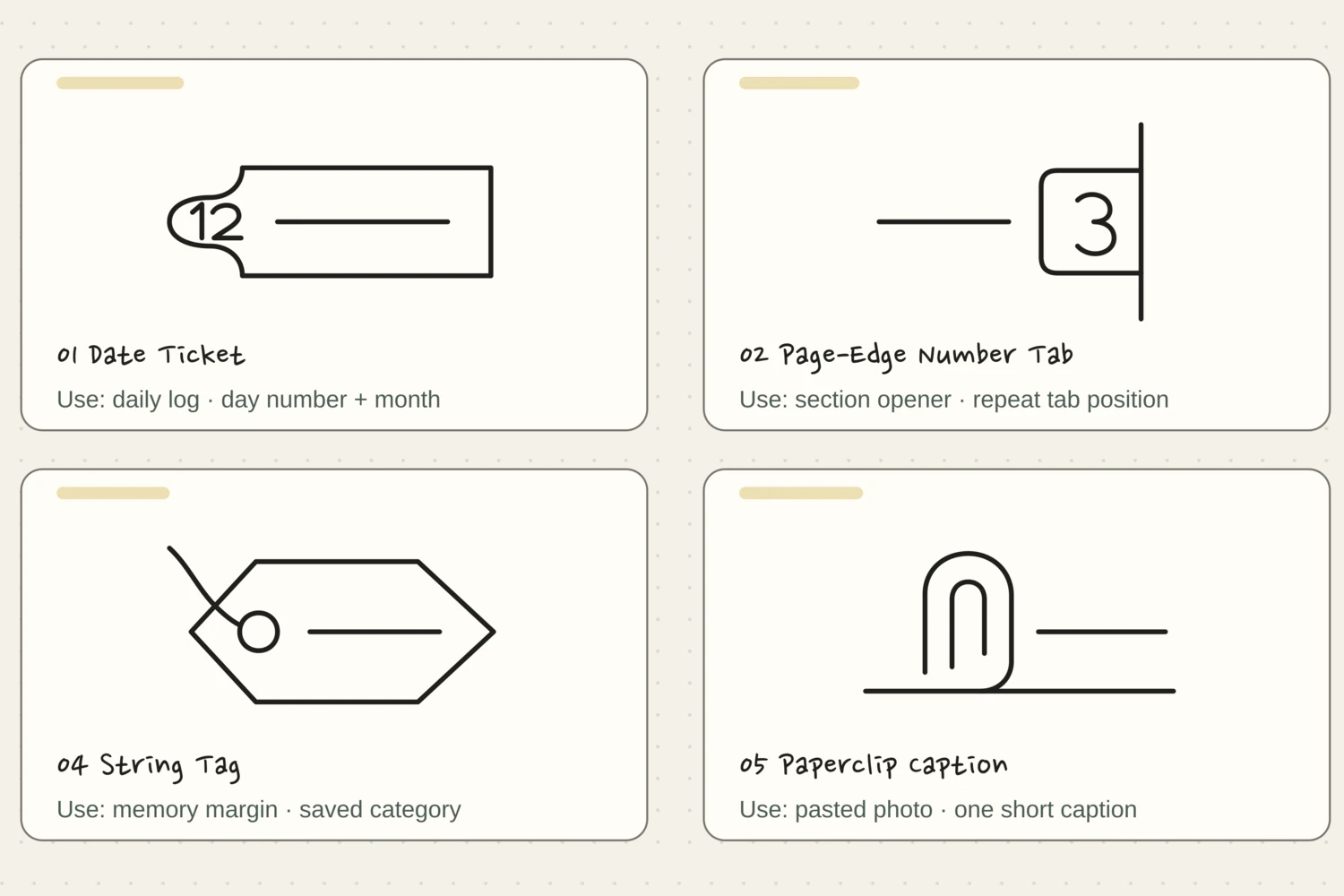
Choose by the connection you need. A Paperclip Caption can meet a pasted edge; a Speech-Tail Label can point to one detail among several. A Date Ticket gives a date and caption separate spaces.
Try the simplest suitable outline first. Its position and words do most of the explaining, so a shape does not need a permanent meaning across every page.
“Put the label close to the thing it describes.”
Build the outline with your handwriting in mind
Press Draw it on your chosen example and watch how the outline comes together. Pause at a corner or move through the numbered steps. Try a practice version around 35–45 mm wide, then adjust the shape to suit the actual words you’re using.
On the journal page, allow clear paper between the letters and the outline. Keep folds, notches, strings, and torn ends toward the outside of that writing space. If you have a longer caption, extend a simple edge or let some of the words sit beside the label.
Try the exampleChoose a label without squeezing the entry
Choose a label without squeezing the entry
Compare a date ticket, speech-tail label, and torn caption. Change their footprint beside writing, then decide how much caption belongs inside.
Read the words in this example
- A drawing beside words
- Your words
- 06
- A GOOD DAY
- Separate drawing and writing areas
- Dashed box shows the drawing footprint.
The drawing footprint stays clear of the reserved writing area.
The longer side of “Date Ticket” uses 38% of the inner page width; its proportions stay intact. The reserved area still contains four sample writing rules. The dashed footprint includes empty space around the strokes; it flags layout overlap, not an exact ink collision or handwritten capacity. This compares outside footprints. Write your own caption at normal size to test the interior, and let a long continuation sit on a plain line below.
- Drawing, longer side
- 38%
- Drawing footprint width
- 38%
- Gap across inner page
- 3.3%
- Reserved sample rules
- 4
Make the connection easy to follow
Put the label close to the thing it describes. A paperclip drawing should meet the relevant paper edge. A speech tail should aim toward the intended detail. A page-reference label should sit beside the sentence that continues elsewhere, with the real destination number written clearly.
If two neighboring captions could belong to the same photo, move one before adding more decoration. A short distance and a clear alignment will often solve the confusion. You can leave room around the entire group so the photo and its words feel like one small part of the page.
GO A LITTLE FURTHERKeep the slightly uneven version
Keep the slightly uneven version
A sloping string or uneven torn edge will usually still read as a label. Check the writing space before repairing the outline: another dark pass can make the frame compete with its caption.
If a fold crowds the words, omit its seam. If your caption outgrows the ticket, continue on a plain line below. The connection can remain clear even when every word is not inside the shape.
Let a favorite shape become familiar
Reuse a favorite shape where it performs the same useful job: a date ticket at the start of entries, or a page-number oval beside continuations. Repetition can make those notes easier to find.
Close the page, reopen it, and find one caption without reading everything. If you can tell what it belongs to and where any continuation goes, the label has done its work.
Try a what-ifWhere can the shared date live?
Where can the shared date live?
Two related photographs can share a date without sharing every caption.
Two photographs are from the same afternoon but need different captions. You want the date to appear once while keeping each caption clearly attached to its own photograph.
Compare the three choices
Where can the shared date live?
- Put the date and both captions in the middle gap
A middle label gathers the words, but leaves their individual connections harder to follow.
- Place the date above the pair and each caption beneath its photo
The date can belong to the clearly grouped pair while the separate captions retain their direct alignments.
- Replace the two captions with one broad date ticket
That gives the date one home, but loses the particular information each photograph needed.
Share information at the group level while keeping specific captions beside the pieces they explain.
What would you try?
Choose an option to see what it would do. You can explore all three.
Pick a drawing and follow along
Choose a drawing below. Watch the whole shape appear, or tap a numbered step to see just that part. The faint outline is there if you’d like a little guidance.
Pick a drawing. We’ll take it one stroke at a time.
Date Ticket
A wide ticket keeps a small date beside a generous title field.
The finished drawing. Watch it once, then try one step at a time.
Let’s draw it together.
Give it a place.Put the day in the small compartment and a memory or event beside it.
If the line wandersKeep the side notches shallow so the ticket still has room for words.
Page-Edge Number Tab
A compact rounded tab peeks from the edge of a page.
The finished drawing. Watch it once, then try one step at a time.
Let’s draw it together.
Give it a place.Number a section or mark a page you want to return to.
If the line wandersKeep the page edge straight and stop it at the two tab corners.
Folded-Corner Label
One small dog-ear gives a clean rectangular label a paper feel.
The finished drawing. Watch it once, then try one step at a time.
Let’s draw it together.
Give it a place.Use it for a reference heading, recipe name, or saved idea.
If the line wandersLet the fold use just one corner; the large rectangle stays empty.
String Tag
A luggage-style tag hangs from a loose, open string.
The finished drawing. Watch it once, then try one step at a time.
Let’s draw it together.
Give it a place.Label a pasted keepsake or the name of a small project.
If the line wandersGive the string plenty of air; one open loop is enough.
Paperclip Caption
A simple caption slip is held by one open paperclip at its upper edge.
The finished drawing. Watch it once, then try one step at a time.
Let’s draw it together.
Give it a place.Add a caption beneath a photograph or a collected scrap.
If the line wandersKeep daylight between the clip turns so it looks light and metallic.
Rounded Subject Label
Soft capsule ends give a short heading a calm, generous frame.
The finished drawing. Watch it once, then try one step at a time.
Let’s draw it together.
Give it a place.Name a collection, subject, or recurring journal section.
If the line wandersMake the rounded ends broad; do not squeeze the text between tight curves.
Ticket-Stub Caption
Small corner cutouts turn a wide caption into a keepsake ticket.
The finished drawing. Watch it once, then try one step at a time.
Let’s draw it together.
Give it a place.Use beneath a concert memory, museum visit, or travel photo.
If the line wandersKeep the corner cutouts the same small size and leave the middle open.
Index-Notch Label
A raised index tab makes a plain label easy to spot.
The finished drawing. Watch it once, then try one step at a time.
Let’s draw it together.
Give it a place.Use the small top tab for a category and the broad panel for a title.
If the line wandersKeep the raised tab shallow so it belongs to the label.
Torn-Tape Caption
A long strip of paper tape has two softly torn ends.
The finished drawing. Watch it once, then try one step at a time.
Let’s draw it together.
Give it a place.Caption a photo or mark a small collection of found words.
If the line wandersUse only two broad changes of direction at each torn end.
Bookmark Tag
A broad bookmark has a small hanging hole and a clean V-shaped tip.
The finished drawing. Watch it once, then try one step at a time.
Let’s draw it together.
Give it a place.Write a short word or page reference for a reading log.
If the line wandersUse a shallow V and stop the string at the hole.
Oval Page Seal
Two softly drawn ovals make a quiet seal around a short word.
The finished drawing. Watch it once, then try one step at a time.
Let’s draw it together.
Give it a place.Mark a completed notebook section or name a personal collection.
If the line wandersLeave a generous gap between the two ovals and avoid retracing.
Speech-Tail Label
A softly rounded speech bubble saves a place for a quote.
The finished drawing. Watch it once, then try one step at a time.
Let’s draw it together.
Give it a place.Write a phrase you heard, a small reminder, or a line worth keeping.
If the line wandersKeep the little tail below the writing area instead of cutting into it.
Something for a future page?
The Washi Tape ShopAffiliate links: we may earn a commission if you buy through these links.
Where this idea began
The twelve SVG routes are original Tiny Systems Co. geometry. Archer & Olive’s collection of bullet-journal header ideas was used only as broad evidence that simple title and label devices can be adapted to a personal journal; none of its featured artwork was traced or presented as Tiny Systems Co. firsthand experience.
Want to explore the techniques a little further? Here are the maker tutorials and references behind this guide.
- Creative contextArcher & Olive: 20 Top Bullet Journal Header and Title Ideas
A credited header roundup supplies decorative context; the guide’s stroke routes and artwork are original.
- Website implementationW3C: Pause, Stop, Hide for moving content
W3C guidance informs animation pause controls, not the craft or writing method.
- Website implementationMDN: SVG stroke-dashoffset
SVG stroke-dashoffset documentation explains the on-page stroke animation, not a drawing method.