Gather a few things See what you’ll need
- Notebook
- Pen
- Current action list
- Calendar for fixed appointments
Remove actions that cannot yet be done
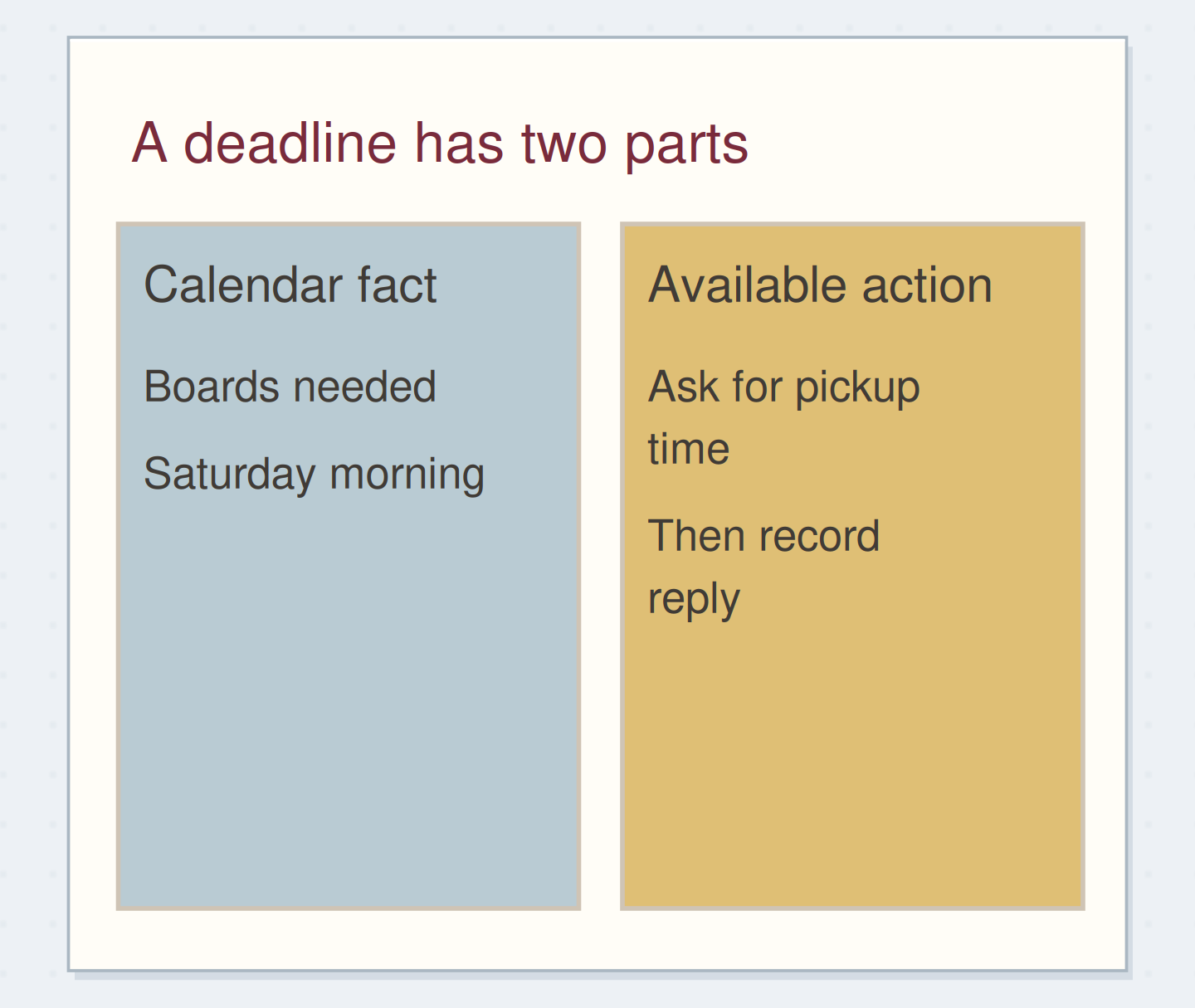
Read each candidate action and identify its required input. You can trim a label whose wording and dimensions are settled. You cannot finish a label while waiting for the organizer to confirm its size. Asking for that size is an available action, but it is not another piece of trimming work.
Do not let a batch hide these dependencies. Put the unanswered request in your normal action or waiting record. Leave a reference beside the project if needed. The ready batch should contain work you can actually start when the shared circumstance becomes available, without first solving an unrelated missing-information problem.
Keep blocked work out of a ready batch
Move the reveal control to inspect the specific change.
A mixed cutting list
One missing input can make an apparently ready batch misleading.
“Stop after one small trial and its closing note.”
Decide what will make the batch end
Use a natural count, a defined list, or the available appointment window. “Trim the six labels approved today” has a clearer ending than “do all paper tasks.” An errand route may end when the three named stops are complete, provided their hours and your available time fit.
You can use a time limit as a boundary, but leave a way to record unfinished items. A timer does not make the whole list complete. Write “stop at 3:30; return uncut labels to the project folder” if that is your actual constraint. The closing step matters when tools and loose materials have to be put away.
Write a bounded batch
Edit the worked example into a note you can use.
Shared circumstance:Ruler and cutting mat
Ready actions:Trim six approved labels
Ending:After six labels, return tools
Your words have a place now.
Name available work rather than an entire project category.
- Words on this card
- 18
Separate the shared setup from the project
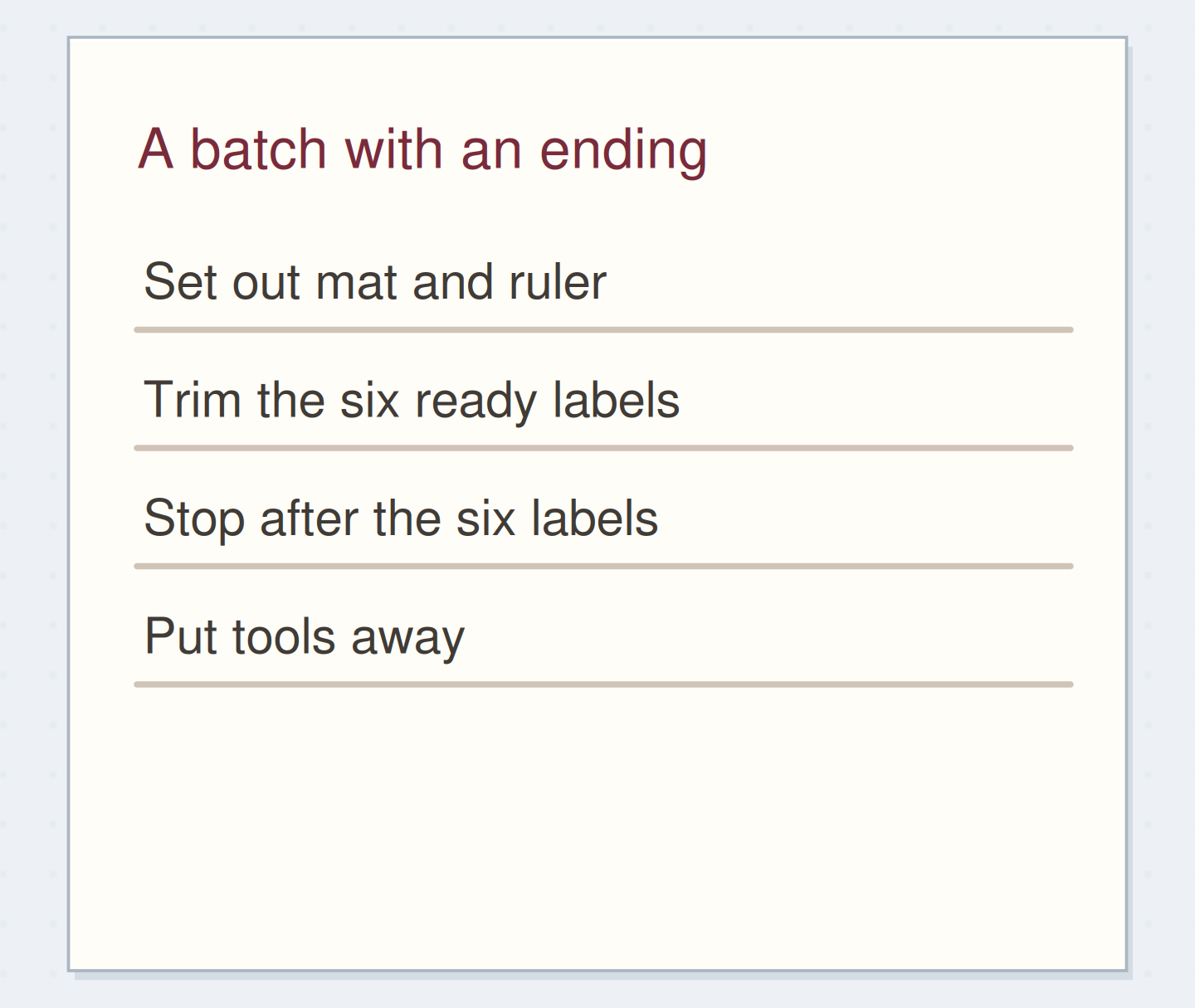
Imagine you need six labels for a small display. Their wording is approved, the printed sheet is ready, and all six use the same width. Write the batch as “set out mat and ruler; trim six labels; return tools.” Keep the full display project on its own page.
A seventh label still needs an answer about wording. Leave it outside this batch and record “ask organizer to confirm seventh label text.” When the reply arrives, you can decide whether a later cutting session is appropriate. The batch has a useful boundary even though the larger display project remains unfinished.
Let dates and circumstances override a neat group
For errands, check locations and opening hours before treating the list as one trip. A library return and a print pickup may look compatible on paper but require different days. A time-specific collection appointment belongs in the calendar even when its preparation tasks sit in an errand group.
For a shared tool, check whether the work requires different settings or materials. You may decide that two smaller groups are easier to handle than one large mixed session. There is no requirement to maximize batch size. The useful grouping is the one that matches the work and the circumstances you actually have.
Return new work to the normal intake point
If every small task gets added to the current batch, pause and restate its boundary. “Six approved labels” does not include reorganizing the supply cupboard or redesigning the display heading. Capture those ideas in your usual inbox if they matter, then decide about them separately.
If the batch regularly overruns, review which step takes longer than expected: setup, the repeated action, interruptions, or cleanup. Split the next batch at that point. You do not need a detailed time study to notice that collecting materials occupies most of the session. One factual note can improve the next arrangement.
Keep only categories that help you choose
After the batch, mark the completed actions and return any unfinished ones to an appropriate active place. Write one sentence about the grouping: “same width made trimming straightforward” or “pickup hours did not fit the library trip.” That observation is more useful than assuming every batch was efficient.
Stop after one small trial and its closing note. Keep a context heading only if you use it to select real work. A batch is an arrangement of available actions, and it can change when the circumstances change.
Close the batch without losing work
Move the steps so the necessary checks happen before the actions that depend on them.
One workable order
- Check which named actions actually finishedThe ending of the session is not completion of every action.
- Return unfinished actions to an active placeTheir next location must exist before the batch is closed.
- Close the batch recordLeave one observation about whether the grouping helped.
Which check needs to come first?
The example shows one workable order. Other steps can move freely; these checks protect the information you need.
Where this idea began
Want to follow the idea further? These community discussions and maker references are a good place to start.
- Finding Useful Contexts
A reader questions whether splitting computer tasks into many tool categories creates useful batches or unnecessary upkeep.
- Getting Started with Context Lists
The GTD tutorial suggests starting with basic circumstances such as errands, home, and agendas.