Gather a few things See what you’ll need
- Notebook
- Pen
- Current project notes
- A short active-action list
Write what the project will leave behind
Start a project page with one sentence describing the result you want. “A twelve-page zine is printed and folded for the reading group” is clearer than “zine.” Add any real deadline and the location of supporting material. If the project has no deadline, do not invent one merely to make the heading look complete.
You can revise the outcome when the work teaches you something. Its immediate role is to make later choices coherent. Choosing paper, editing text, and planning distribution may all belong to the same project, but the result tells you why those activities are connected and when the project can eventually end.
Watch the zine acquire a starting point
Which level of the project do you want to inspect?
The project names the result.
A result gives direction but still leaves the next move undecided.
Look for the action that is possible now
Ask what you can do with the information, materials, and access you currently have. If you have several drafts but no selection, “choose four drafts from the writing folder” may be available. “Print final pages” is not yet available if the order and layout are undecided.
An action does not have to be a tiny mechanical gesture. It should be specific enough that you know how to start and what counts as completing this step. “Read the four selected drafts and mark cuts” may be a useful action; “be creative” leaves the starting point undefined. Use your ordinary words rather than forcing a special verb vocabulary.
Translate a project into an available action
Edit the worked example into a note you can use.
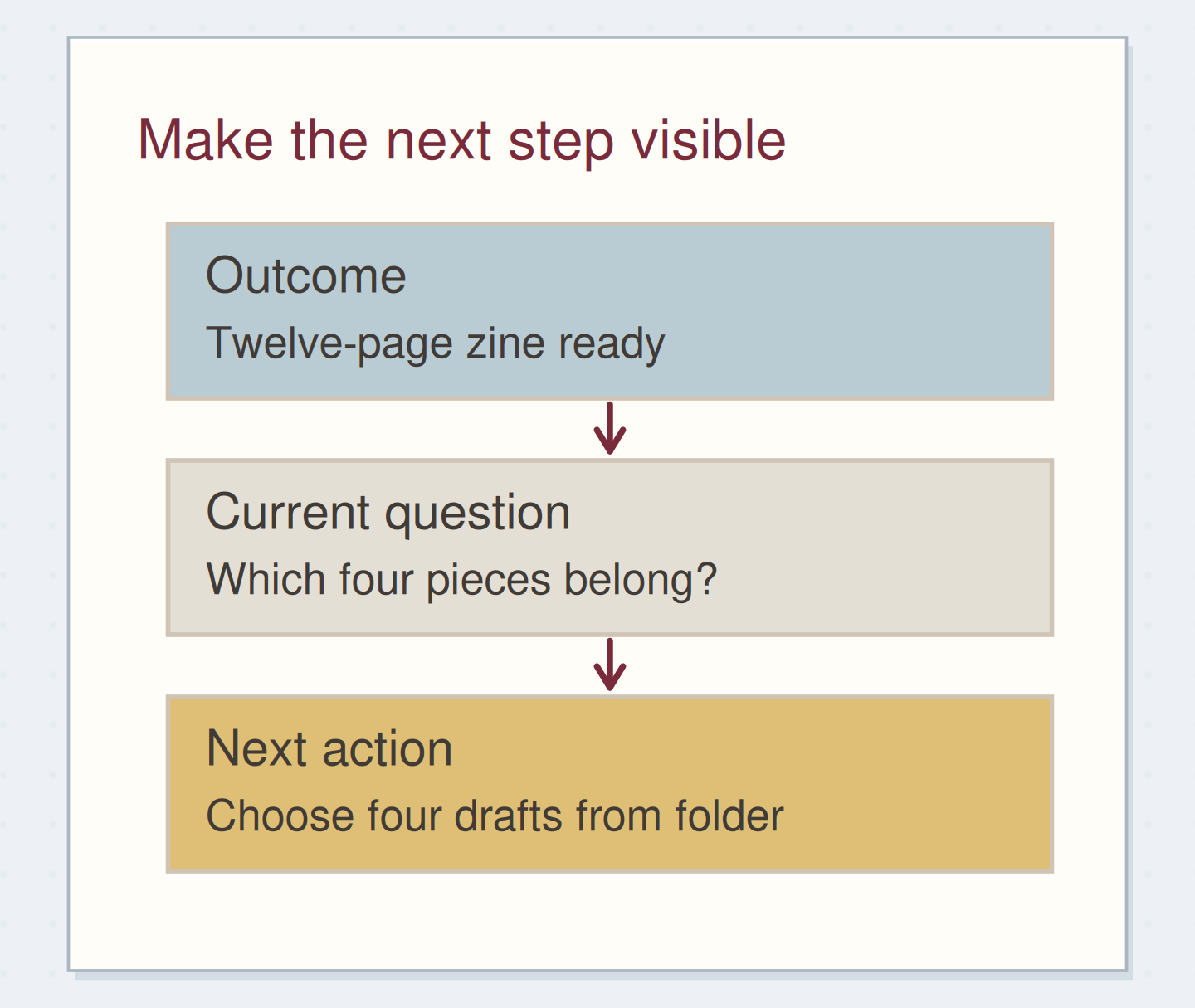
Desired result:Twelve-page zine printed and folded
Current condition:Several drafts, no selection
Next action:Choose four drafts from the folder
Your words have a place now.
Use an action that is available now, rather than the project’s final step.
- Words on this card
- 21
“During the weekly review, check that each active project has an available action, a named dependency, or an explicit pause.”
Keep support on the project page and action in the pool
Leave outlines, measurements, draft order, and possible later steps on the project page. Put the next available action in the list you use to choose work. Include a short project label and reference: “Zine: choose four drafts, notes p. 30.” That gives the action an immediate route back to its context.
A community discussion about paper GTD raises the fear that next actions will lose their project connection when separated into lists. The reference addresses that practical problem. You do not need to duplicate every project step in two places; keep the current status of the action in one clearly identified list.
Follow the work as the next action changes
Imagine the project page says “twelve-page zine for the reading group.” You select four drafts and mark that action complete. The selection reveals a new question: which piece should open the booklet? Add “Zine: arrange the four drafts in reading order” as the next available action.
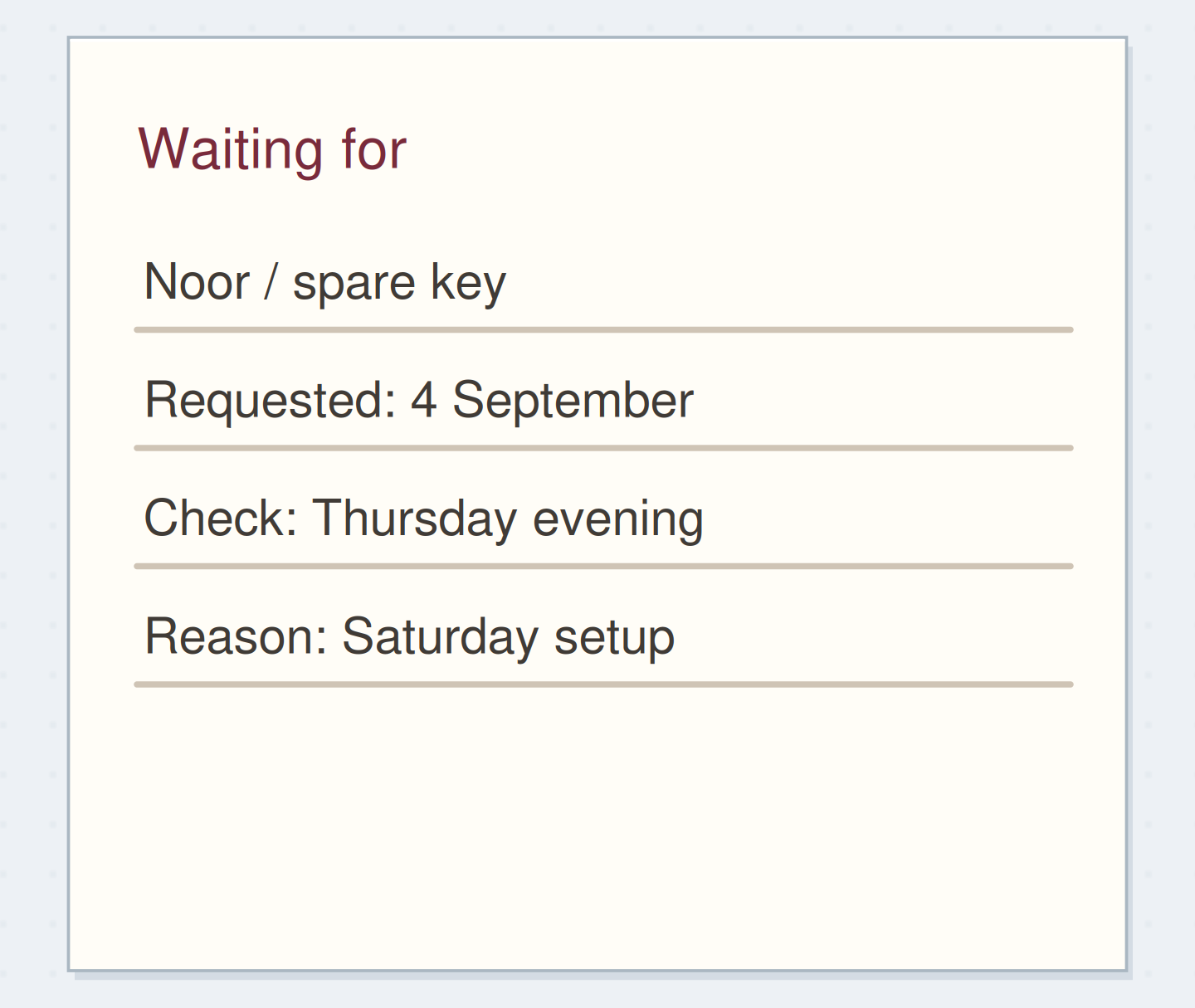
Meanwhile, a friend is drawing a cover. Record “cover sketch from Noor” on the waiting-for list, with the date you agreed to review it. The cover dependency does not prevent you from arranging the text. This project therefore has one independent next action and one wait, each with a distinct status and purpose.
Allow parallel actions only when they are independent
Some projects genuinely have more than one available action. You may be able to test the folding sequence and edit the text independently. Keep both if seeing them helps you choose, but do not expose a long list of later steps that still depend on unfinished decisions.
A quick test is to ask whether completing one listed action could change the other one's instructions. If choosing the page size will change the layout, final layout is not yet a stable next action. Put it in the project notes as a later step. The action pool should show work you can responsibly begin now.
Distinguish independent work from a blocked step
Move the reveal control to inspect the specific change.
A premature action
An action may look available while depending on an unresolved choice.
Name the missing decision or resource
If the project has no obvious available action, write down what is missing. “Need the reading-group date” might become a request. “Unsure which drafts fit” might become “read each draft and note its length.” “No longer want to make the zine” might lead to pausing or cancelling the project.
Do not automatically add more detail to a stalled plan. Sometimes the useful move is to make a choice, obtain information, or acknowledge that the project is no longer active. Keep the reason visible on the project page so a later review does not treat the pause as an unexplained failure to start.
End a session with the next starting point
When you finish a project action, update its status and ask whether the next step is now clear. If it is, record it. If you are stopping midway, write a brief resumption note such as “draft order chosen; compare endings next.” Keep that note with the work it describes.
During the weekly review, check that each active project has an available action, a named dependency, or an explicit pause. Stop when those states are visible. The project page holds the larger picture; the next action gives you somewhere concrete to begin.
Leave a project ready to resume
Move the steps so the necessary checks happen before the actions that depend on them.
One workable order
- Update the completed actionThe next step depends on the state of the current work.
- Identify the next action or dependencyYou need to know what is available or missing.
- Record that state in the live systemThe next session should not have to reconstruct it.
Which check needs to come first?
The example shows one workable order. Other steps can move freely; these checks protect the information you need.
Where this idea began
Want to follow the idea further? These community discussions and maker references are a good place to start.
- Anyone Thriving with a Paper Based GTD System?
A reader worries that next actions will lose their connection to a project when kept on paper context lists.
- What Is GTD?
The method overview distinguishes capturing, clarifying, organizing, reflecting, and engaging.