Gather a few things See what you’ll need
- Notebook
- Pen
- Calendar
- Loose notes from the week
Pick a review range you can finish
Write the dates you are reviewing and the pages that contain them. Gather the loose notes you actually used during that period. A bookmark at the first page can spare you from repeatedly searching for the start. If you have older backlog, name it on a separate line so it does not silently turn this review into an afternoon of archaeology.
Decide what “finished” means before beginning: upcoming commitments checked, current actions updated, and any newly discovered promise given a home. Reflection questions are optional. You can write about the week afterwards, but they are not a requirement for making the planning record current.
Watch records become a current plan
Which stage of the review do you want to inspect?
Choose the records before acting.
The review has a defined range and a small collection of loose notes.
Bring the records together before following them
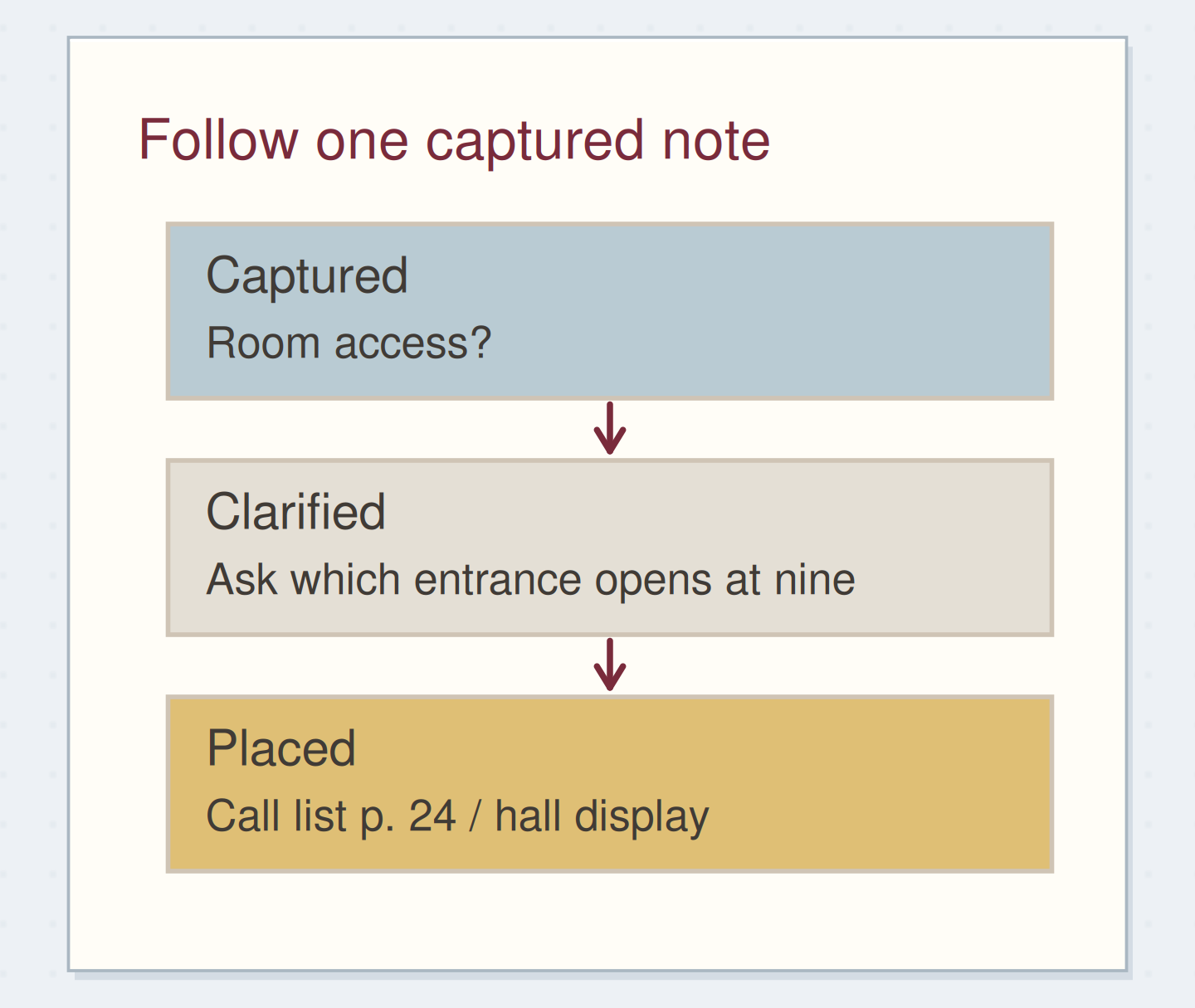
Put desk slips, quick captures, and meeting notes beside the notebook. Read enough to identify what each item is, then collect the material into one small pile. Resist doing the first interesting task you uncover. If a note says “find room diagram,” the review can decide where that action belongs without searching your entire email archive immediately.
An item that takes almost no effort may be convenient to complete, but convenience is your choice rather than a rule that should derail the review. When you notice yourself doing project work, write the next step and return to the records you set out to check.
“Stop when you can answer three practical questions: what is already fixed, what can I do next, and what am I waiting for?”
Give the calendar two passes
Look back over the week for events that produced follow-up: a call, a visit, a class, or a shared plan. Ask whether any resulting action is missing from the notebook. Then look ahead over the period you are about to plan. Notice preparation, travel, materials, or decisions that need to happen before the appointment itself.
For a room visit next Tuesday, “bring sample poster” may belong on the action list now. For a call that already happened, “send the agreed dimensions” may be the loose end. The calendar is not only a list of times; during review it can point to work surrounding those times.
Extract the preparation before an event
Edit the worked example into a note you can use.
Upcoming event:Room visit Tuesday 10:00
Needed beforehand:Print one sample poster
Where the action lives:Weekly pool p. 22
Your words have a place now.
A preparation action needs a place you will see before the event.
- Words on this card
- 20
Work through a display-project week
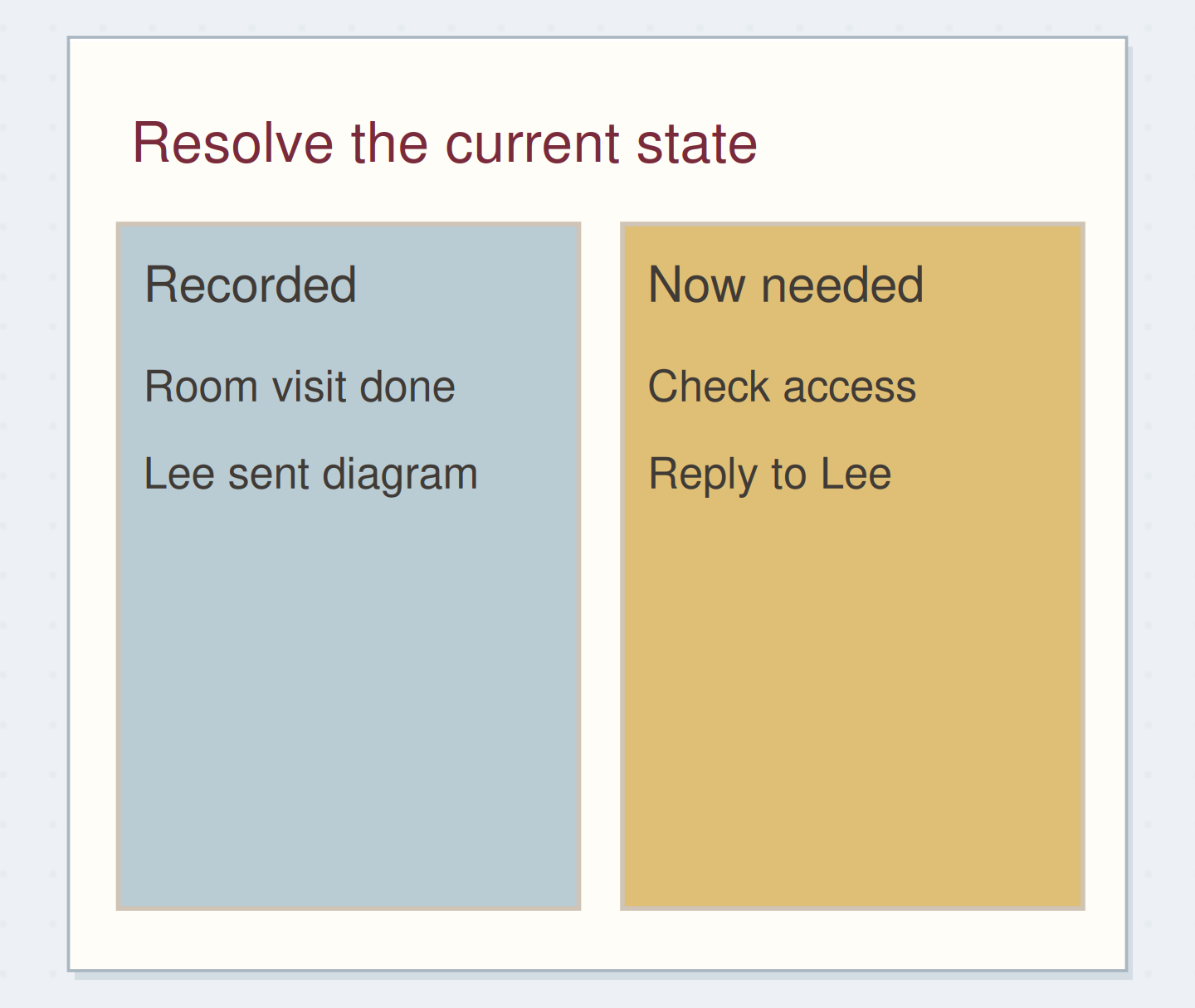
Imagine your notes say the room visit happened, the caption text should be larger, and Lee promised a diagram. Your inbox now contains the diagram. Mark the wait as received, add “check access route on diagram,” and write “reply to Lee with remaining questions” if a response is needed.
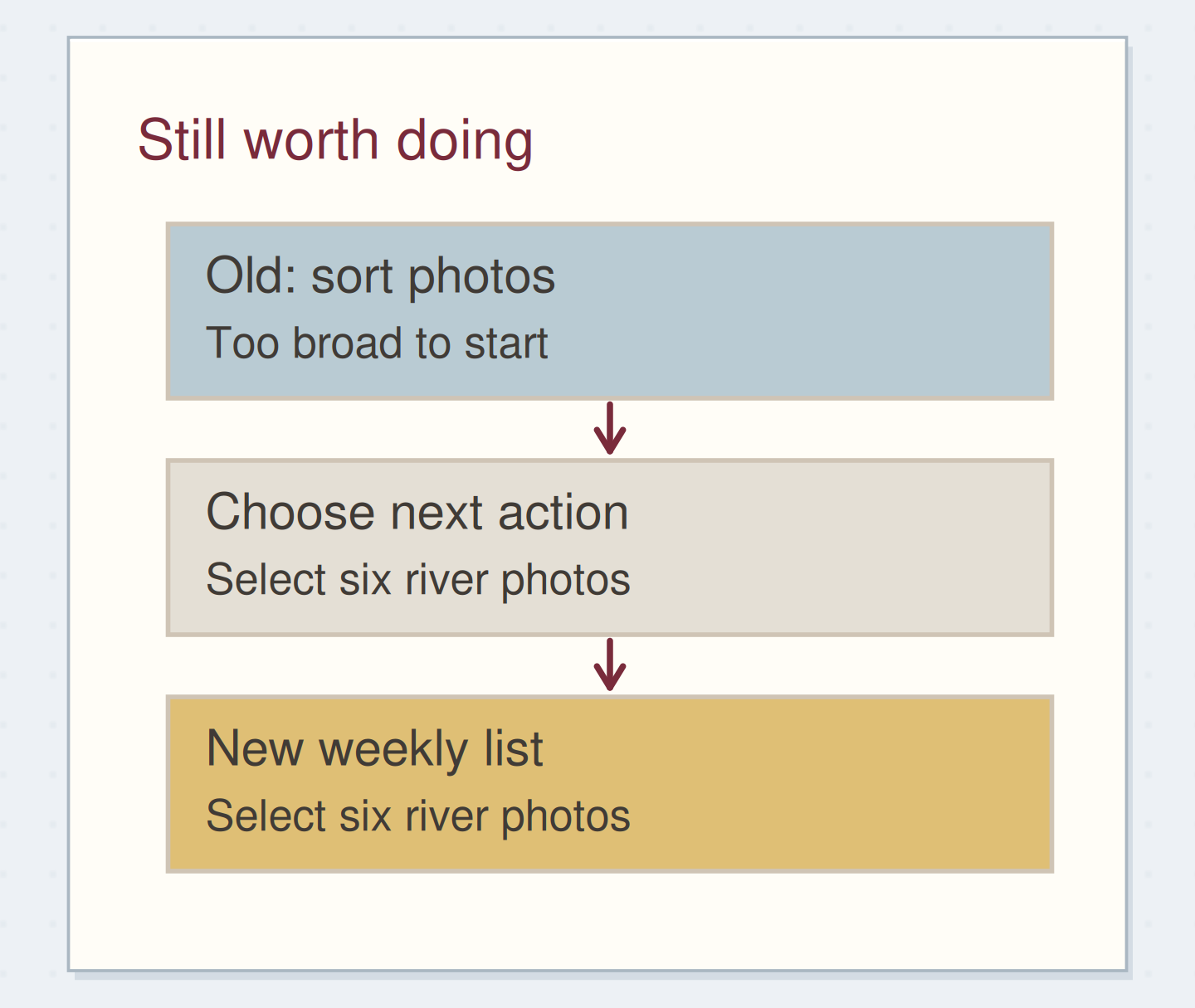
Your active display task “print one sample” remains useful, but the note about larger text changes its requirements. Update the wording before carrying it forward. A possible album idea found on a desk slip can go to someday. The review has changed the live plan by reading actual evidence, not by filling a new template from memory.
Check that active projects can move
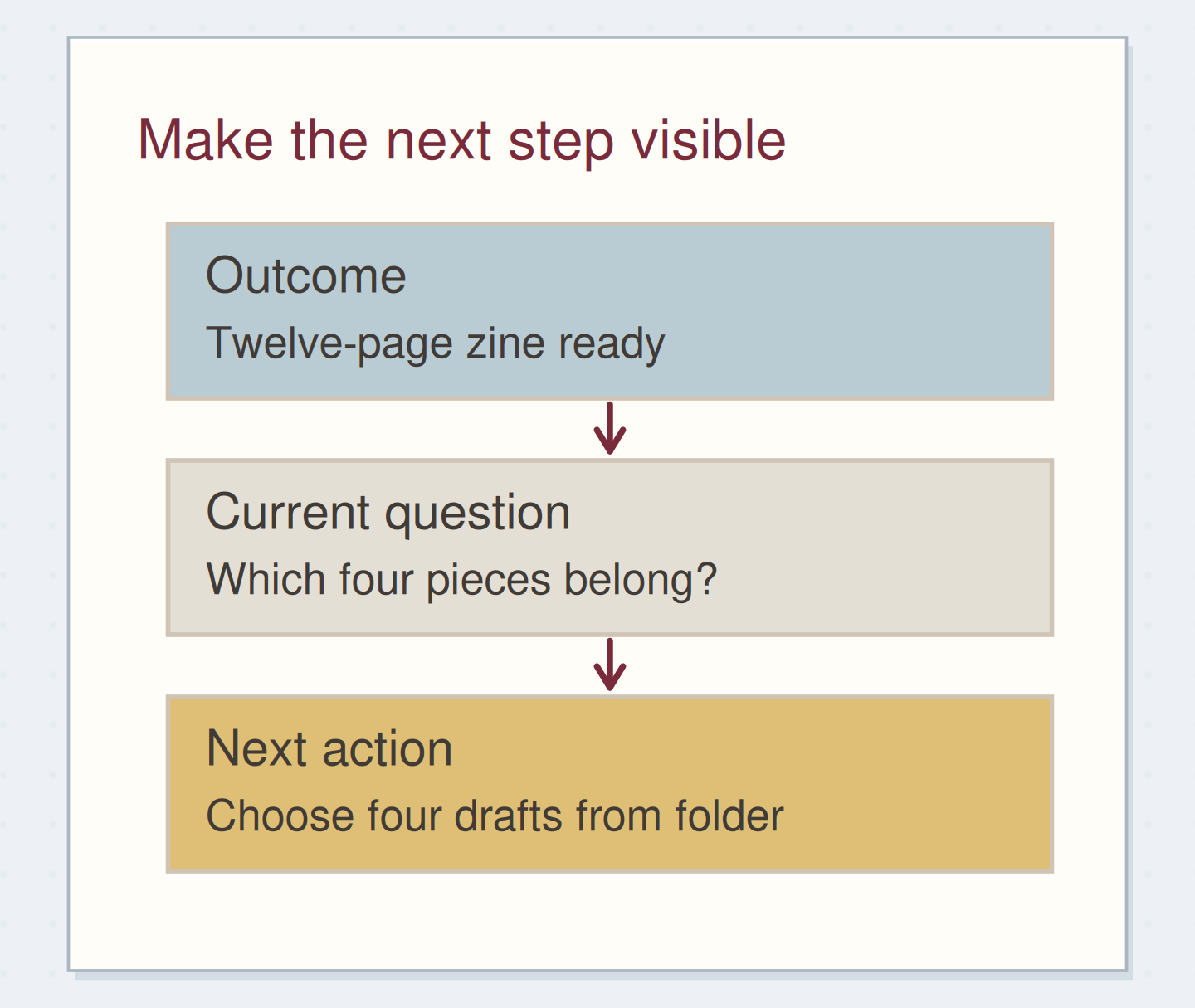
Read the titles of the projects you currently intend to advance. Each should have an available next action, a named dependency, or a deliberate pause. If a project has none of these, write the small question you need to answer. “Display” might need “decide whether the sample is for A4 or A3 paper.”
Do not turn every project into a detailed schedule here. Your review is checking whether there is a route forward. The community example of a weekly log joining project pages to next actions is useful precisely because it links the levels without copying all the project notes onto the weekly spread.
Give an active project a route forward
Move the reveal control to inspect the specific change.
Only a project title
A title alone cannot show whether the project is available or blocked.
Park the work the review reveals
If every page suggests a new task, keep a short “decisions to make” list and process it after the initial scan. Group related notes before writing separate actions. Three reminders about the same poster may be one decision about its size, not three independent tasks.
If you run out of your available time, mark the exact page where you stopped and write the remaining review step as a real reminder. Do not label an incomplete scan “all current.” A small honest continuation is more useful than the appearance of a finished ritual that missed half the notebook.
End where next week begins
Finish by opening the next active page, checking its dates, and selecting a manageable starting point. You might choose one next action and write the location of its supporting notes. Keep the rest of the updated actions in their normal homes rather than making a second full list for the sake of the review.
Stop when you can answer three practical questions: what is already fixed, what can I do next, and what am I waiting for? Your weekly review is finished when the records are current enough to support those answers.
Keep review work in a useful order
Move the steps so the necessary checks happen before the actions that depend on them.
One workable order
- Gather the chosen recordsYou need the evidence before declaring the lists current.
- Update actions and commitmentsSelection should use the corrected record.
- Choose a starting point for next weekChoose from what is actually available now.
Which check needs to come first?
The example shows one workable order. Other steps can move freely; these checks protect the information you need.
Where this idea began
Want to follow the idea further? These community discussions and maker references are a good place to start.
- A Weekly Log to the Ryder Carroll System
A practitioner describes using a weekly review to connect project outcomes, next actions, and leftover daily notes.
- The GTD Weekly Review
The checklist separates collecting loose material from reviewing calendars, actions, projects, and deferred possibilities.