Gather a few things See what you’ll need
- Notebook
- Pen
- Existing calendar
- Bookmark
Choose an exercise 4 things to try as you read
Keep one dependable place for appointments
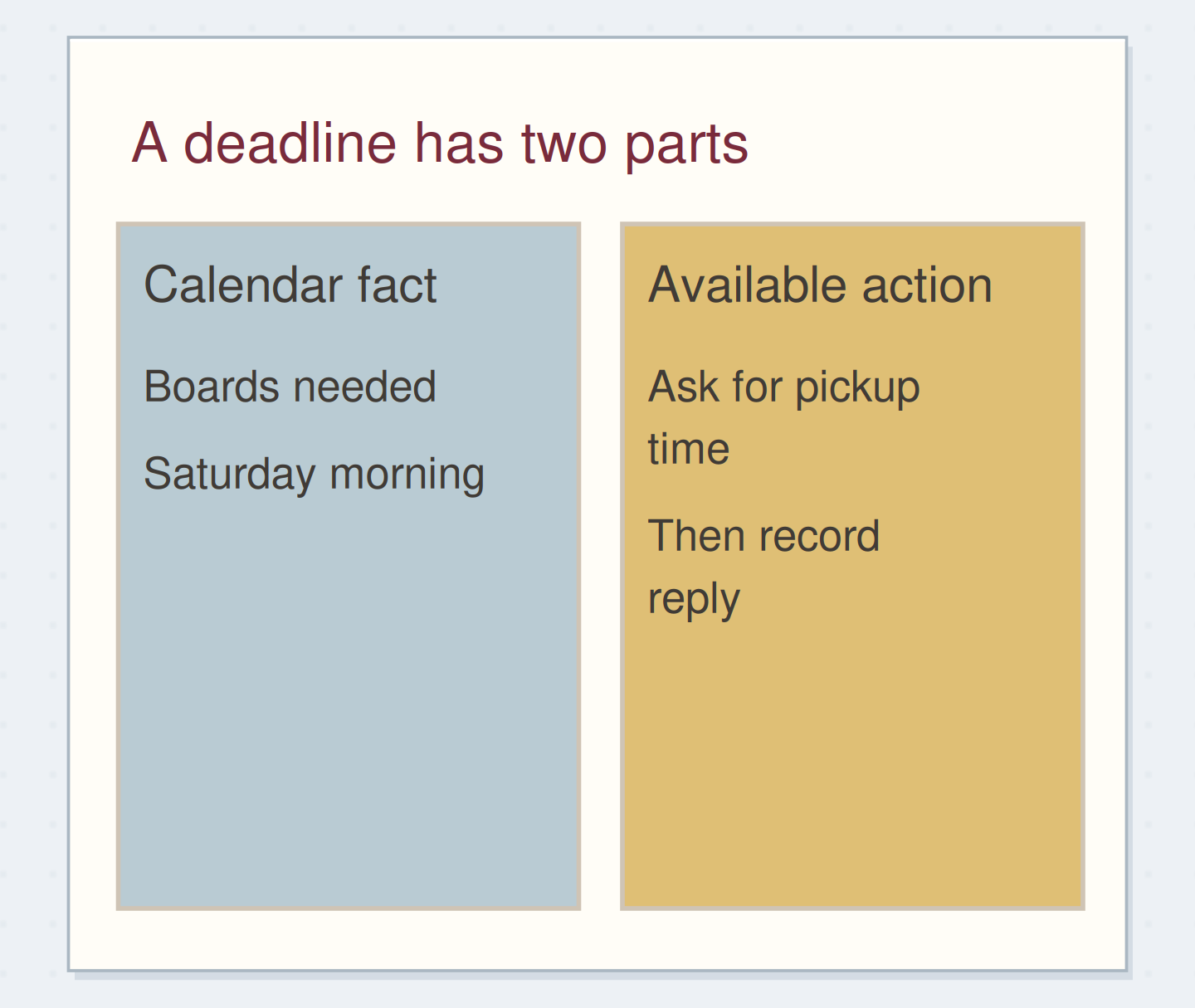
Choose a dependable home for commitments with a date and time: your paper calendar, digital calendar, or a fixed weekly strip. Write its location above the task pool, for example “appointments: monthly calendar, p. 12.” If you copy a meeting into today’s notes, treat that as a view of the commitment; update the main calendar when it changes.
Unsure where a dated item belongs? Compare calendar commitments and task-list actions.
Compare the optionsFollow a week with uneven days
Follow a week with uneven days
Choose the point in the photo-display week.
Read the words in this example
- Week of 9 September
- Fixed
- Tue 10:00 tour
- Fri 16:00 call
- Flexible
- Choose photos
- Write captions
- Print sample
Fixed times and flexible work have different places.
The left side protects actual commitments; the right side holds available actions.
ONE WORKED EXAMPLE
A long Tuesday without a new task list
A reader is preparing a photo display during a week with a long venue visit and several quiet days. Their weekly pool lists choosing photos, drafting captions, and printing a sample.
Before
Tuesday’s detailed visit notes fill two pages, making a fixed one-box-per-day spread look unusable even though Wednesday may need only a few lines.
After
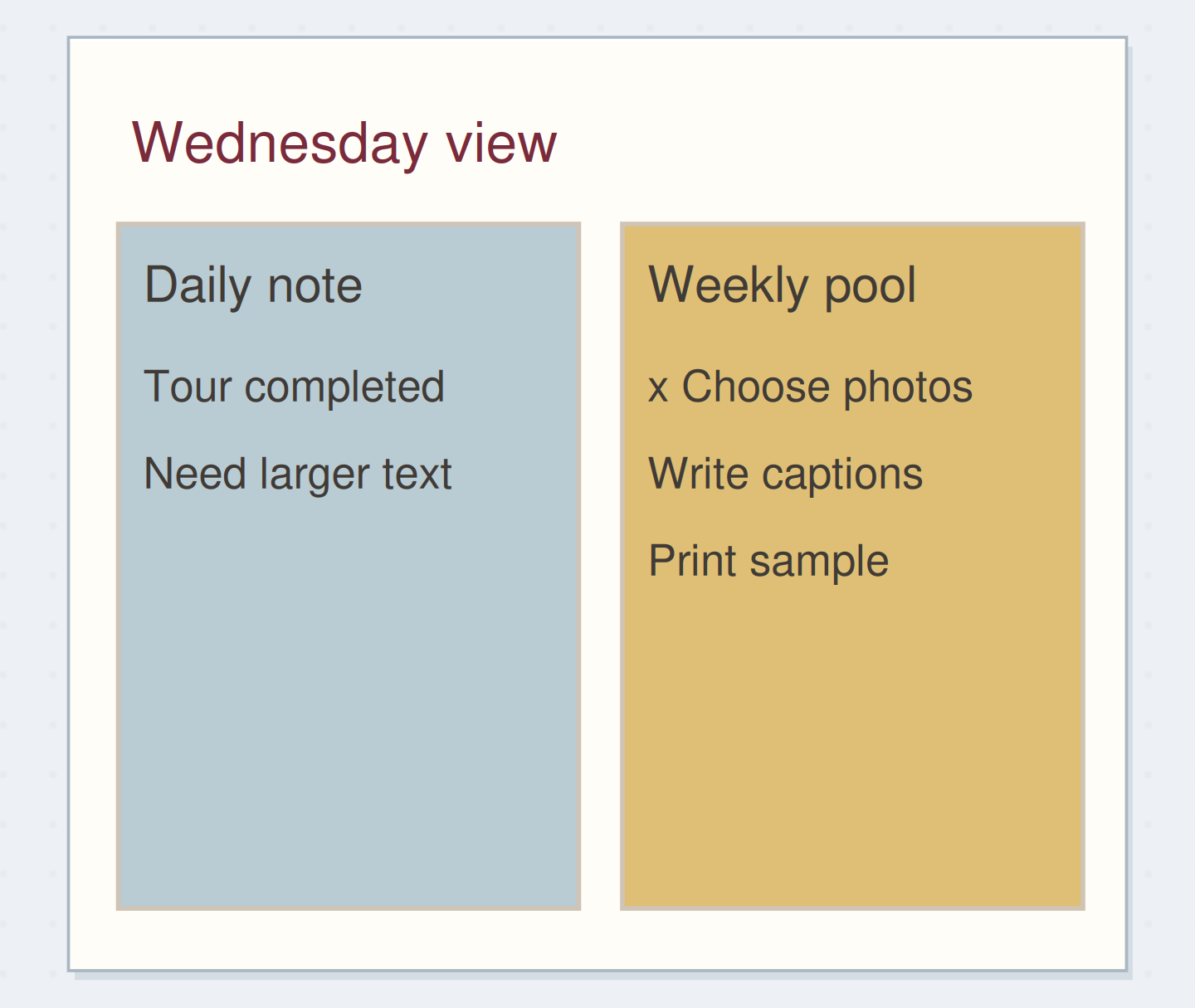
The dated notes continue onto a second page while the weekly pool stays in its original place. Tuesday adds “check caption size” after the venue visit. Wednesday closes “choose six photos” in the pool; the unprinted sample remains visibly open there through Friday.
What changed—and what to check
Separating the growing daily record from current task status lets uneven days keep their detail without scattering unfinished actions across daily copies.
Try this check. Find one unfinished action from this week without searching each daily paragraph for its latest checkbox.
Start the list with what belongs this week
On the next open page, write the week range and “Available this week.” Start with six to ten rows and a slim status margin. Add actions you can reasonably begin in that period; put later possibilities in a future log or someday list.
Begin daily notes on the following page and add dates as they arrive. You are making a shared action pool plus a growing record, so Tuesday can take two pages without borrowing a box reserved for Wednesday.
Write your versionGive the pool a boundary
Give the pool a boundary
Edit the worked example into a note you can use.
This week includes:Prepare one photo display sample
Appointments live in:Monthly calendar p. 12
Later ideas live in:Someday list p. 31
Your words have a place now.
These locations should be real places you can open.
- Words on this card
- 23
Record the day without duplicating every action
Each morning, check your appointment source and weekly pool before choosing what to attempt. A daily note such as “from weekly list: captions” records your intention without making another checkbox that needs its own update.
Use the dated space for observations, decisions, and unexpected work. When an action is complete, mark its original pool entry. The dated note can explain what happened; the pool should answer whether the task is still open.
See the differenceKeep one live status record
Keep one live status record
Read the whole example before and after the change. The tinted lines show revised wording.
Tinted lines contain wording that differs between the two examples.
Before — Three live copies
- Which one is current?
- Mon: draft captions
- Tue: draft captions
- Wed: draft captions
After — One pool and a note
- One current task
- Weekly pool
- Draft captions
- Wednesday
- Try larger text
- Notes p. 19
Read the whole example before and after the change.
Every copied task asks for another status update. A reference preserves context without multiplying unfinished tasks.
Work through a three-day example
For a photo display, the pool begins “choose six photos,” “draft captions,” and “print one sample.” Tuesday’s venue tour shows that viewers will stand farther away than expected. Record the observation and add “check caption size” to the pool.
Wednesday, cross off choosing the photos. Thursday’s notes hold three rough captions and “display notes p. 19.” If the sample remains unprinted on Friday, its one live entry still shows that clearly.
GO A LITTLE FURTHERSplit overflow by function
Split overflow by function
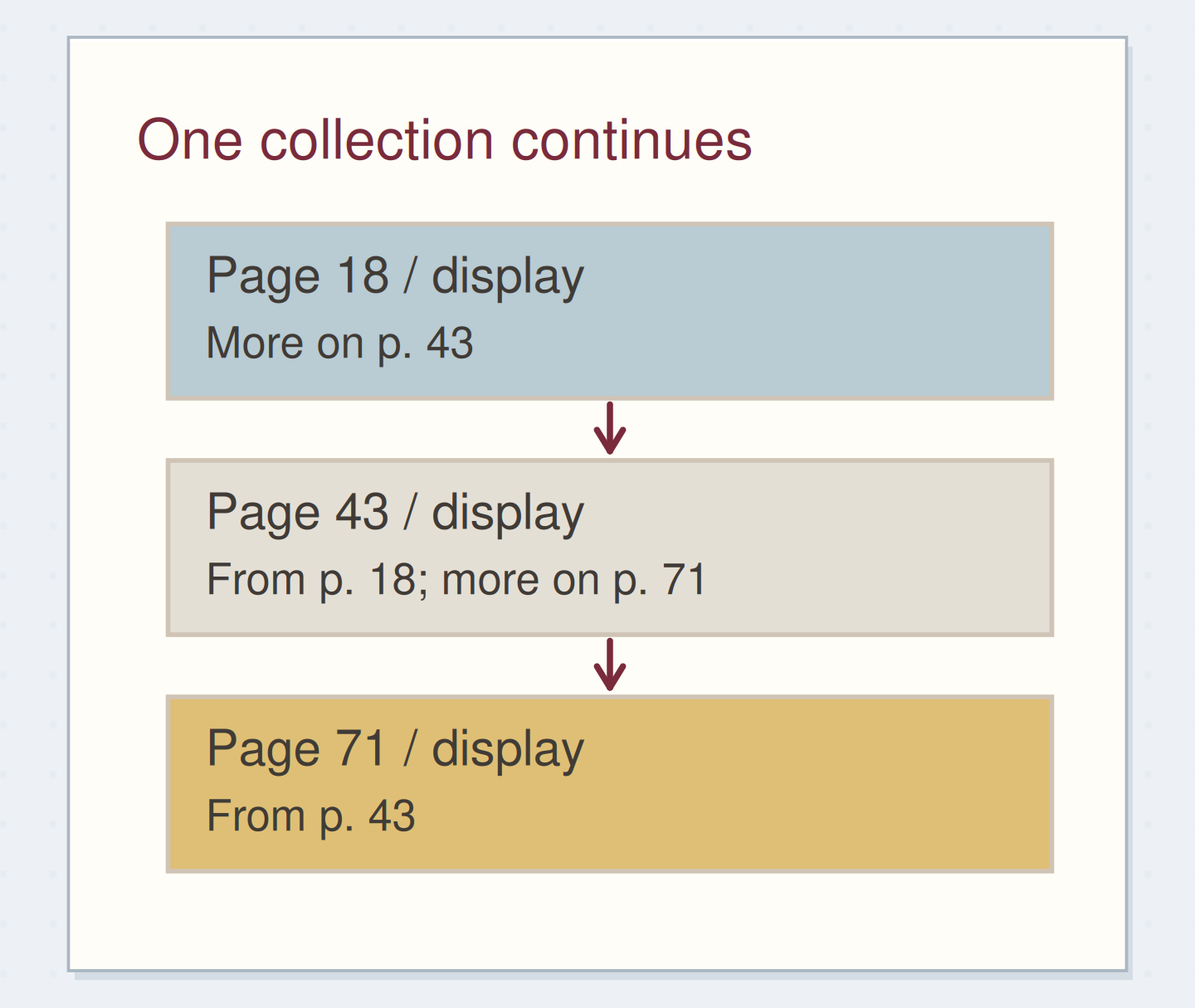
When the pool fills, continue on the next free page and link both ends: “continued p. 23” on the old page, and a return reference on page 23. Open the continuation once to check that you can follow it.
If most new lines belong to one project, move its detail to a collection and keep available next actions in the pool. Move future possibilities out of the active week. More writing room helps genuine overflow; it doesn't make every later idea current work.
GO A LITTLE FURTHERUse a short selection when the pool is large
Use a short selection when the pool is large
A movable note with “captions, route call” can help you select today’s work from a long pool. Continue marking completion in the original list and remove the note when outdated. Work and personal pools can also occupy facing pages. Try one adjustment and see whether it makes choosing easier or adds page hunting.
GO A LITTLE FURTHERFinish the week without carrying its whole weight
Finish the week without carrying its whole weight
At week's end, read the pool beside the dated notes. A promise may be buried in a paragraph; “caption size checked” may reveal a task whose original checkbox still needs closing.
For each open action, decide whether to keep it, move it, defer it, or cancel it, then check upcoming appointments. Open the destination of anything you move. Leave the old daily pages as they are; next week needs findable, still-useful work rather than a neat copy of every unfinished line.
Before copying the unfinished rows, decide what each task needs next.
Try a what-ifThe project ended, but its tasks are still open
The project ended, but its tasks are still open
Decide what should move into another week.
An event has been canceled, and you no longer need its poster. At weekly review, “finish poster border” is still unchecked in the pool. No other project needs that border.
Compare the three choices
What belongs in next week’s list?
- Record that the border task is canceled and leave it out of the next pool.
Its unchecked status does not make it useful work. A cancellation note preserves the reason without creating a needless future action.
- Copy the border task forward until you can mark it completed.
Completion is not the only valid ending. The canceled event removed the reason for doing this task.
- Give the border task a firm deadline next week.
A new date would add urgency to work that is no longer needed. Decide whether the action still serves a purpose before scheduling it.
Review whether an unfinished action is still needed before choosing its next home.
What would you try?
Choose an option to see what it would do. You can explore all three.
Something for a future page?
The Washi Tape ShopAffiliate links: we may earn a commission if you buy through these links.
Where this idea began
The method references explain the underlying ideas. Community links show the questions and experiences that helped shape this guide; they are not a popularity ranking. The worked examples here are our own.
- Community discussionSwitching to Rolling Weekly Setups
A reader asks how flexible daily space can coexist with visible upcoming appointments.
- Practitioner exampleGetting Things Done with BuJo
A practitioner connects GTD capture, clarification, calendars, lists, and review with Bullet Journal collections and migration.
Background for combining systems; the article does not document this guide’s rolling-weekly layout.
Source checked 2026-09-05.