Gather a few things See what you’ll need
- Notebook
- Pen
- Calendar you actually check
- Current commitments
Ask why this item has a date
Read the item and finish the sentence “This belongs on this date because…” An agreed collection window has a specific external arrangement. A submission deadline has a final permissible time. “I would like to work on it Tuesday” is your chosen plan, which can still be useful if you label it honestly.
A GTD community forum discusses this distinction between calendar commitments and next actions. You do not need to adopt one strict calendar philosophy to use the distinction. You do need to know whether moving an entry changes an agreement, misses a deadline, or simply revises your own intended work session.
Give the date a precise meaning
Which kind of reminder are you looking at?
The pickup window is agreed.
Moving it requires changing the arrangement.
Keep the arrangement in one trusted calendar
For a fixed event, record the date, start time, useful location, and any agreed end or pickup window. “Saturday, 10–11, collect boards at hall side entrance” contains information you can act on. Keep the original message reference if it explains an unusual arrangement.
Choose the calendar you will actually consult before making other plans. If you also copy the event into a notebook spread, treat the copy as a view of the same event and update both when it changes. Do not let an old paper time look current after the actual arrangement has moved.
“Stop when one real commitment has a clear calendar record and its preparation has an actionable home.”
Separate available work from the event itself
List what you can do before the appointment: check measurements, pack clips, and save directions. These are available actions if their inputs are ready. Put them where you normally choose work, with a short event or project reference. The calendar entry can point to the preparation page.
Avoid turning every preparation action into an invented appointment. If booking a work session helps you protect time, label it “planned prep session” and keep the actual task available in its normal place. Finishing the session and finishing the preparation are different outcomes; mark the work according to what actually happened.
Connect an event and its preparation
Edit the worked example into a note you can use.
Calendar fact:Saturday 10–11: board pickup
Available preparation:Pack clips and tape
Reference:Display project p. 31
Your words have a place now.
A project reference can connect the records without copying the entire plan.
- Words on this card
- 17
Connect the two records without duplicating everything
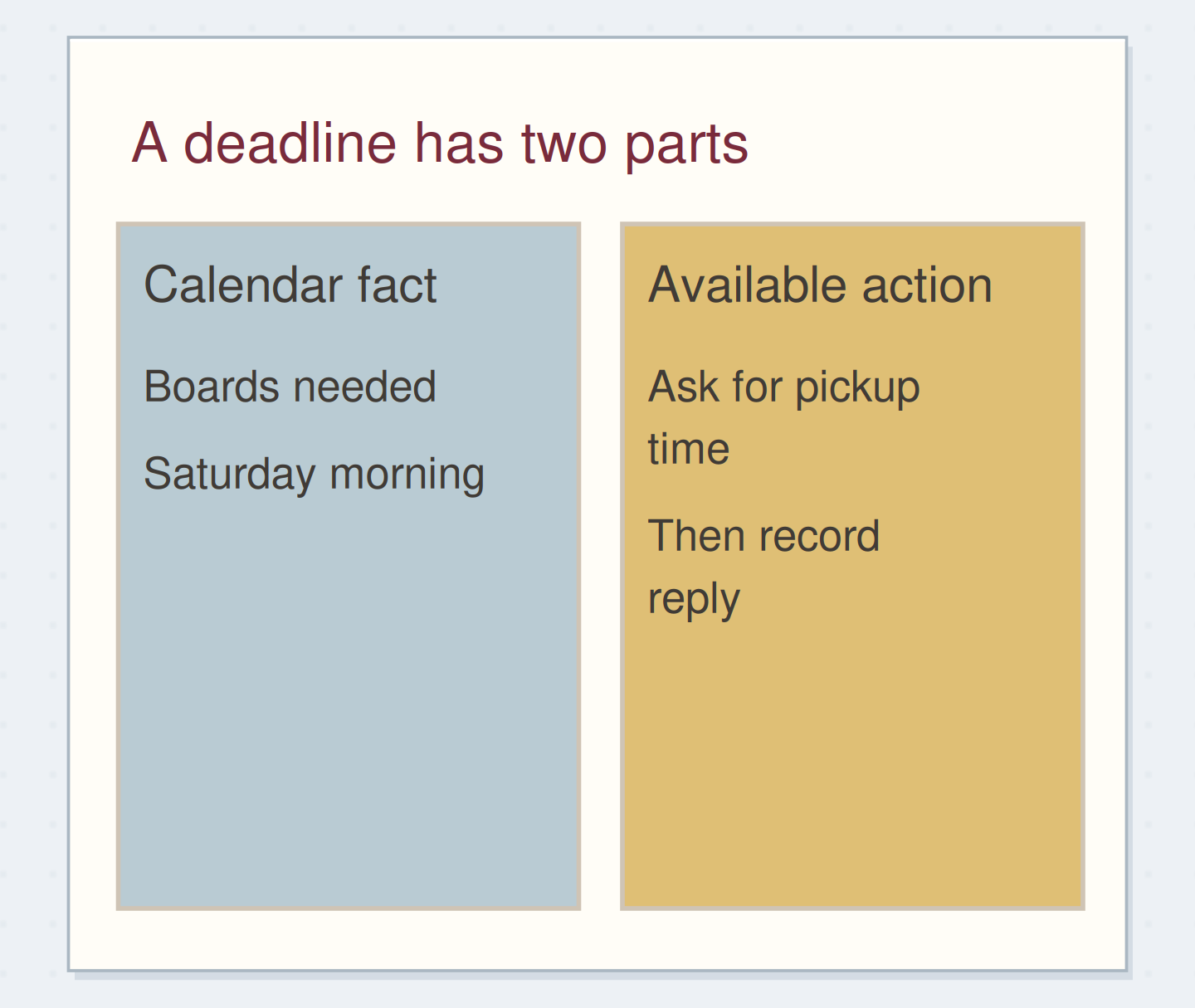
Imagine the organizer says the boards are needed Saturday morning but has not agreed a collection time. Put the real need-by point where you review deadlines, and write “ask organizer for board pickup window” as your next action. Do not invent a ten o'clock appointment while the answer is unknown.
When the organizer confirms Saturday 10–11, add that window to the calendar and close the request action. Keep “pack clips and tape” on the preparation list until it is done. The calendar now shows the actual arrangement, while the list still shows the work required to make the pickup useful.
Do not invent a time while waiting
Move the reveal control to inspect the specific change.
An assumed appointment
A question mark is easy to miss when scanning a busy calendar.
Let a real date coexist with a next action
A deadline can belong in the calendar even when the related project has several actions elsewhere. Write a short reference between the deadline and project page rather than copying every step beneath the date. During review, check whether the next available action leaves enough room for the real commitment.
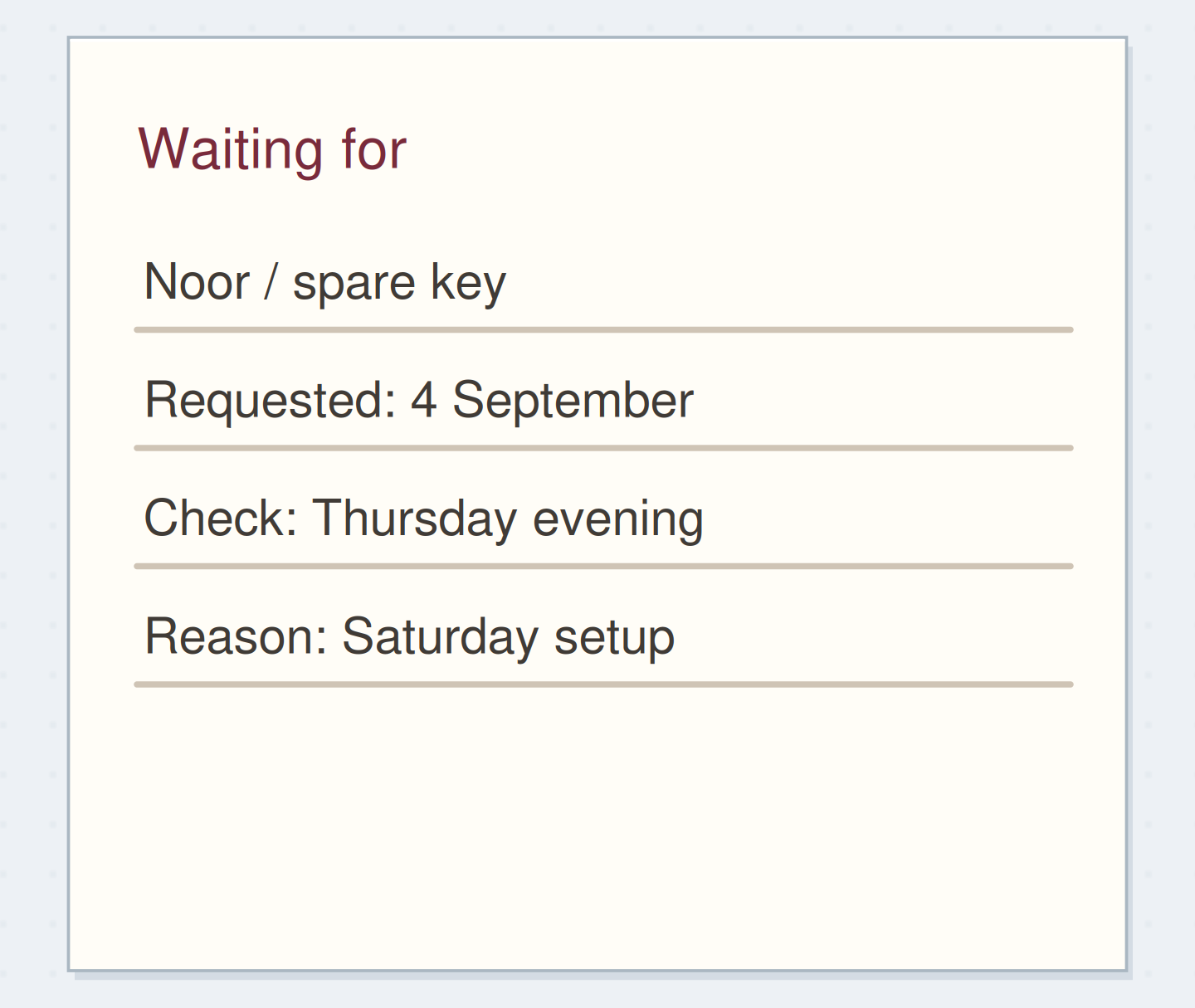
A chosen follow-up date is another distinct case. “Check for organizer's reply Thursday” is your reminder to look; it is not a promise that the organizer will answer then. Label it as a check. The waiting-for list can preserve the outstanding request while the dated reminder tells you when to revisit it.
Reclassify one page before moving everything
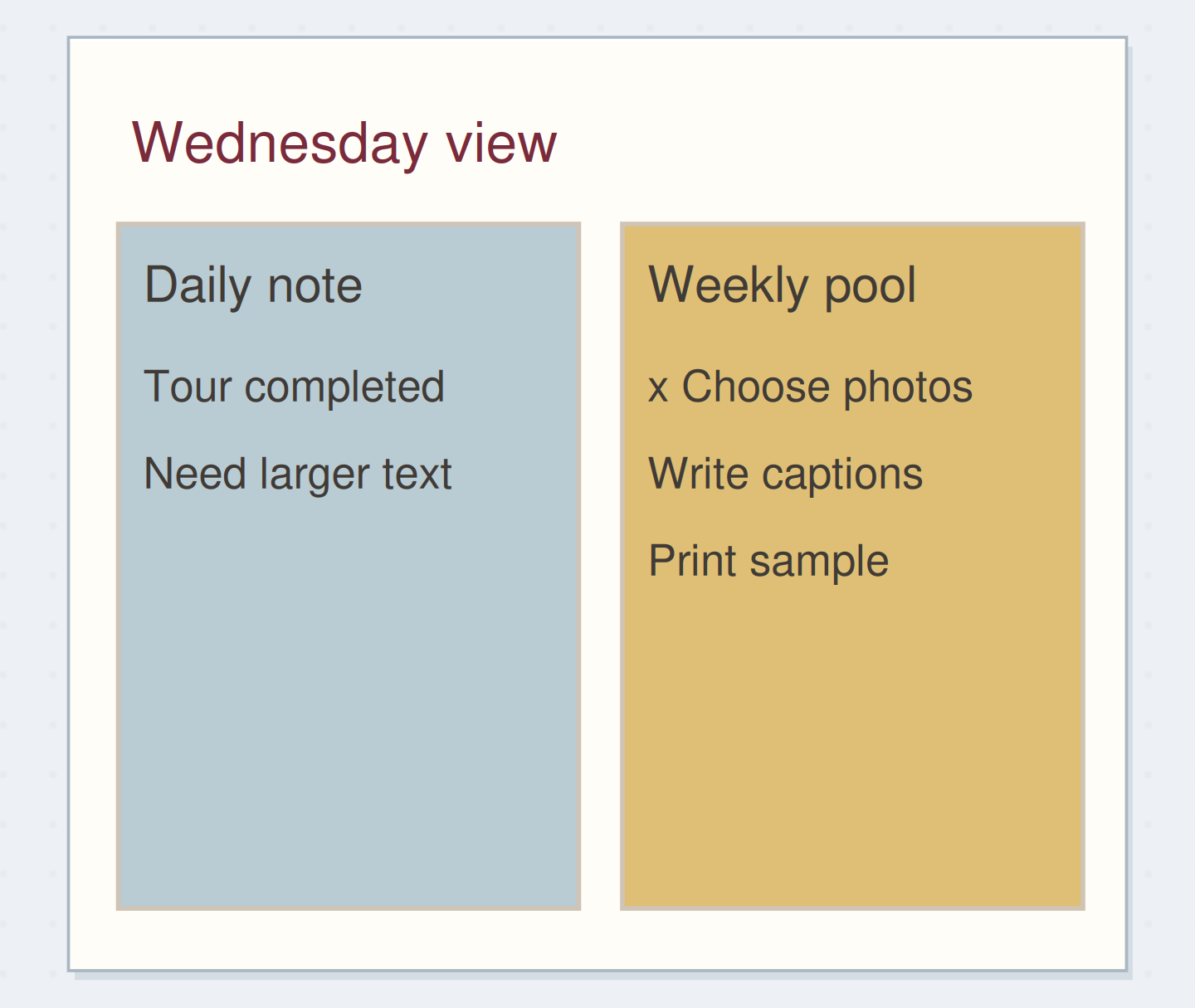
If yesterday is packed with unfinished tasks, read each item for its actual date constraint. Preserve missed events and deadlines accurately. Move flexible actions back to the available pool, or consciously choose a new work session if that is useful. Do not silently roll a missed appointment forward as though it never happened.
You can retain a brief record of the original plan without carrying every unchecked item into tomorrow's calendar. The goal is to make the current view trustworthy. If there are many old pages, start with the commitments still relevant now rather than rebuilding a perfect history of every tentative plan.
Finish with one event and its preparation visible
Before closing the notebook, locate the next fixed event and the first available preparation action. Confirm that their dates and references agree. If the plan changes, update the actual calendar record and any paper view you still use. Remove obsolete copies from active view when they would mislead you.
Stop when one real commitment has a clear calendar record and its preparation has an actionable home. Dates are most useful when you can tell what kind of promise each one represents.
Record an agreed appointment accurately
Move the steps so the necessary checks happen before the actions that depend on them.
One workable order
- Confirm the actual arrangementThe time and place must be known before they are recorded as agreed.
- Put the confirmed event in your calendarUse the calendar you consult when making plans.
- Link its preparation pageThe reference should point to a record that exists.
Which check needs to come first?
The example shows one workable order. Other steps can move freely; these checks protect the information you need.
Where this idea began
Want to follow the idea further? These community discussions and maker references are a good place to start.
- Calendar or Next Actions List?
Participants discuss which reminders belong to dates and which remain available actions.
- Switching to Rolling Weekly Setups
A reader asks how flexible daily space can coexist with visible upcoming appointments.