Gather a few things See what you’ll need
- Notebook
- Pen
- Existing calendar
- Ruler if useful
Separate a reminder from its source
Decide whether your future log is the primary calendar or a planning summary of another calendar. If meetings are arranged and changed digitally, you may want the notebook to hold only selected future anchors. Write that relationship beside the title so you know where to check for the latest time.
The official Bullet Journal future log provides a place for future tasks and events. Your page does not need tiny decorative calendars to do that. A date, a short description, and a reliable way to revisit the entry are enough for this trial. Include the year when your log crosses into another one.
Compare three future-log structures
Which shape fits the information arriving?
Short lists stay together by month.
Use these when each month has a small number of anchors.
Use boxes when the list is genuinely short
Divide one page into two or three named month areas. Write the day beside each appointment and leave a little room below for later additions. This is a useful starting point when you have a few dates and like scanning one month at a glance.
For example, October might contain “12: room visit” and “28: send poster.” November might contain “6: rehearsal.” Avoid drawing all twelve months merely because a year has twelve of them. You can begin with the next three months and add a clearly labelled “beyond this range” area for a date farther away.
Define your future-log range
Edit the worked example into a note you can use.
Range:October–December 2026
Live schedule:Existing calendar
Beyond the range:Beyond December: p. 8
Your words have a place now.
The range tells you what the page includes and what it leaves elsewhere.
- Words on this card
- 14
“Finish today's setup when every known future commitment has a current location and you know when you will revisit it.”
Let new entries arrive out of order
When dates accumulate unevenly, use one running list with the full date at the start of each line. “12 Oct: room visit,” “6 Nov: rehearsal,” and “28 Oct: send poster” can be written in the order you hear about them. The entry stays readable without being squeezed between earlier lines.
Alastair Johnston's original future-log method adds month columns beside such entries, with a mark identifying the relevant month. That is another way to scan an arrival-order list. Choose either explicit month words or a simple month matrix for the test; you do not need both unless each adds useful information.
Extend the busy month where space is available
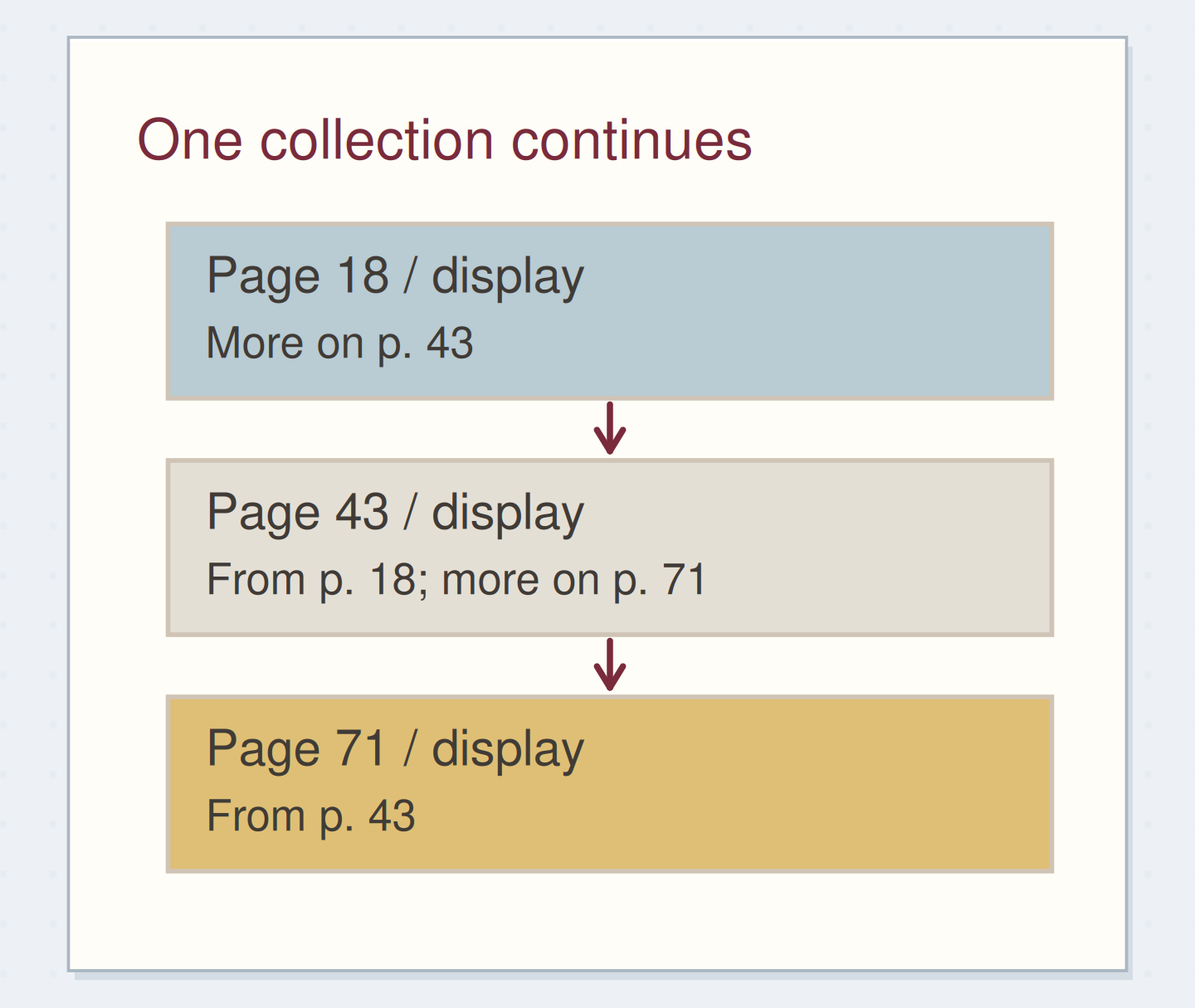
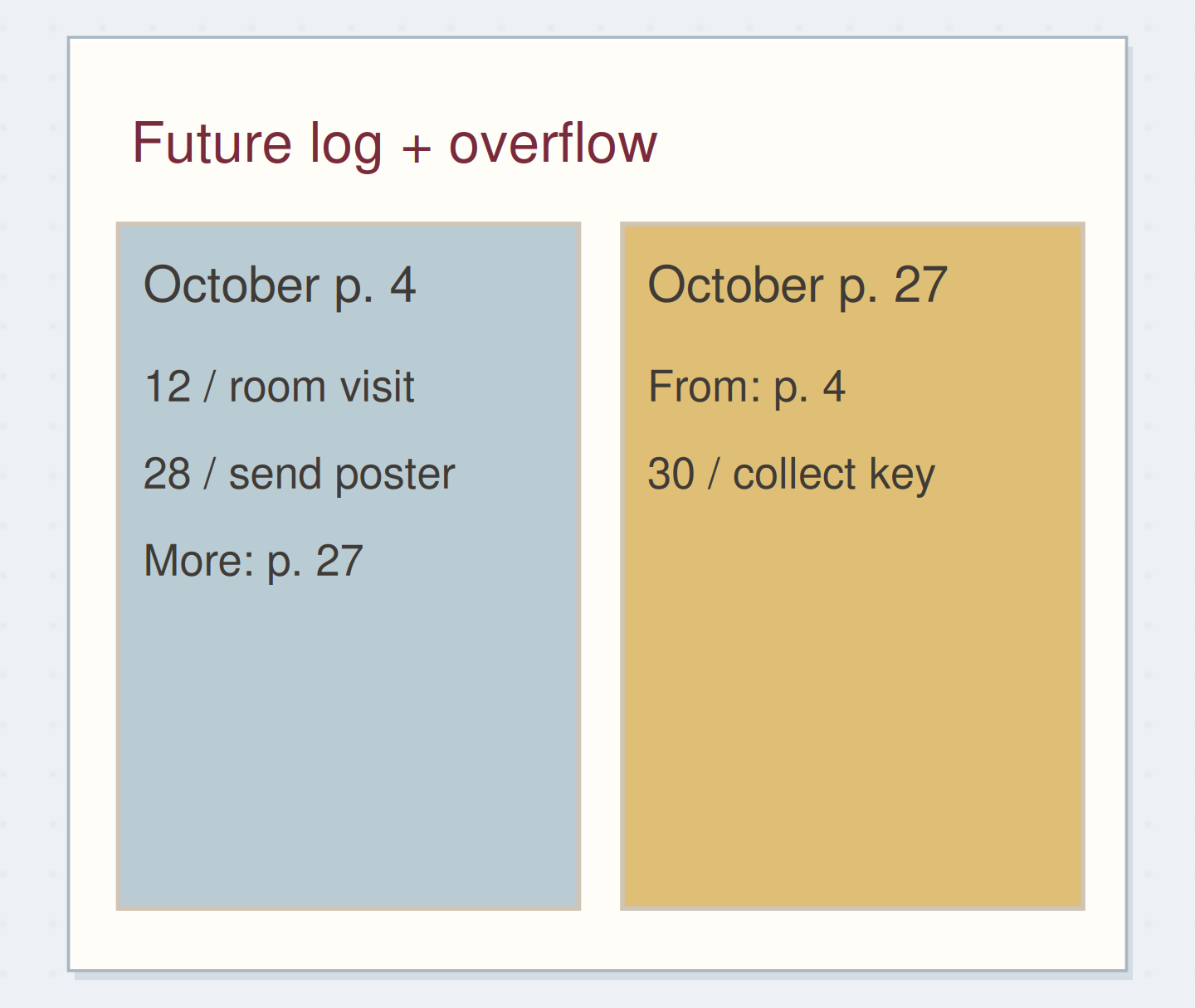
Suppose October's box is full when you arrange key collection for the 30th. Start the next unused page, title it “October future log, continued,” and number it. In the original October box, write “more October dates: p. 27.” On page 27, add “from p. 4” above the extra date.
Keep using the original month location as the entry point. When you review October, the continuation tells you to check page 27 as well. This directly addresses the beginner question of what to do when the standard future log is too small: the month can grow without taking paper away from every other month.
Make the extra date findable
Move the reveal control to inspect the specific change.
Date on a random page
A new page alone does not tell you to look there.
Use the log when the period opens
When setting up October, scan every place that holds October reminders, including overflow. Copy the selected dates into the current calendar or monthly plan, checking the weekday and time against the original appointment information where necessary. Mark transferred reminders according to your own key so you can tell which ones you checked.
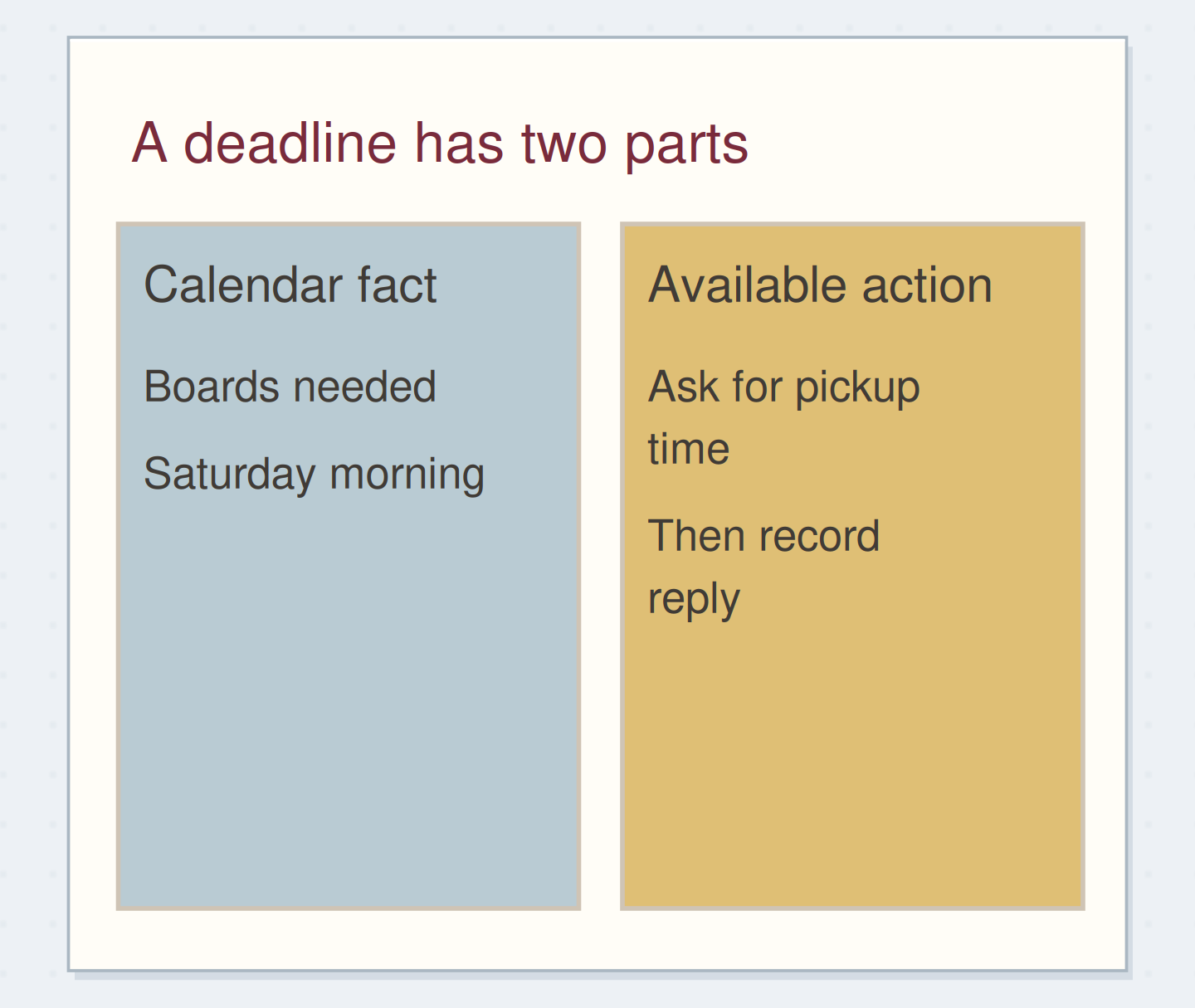
An appointment may imply preparation that is not in the appointment itself. “Room visit, 12 October” might produce the earlier action “write three access questions.” Put that preparation on an action list with a sensible review point rather than pretending it happens automatically on the visit date.
Bring a future date into the current plan
Move the steps so the necessary checks happen before the actions that depend on them.
One workable order
- Scan the month and its continuationOverflow may contain the latest commitment.
- Check the current appointment detailsThe saved reminder may have changed.
- Copy the checked details into the active planThe active view should contain the current date and time.
Which check needs to come first?
The example shows one workable order. Other steps can move freely; these checks protect the information you need.
Make changes where you will look for them
If the rehearsal moves, correct the primary calendar first. Then update any active notebook summary that you are relying on. Use a simple line through the old date with the new one beside it if there is room; otherwise add a new entry and mark the old line as superseded.
When you notice two future systems drifting apart, reduce the duplication. You might keep the digital calendar as the live schedule and a shorter paper future list for planning anchors. The test is whether the next review gives you a clear current answer, not whether every medium contains an identical year.
Let one month tell you what to keep
After a month, look at how you retrieved dates. Did the boxes stay readable? Did the running list need a month cue? Did you remember the overflow reference? Make the next page around that evidence. A different format is useful only if it answers the problem you actually encountered.
Finish today's setup when every known future commitment has a current location and you know when you will revisit it. You can stop before drawing unused months. Leave future space adaptable until future information arrives.
Where this idea began
Want to follow the idea further? These community discussions and maker references are a good place to start.
- What If the Future Log Is Too Small?
A beginner expects more future appointments than a third-page monthly allocation can hold.
- How to Make a Future Log
The official introduction describes a place for events and tasks beyond the current month.
- Future Log: The Alastair Method
The original future-log article pairs month columns with dated entries written in arrival order.