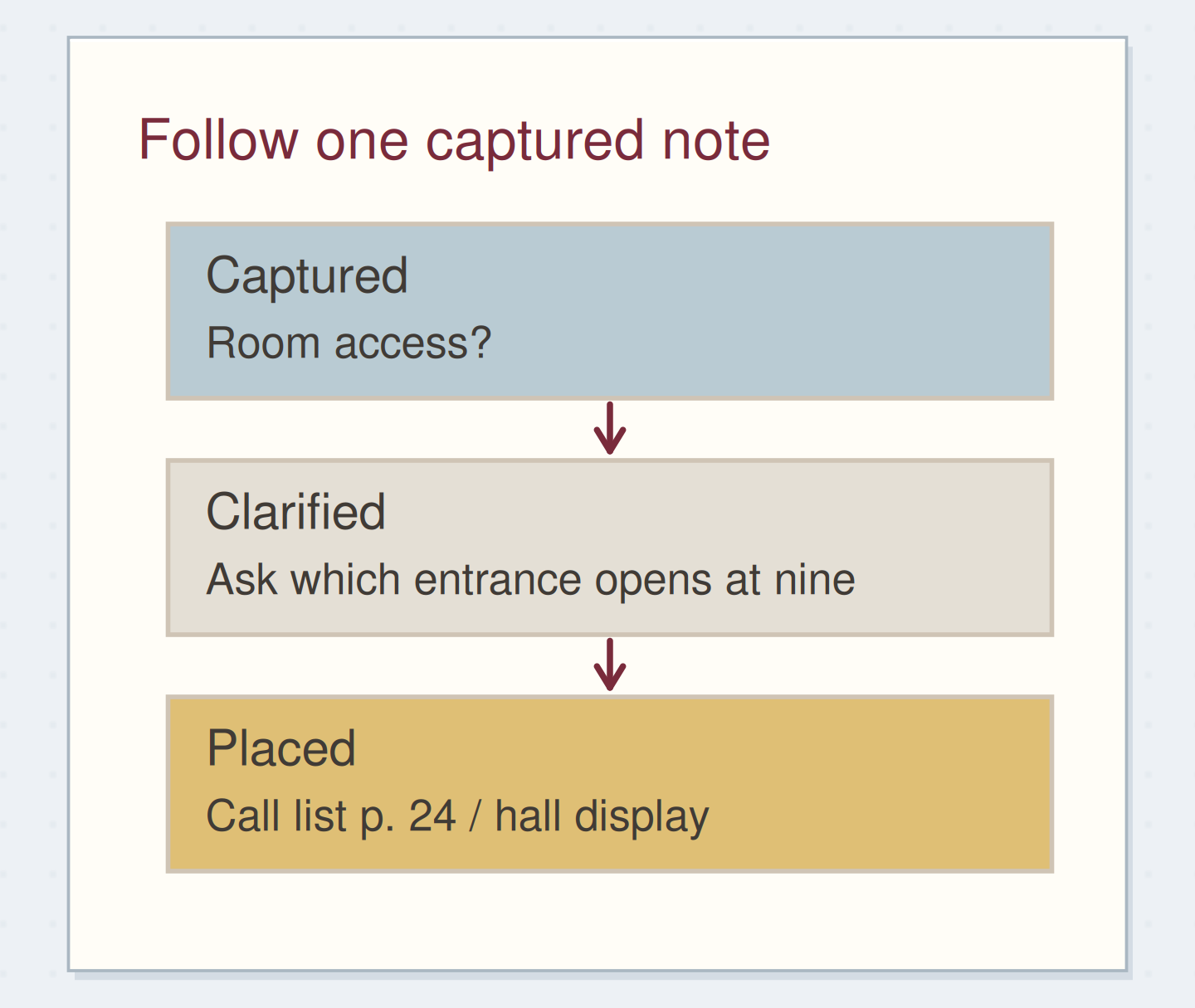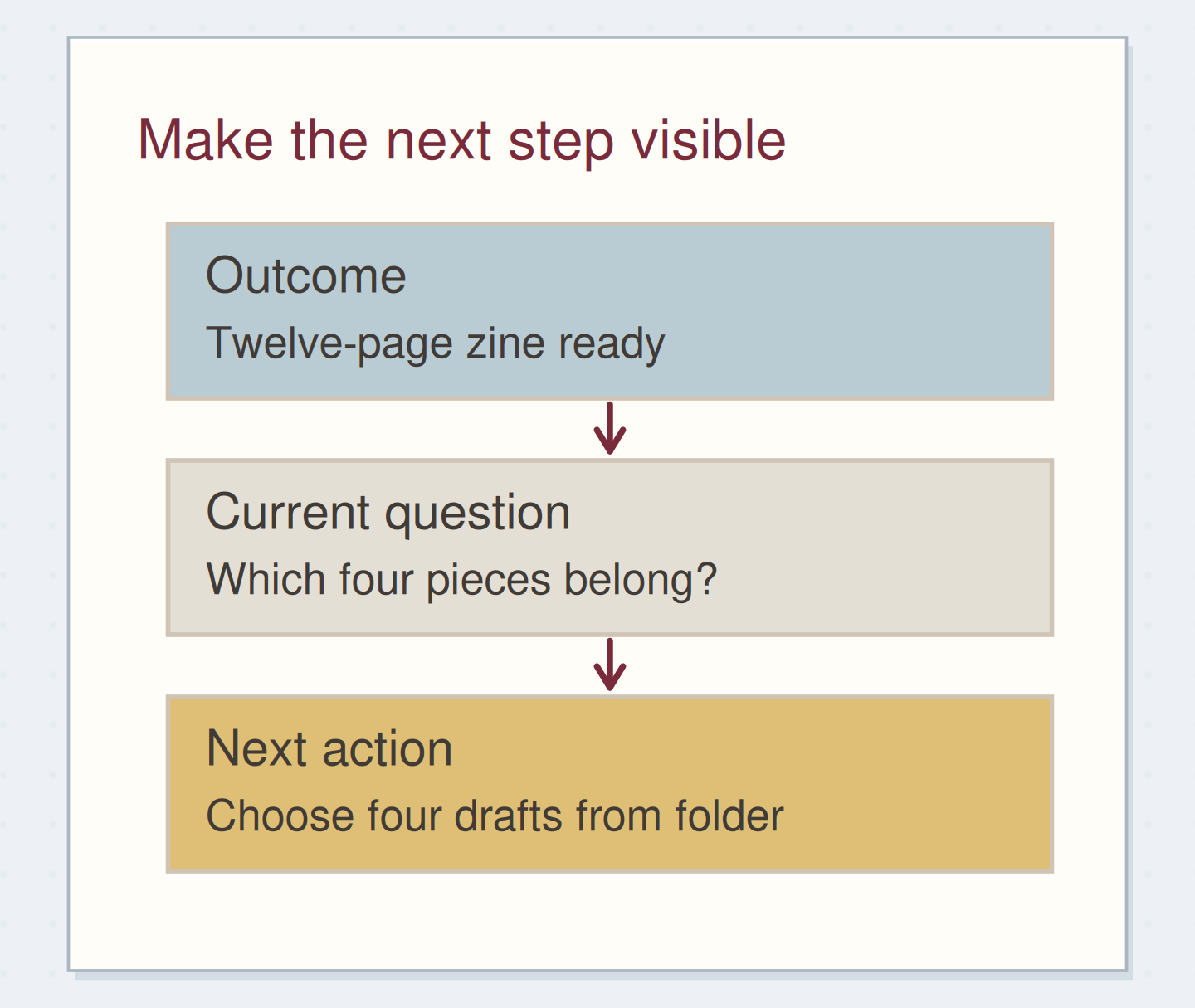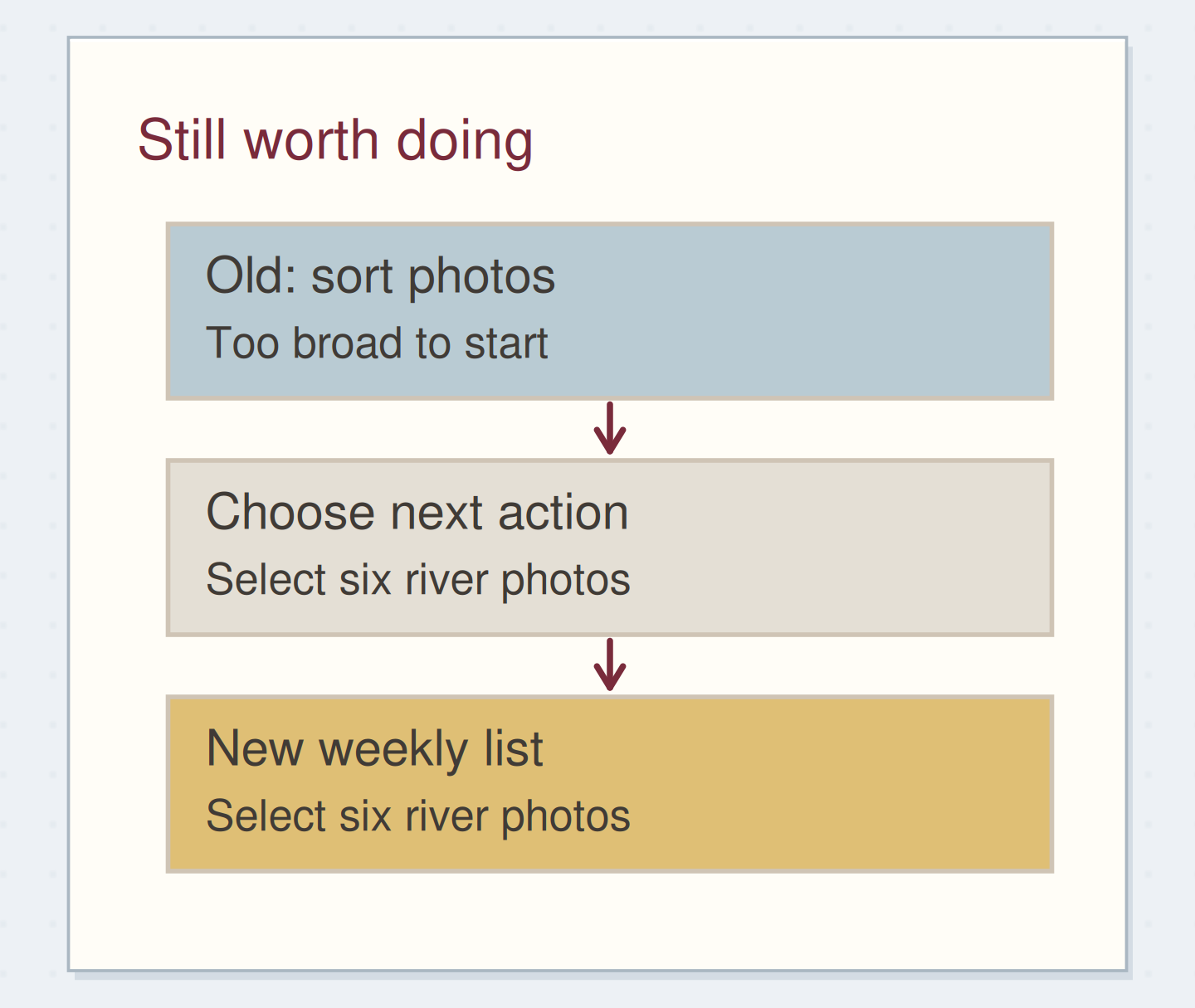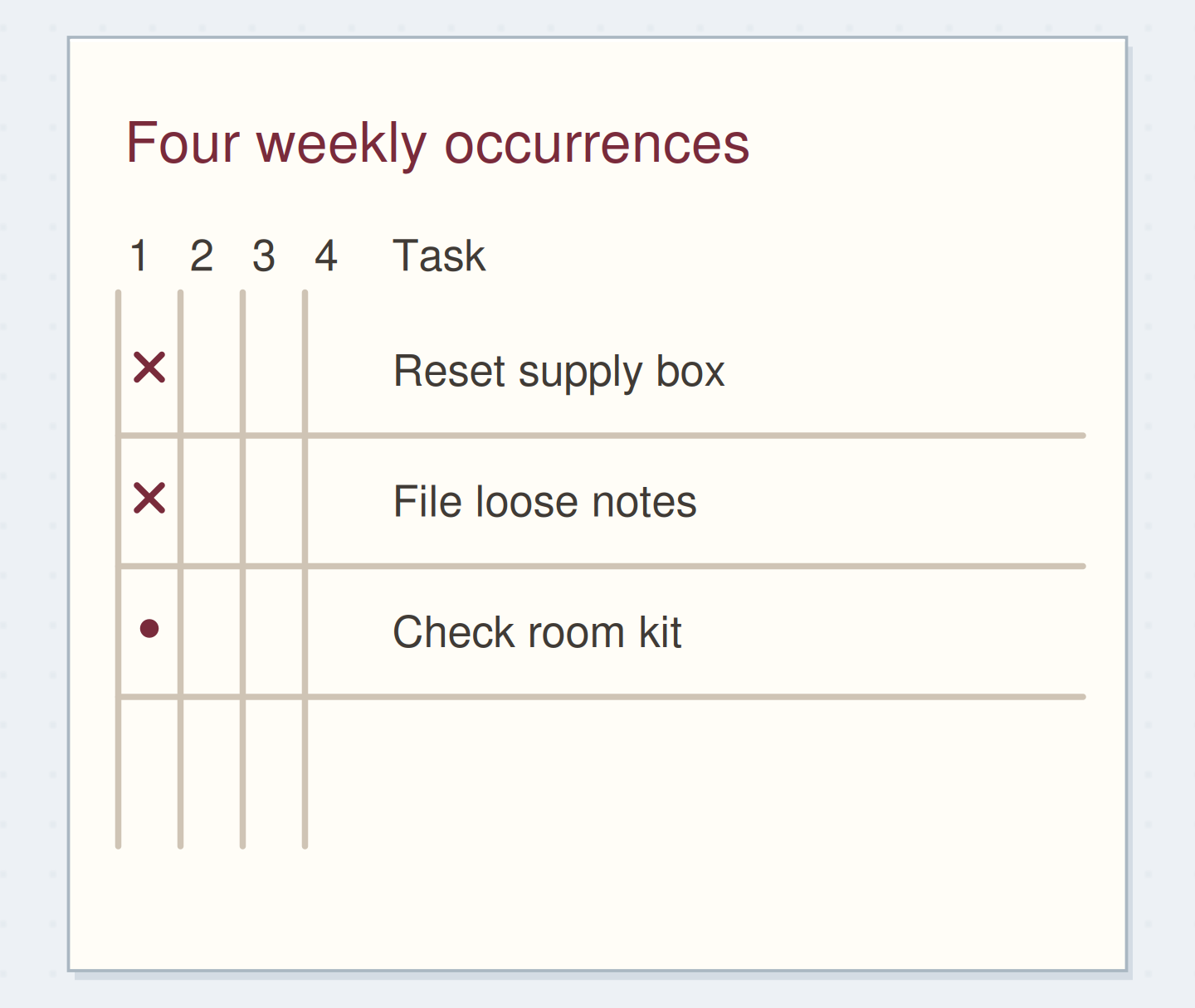
Gather a few things See what you’ll need
- Notebook
- Pen
- Calendar
- Loose notes from the week
Choose an exercise 4 things to try as you read
Pick a review range you can finish
Write the dates and page range, bookmark the first page, and gather that week’s loose notes. Put older backlog on a separate list so it does not quietly become part of this review. Aim to finish with upcoming commitments checked, current actions updated, and each promise you found somewhere you can follow it. There can be room for reflection afterward; first, make next week’s work findable.
Compare the optionsWatch records become a current plan
Watch records become a current plan
Which stage of the review do you want to inspect?
Read the words in this example
- Gather the loose ends
- Notebook p. 14–19
- Two desk slips
- Calendar: past week
- Calendar: next week
Choose the records before acting.
The review has a defined range and a small collection of loose notes.
ONE WORKED EXAMPLE
The diagram has arrived
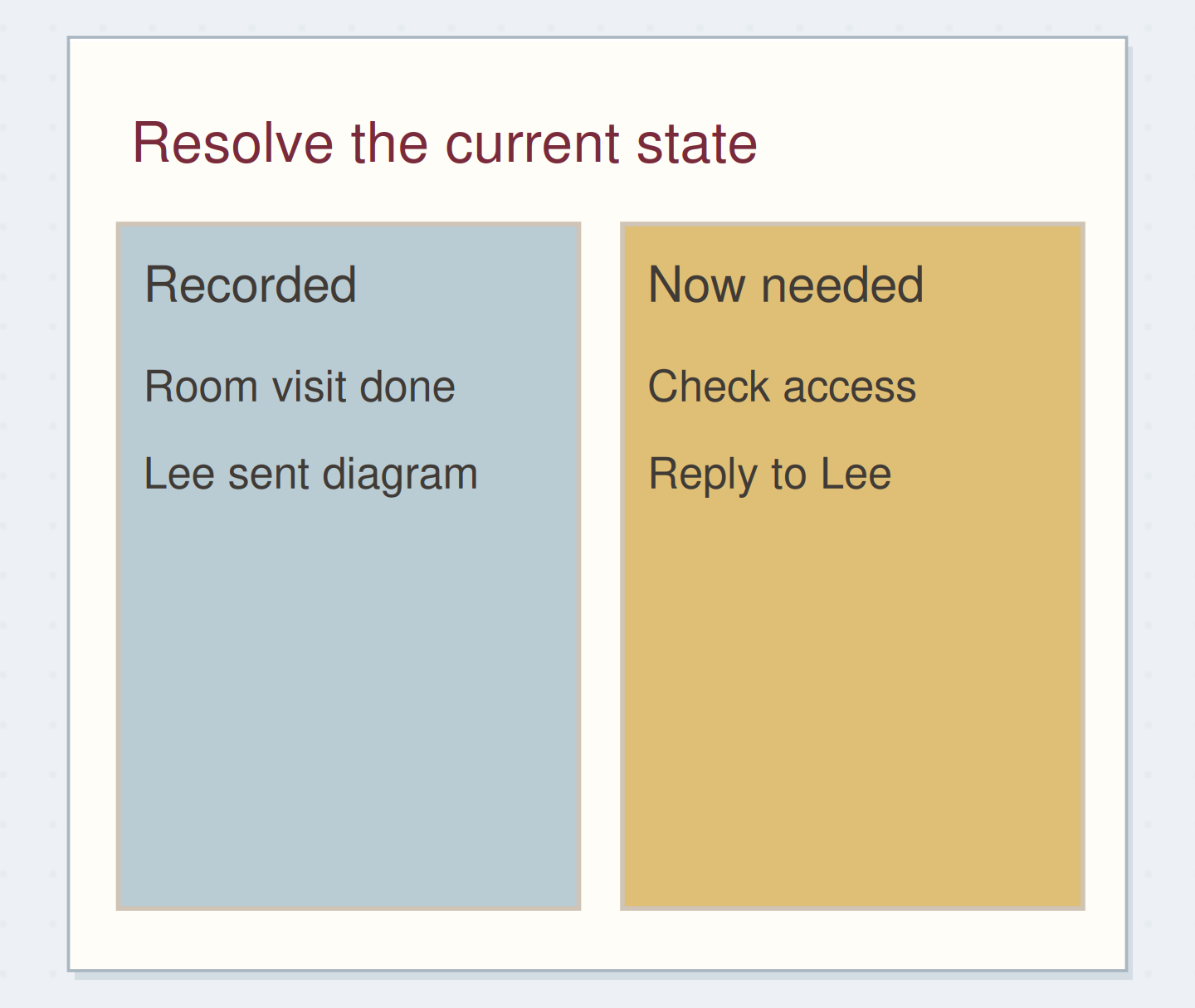
You review a display-project week with the calendar beside your notebook. Lee’s promised room diagram has arrived, and the visit notes say the caption text needs to be larger.
Before
The waiting list still says “Lee: diagram,” while “print one sample” has been copied forward without the change in caption size.
After
The diagram wait is marked received. “Check access route on diagram” becomes an action, and the sample note now specifies larger text. A possible album from a desk slip goes to Someday, leaving the display’s next steps clearer.
What changed—and what to check
The review uses what changed during the week to update actions and waits. It does not treat every old line as something to copy unchanged.
Try this check. Open the next action and find the reviewed note or received diagram that explains why it belongs there.
GO A LITTLE FURTHERBring the records together before following them
Bring the records together before following them
Gather the desk slips and meeting notes before following their invitations. “Find room diagram” can go straight onto the action list without opening an email search. If you catch yourself redesigning the display, write down the next step and return to the scan. A very quick action is optional; keep an eye on whether it is taking over the review.
“Each change comes from the records you reviewed.”
Give the calendar two passes
Look back for follow-up created by calls, visits, classes, or shared plans. Then look ahead for preparation, travel, materials, and decisions. Last week’s call may require “send the agreed dimensions”; next Tuesday’s room visit may require “bring sample poster.” Record these actions before the calendar event hides the work surrounding it.
Write your versionExtract the preparation before an event
Extract the preparation before an event
Edit the worked example into a note you can use.
Upcoming event:Room visit Tuesday 10:00
Needed beforehand:Print one sample poster
Where the action lives:Weekly pool p. 22
Your words have a place now.
A preparation action needs a place you will see before the event.
- Words on this card
- 20
Work through a display-project week
Your display notes say the room visit happened, captions need larger text, and Lee promised a diagram. The diagram has arrived: mark the wait received, add “check access route on diagram,” and add a reply action if questions remain.
Update “print one sample” to reflect the larger text before carrying it forward. Put a possible album found on a desk slip in someday. Each change comes from the records you reviewed.
Check that active projects can move
Read the names of the projects you still mean to advance. Can you do something now, are you waiting for a named answer, or have you chosen to pause? “Display” might need the small decision “A4 or A3 sample?” Put that next step on the active list with a page reference to the project, so the full notes can stay where they are.
See the differenceGive an active project a route forward
Give an active project a route forward
Read the whole example before and after the change. The tinted lines show revised wording.
Tinted lines contain wording that differs between the two examples.
Before — Only a project title
- Active project
- Photo display
After — A current next action
- Active project
- Photo display / notes p. 19
- Next: choose sample size
- Then: print one sample
Read the whole example before and after the change.
A title alone cannot show whether the project is available or blocked. The next decision reveals how to resume the work.
GO A LITTLE FURTHERPark the work the review reveals
Park the work the review reveals
Collect unresolved decisions during the scan, then process them together. Three poster reminders may amount to one size decision. If time runs out, mark the exact stopping page and record the remaining review as a reminder. Keep the incomplete portion visible instead of labelling the whole record current.
End where next week begins
Open the next active page and check its dates. Choose one action you can actually begin, with the page number holding its useful notes. Leave the book there if that is where you will start. The other updated actions can stay in their usual homes; the review does not need a second copy of everything.
Try a what-ifThe review reveals more work than the session can hold
The review reveals more work than the session can hold
Keep the stopping point visible.
You have checked Monday through Wednesday, but the time you set aside is over. Thursday contains meeting notes you have not yet read, and next week’s calendar still needs checking.
Compare the three choices
What is a useful way to leave this review?
- Mark the week reviewed because the main task list is tidy
The list may be tidier, but the unchecked notes could still contain a promise and the calendar has not had its forward pass.
- Mark the exact next page and add a reminder for the remaining review
That preserves what is finished and what is still unchecked. You can resume at Thursday without rereading the whole week.
- Copy every unchecked page onto the new weekly page
Copying creates a larger pile without deciding which notes contain actions. A clear return point is enough until you can finish the scan.
An unfinished review needs a return point, not a claim that every record is current.
What would you try?
Choose an option to see what it would do. You can explore all three.
Something for a future page?
The Washi Tape ShopAffiliate links: we may earn a commission if you buy through these links.
Where this idea began
This shorter paper review borrows the separation of collecting, updating, and considering next steps from David Allen’s GTD Weekly Review. It does not reproduce the full GTD checklist.
The method references explain the underlying ideas. Community links show the questions and experiences that helped shape this guide; they are not a popularity ranking. The worked examples here are our own.
- Community discussionA Weekly Log to the Ryder Carroll System
A practitioner describes using a weekly review to connect project outcomes, next actions, and leftover daily notes.
- Method referenceThe GTD Weekly Review
The checklist covers collecting loose inputs and reviewing actions, calendars, waiting items, projects, checklists, and deferred possibilities.
The guide offers a shorter paper adaptation, not the complete official checklist or evidence that a review fits a promised time.
Source checked 2026-09-05.