Gather a few things See what you’ll need
- Current notebook
- Pen
- Calendar or next planning page
An open box is a question
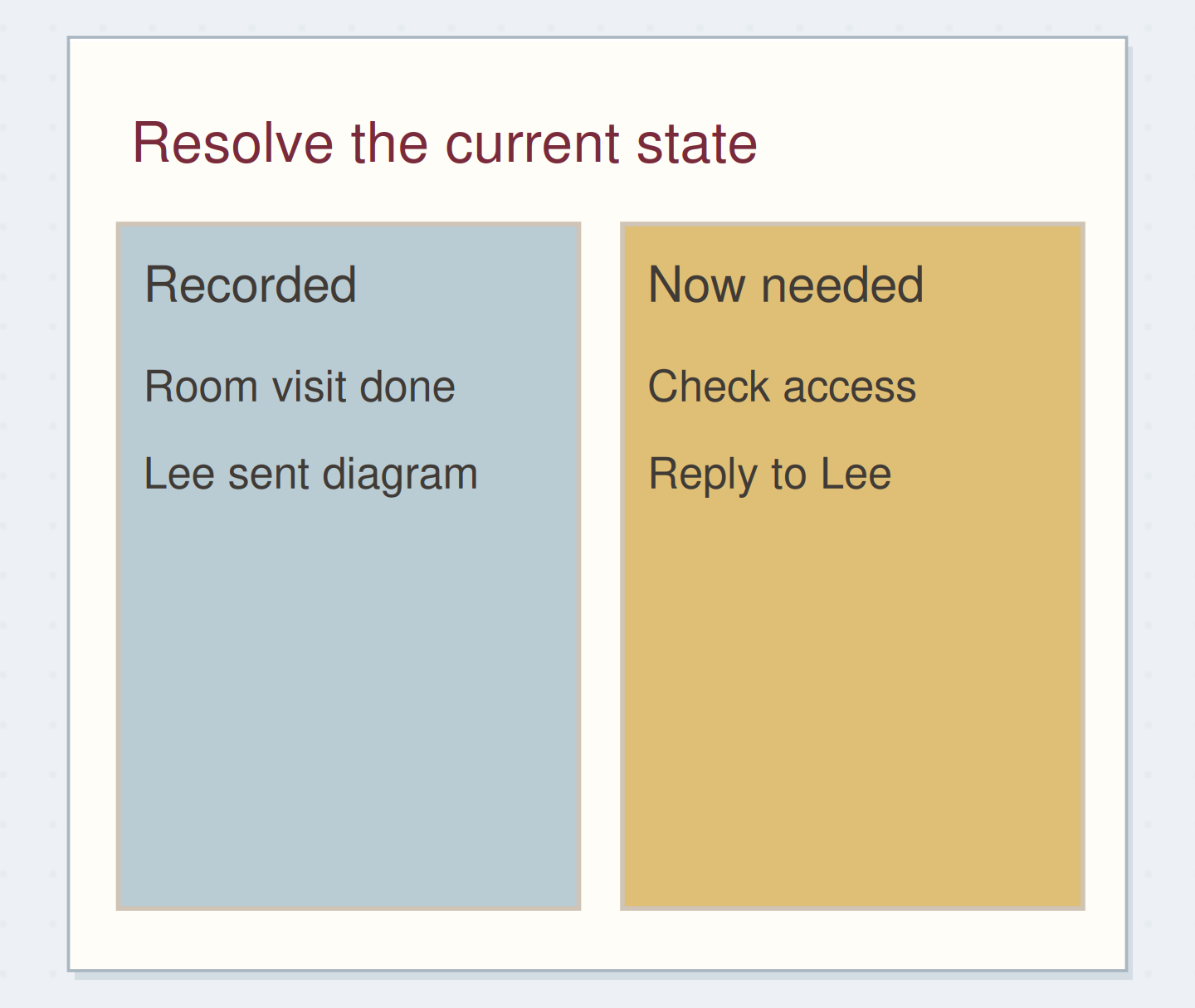
An unchecked task tells you only that its recorded action has not been marked complete. It may already be done, be waiting on information, have become irrelevant, or still be a useful intention. Treating all four situations as “move forward” creates a list with no clear relationship to your current plans.
Start with the page you are closing, not every unfinished item you have ever written. Read one line and ask what is true now. A community question about monthly migration describes old tasks disappearing under fresh daily work; giving the old task a specific status is the part that can change that pattern.
Try three different endings
What is true about this old task?
A smaller action replaces vague wording.
Keep the outcome while changing what you can actually begin.
Prepare four decisions, not four new notebooks
Write Keep, Reshape, Later, and Cancel on a scrap or in the margin. These are decision labels for this review, not mandatory permanent collections. Keep means the action is still clear and current. Reshape means you need a different next action. Later means you are deliberately taking it out of the active pool. Cancel means it no longer needs doing.
Have the destination page or calendar open before you start marking old entries as moved. If you use the standard Bullet Journal migration marks, keep their established meanings in your key. You can write a short destination in words when that is clearer.
“Stop after every item in your chosen review range has a current status.”
Ask whether you could begin the words you wrote
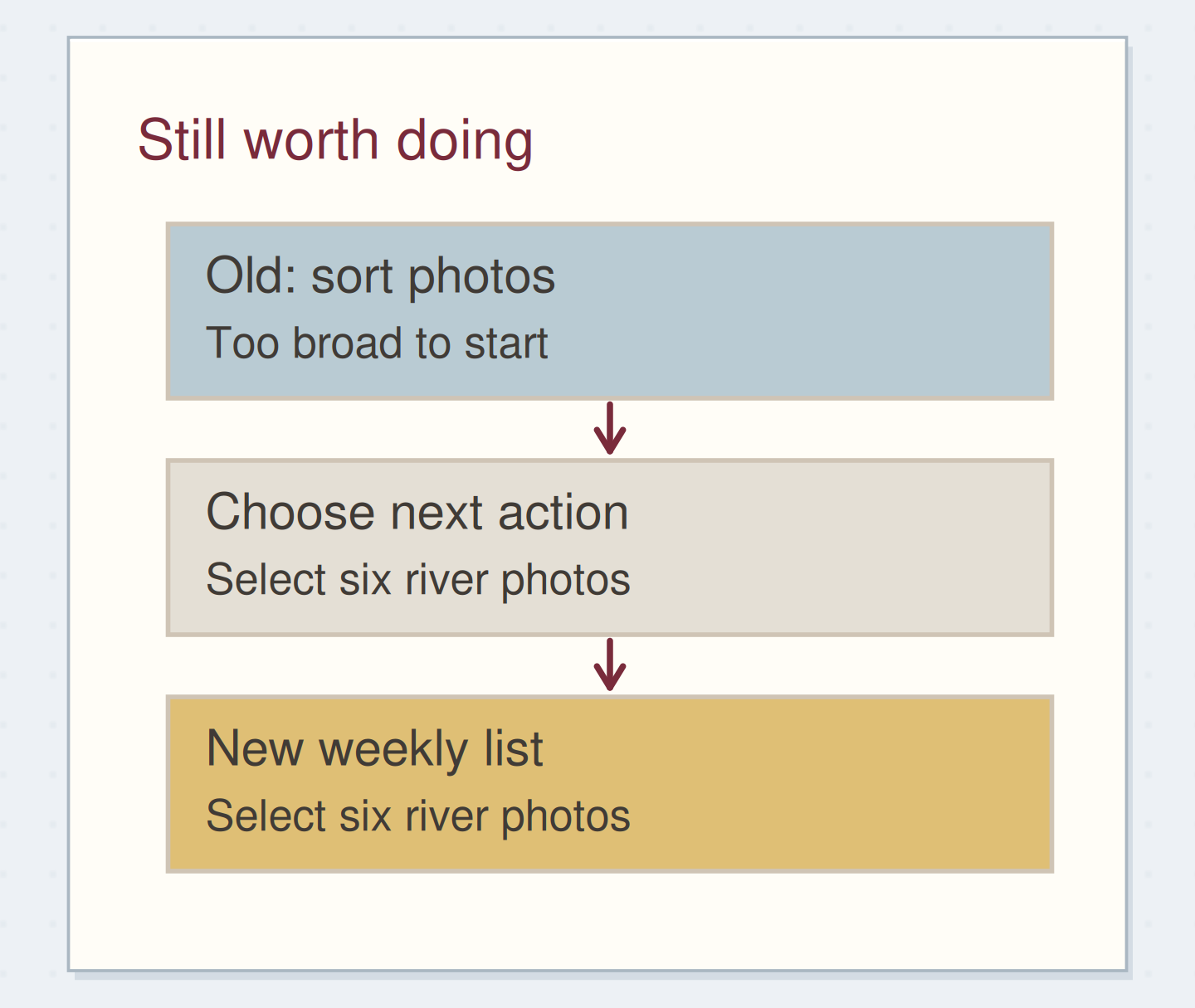
For each current item, imagine sitting down with the materials available. Could you start from the wording alone? “Sort photos” may conceal choosing a time period, finding the folder, or deciding what the album is for. Your next line might become “open September folder and select six river photos.”
Do not break a familiar action into unnecessary fragments. “Return library books” is already clear if the books are by the door and you know the branch. The aim is enough specificity to begin, not the largest possible number of checkboxes. Keep the larger outcome in project notes if it still helps orient you.
Rewrite the action you can begin
Edit the worked example into a note you can use.
Old wording:Sort photos
First visible action:Select six river photos
Needed before starting:September folder available
Your words have a place now.
Make the replacement specific enough to start with the resources you have.
- Words on this card
- 17
Try the decisions on real-looking leftovers
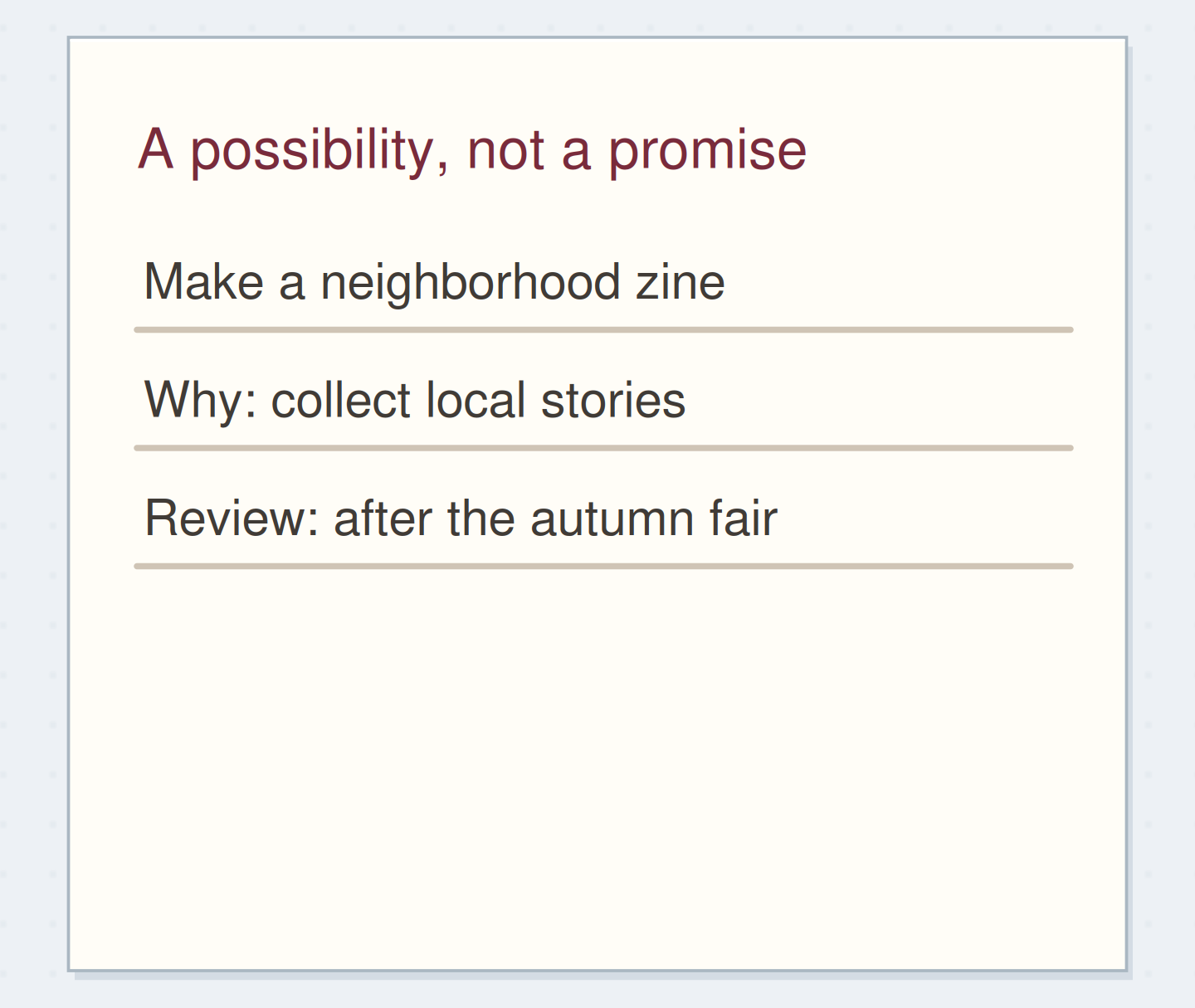
At the end of September, imagine three open lines: “sort photos,” “print invitations,” and “make winter album.” Reshape the first into selecting six river photos. Cancel the second after confirming that the hosts have already sent a shared invitation. Defer the album to a someday list with “review after October trip.”
Now the next week gets one usable action instead of three inherited obligations. The cancelled line keeps a brief reason. The deferred idea has a place you will check. None of these choices claims the album is unimportant; it simply describes whether you are actively working on it now.
Name the thing you are waiting on
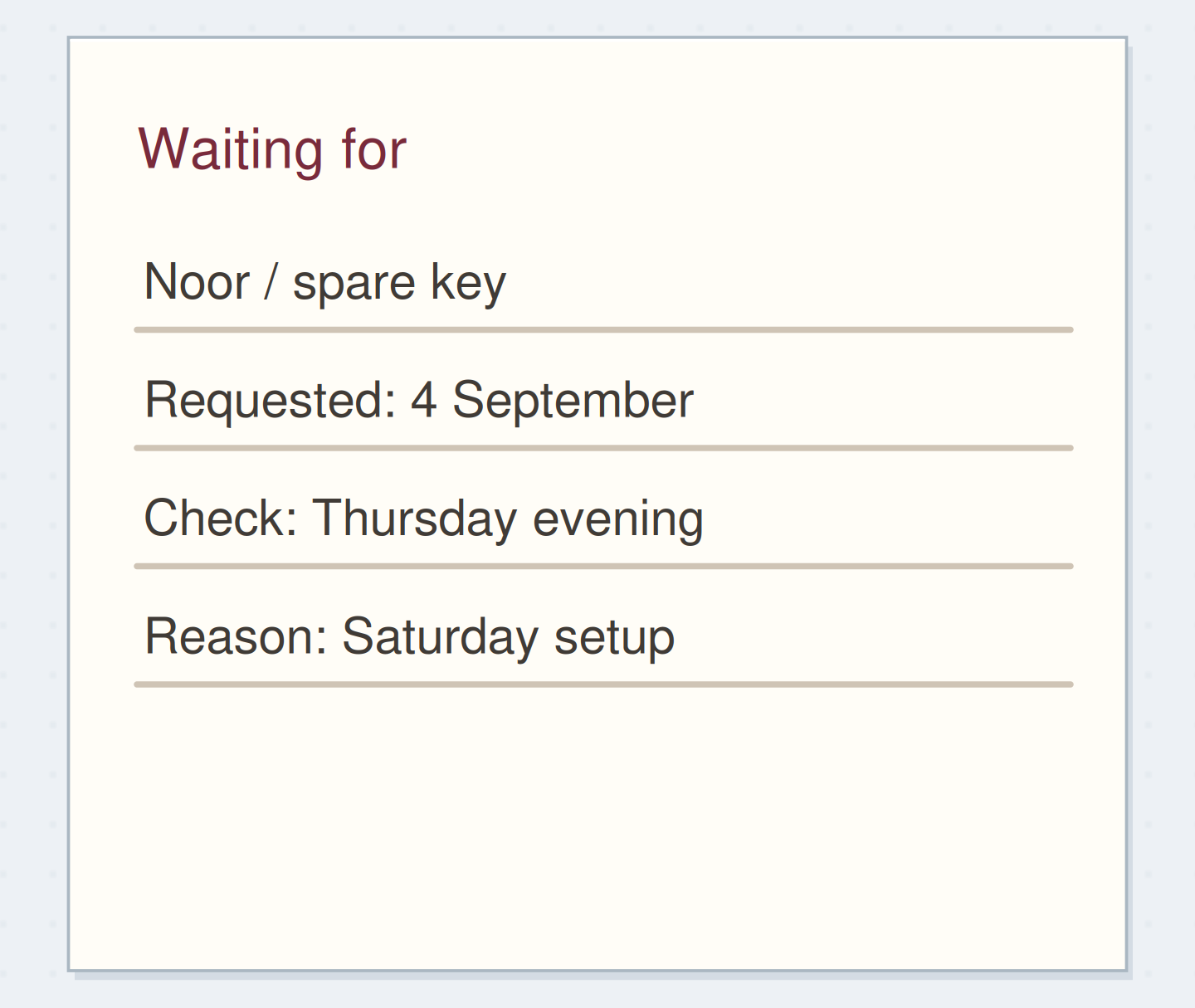
If you cannot proceed until somebody sends a file, an item should not sit on your own action list pretending it is available. Record the expected file, who is supplying it, and an appropriate review point on a waiting-for list. If you have not actually requested the file, your next action may be to make that request.
A deadline can still matter while the work is blocked. Keep the deadline in the calendar or project record and choose a follow-up early enough to react. Do not use a deferred list to hide a commitment that you have already made to someone else.
Separate a request from a wait
Move the reveal control to inspect the specific change.
Not yet requested
You cannot be waiting for a request you have not made.
Leave evidence instead of judging the row
When the same task keeps returning, write a short factual reason beside it: “missing folder,” “too broad,” or “not chosen this week.” Those notes can tell you whether the wording, access, or commitment needs changing. Counting migrations is optional; the count alone does not explain the obstruction.
If your active list contains more than you can reasonably consider, move only a small selection into the next planning period and put the remaining decisions on a clearly named review page. Make that review an actual next step. This keeps the immediate page usable without silently abandoning the remainder.
Finish the move at both ends
Write the new action or later reminder first. Check its destination and any date you copied. Then mark the old entry as moved and include a page reference if you would otherwise search for it. That order protects you from closing a task before the replacement exists.
Stop after every item in your chosen review range has a current status. You do not need to decorate the new list or rewrite completed history. Migration is complete when the old line tells the truth and the useful next action can be found.
Protect the task during transfer
Move the steps so the necessary checks happen before the actions that depend on them.
One workable order
- Choose the current destinationThe new wording depends on whether this is active or deferred.
- Write and check the destination entryThe useful reminder must exist somewhere.
- Close the old entry as movedA migration mark should describe a completed transfer.
Which check needs to come first?
The example shows one workable order. Other steps can move freely; these checks protect the information you need.
Where this idea began
Want to follow the idea further? These community discussions and maker references are a good place to start.
- How Do You Use Monthly Task Migration?
A reader says carried-forward monthly tasks disappear beneath new daily work.
- Migration 101
The official guide frames migration as reconsidering whether an unfinished task remains relevant.