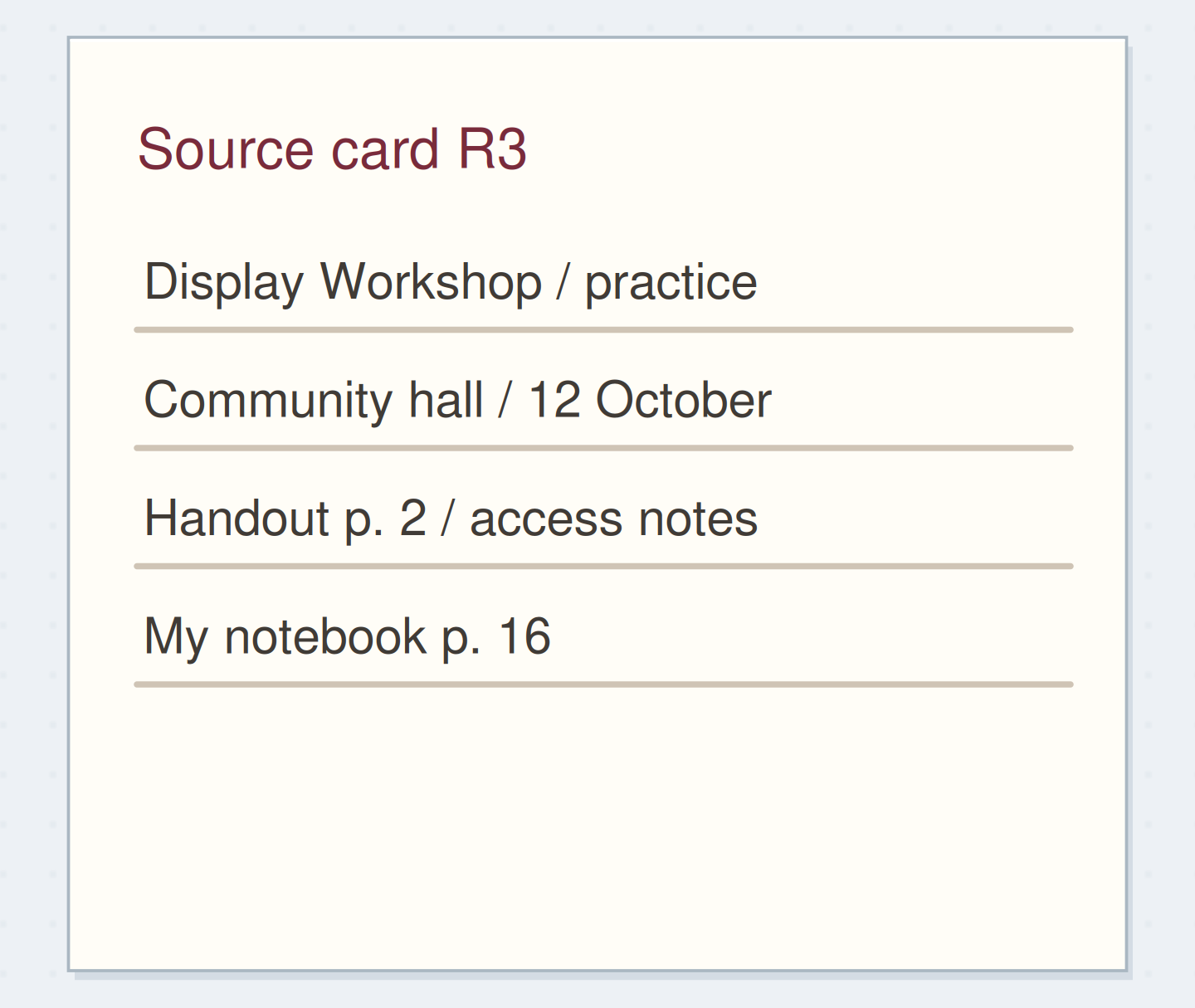
Gather a few things See what you’ll need
- Notebook
- Pen
- A few existing notes
- One index page
Begin with the subject you keep returning to
Look at a few used pages and name one question that appears in more than one place. “How can I make the display readable?” might become the heading Readability. “Things about life” is probably too broad to help you choose a page, while a separate heading for every sentence would be hard to maintain.
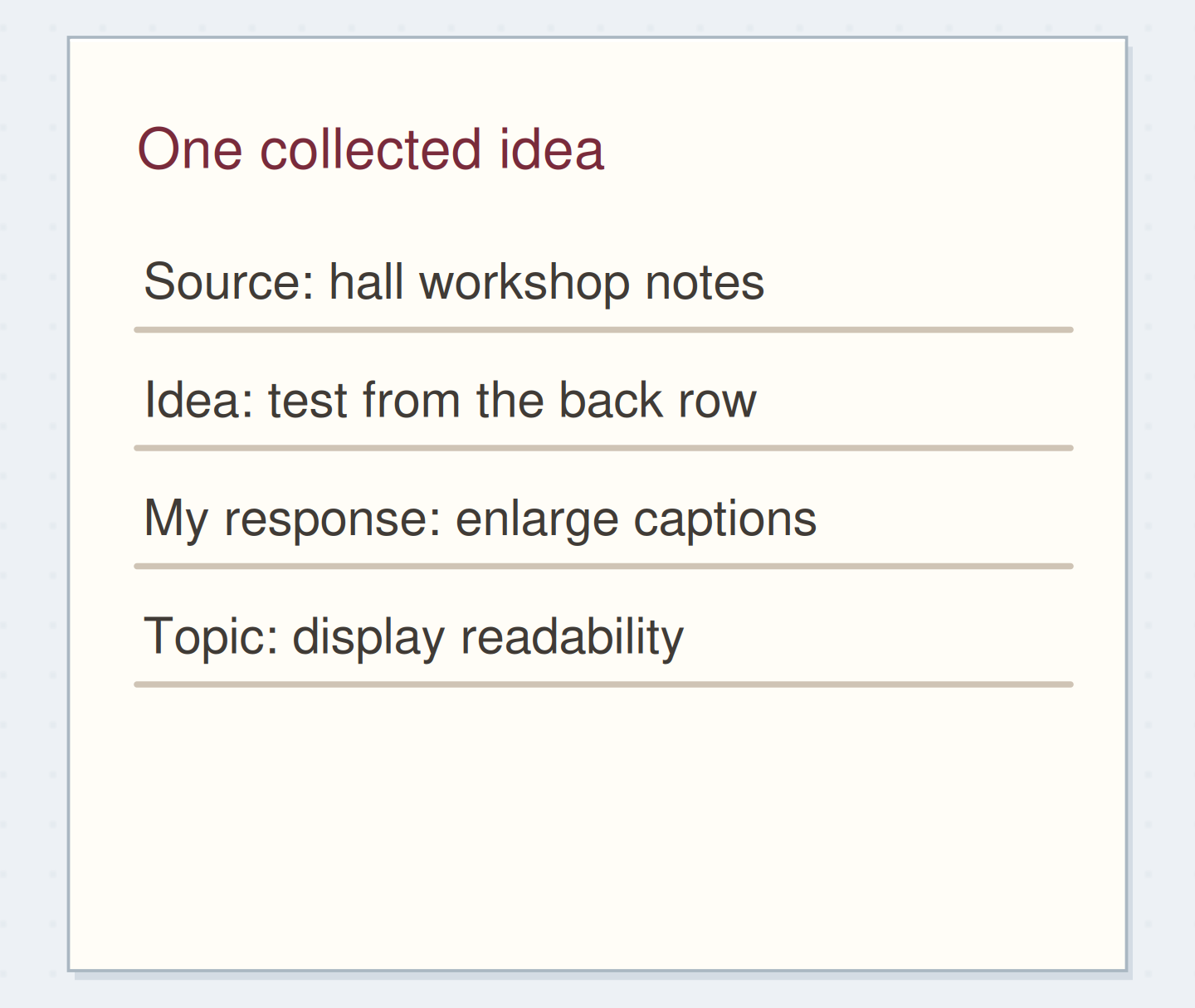
You are choosing a retrieval label, not assigning each note a permanent identity. One page can appear under two useful topics. Community commonplace discussions describe wanting both source and topic routes; that is a practical distinction because the source you remember and the subject you remember are not always the same thing.
Follow a subject across sources
Choose the route through the readability notes.
The notes remain where they were written.
Their page order reflects arrival, not topic grouping.
Use addresses with a hint about their contents
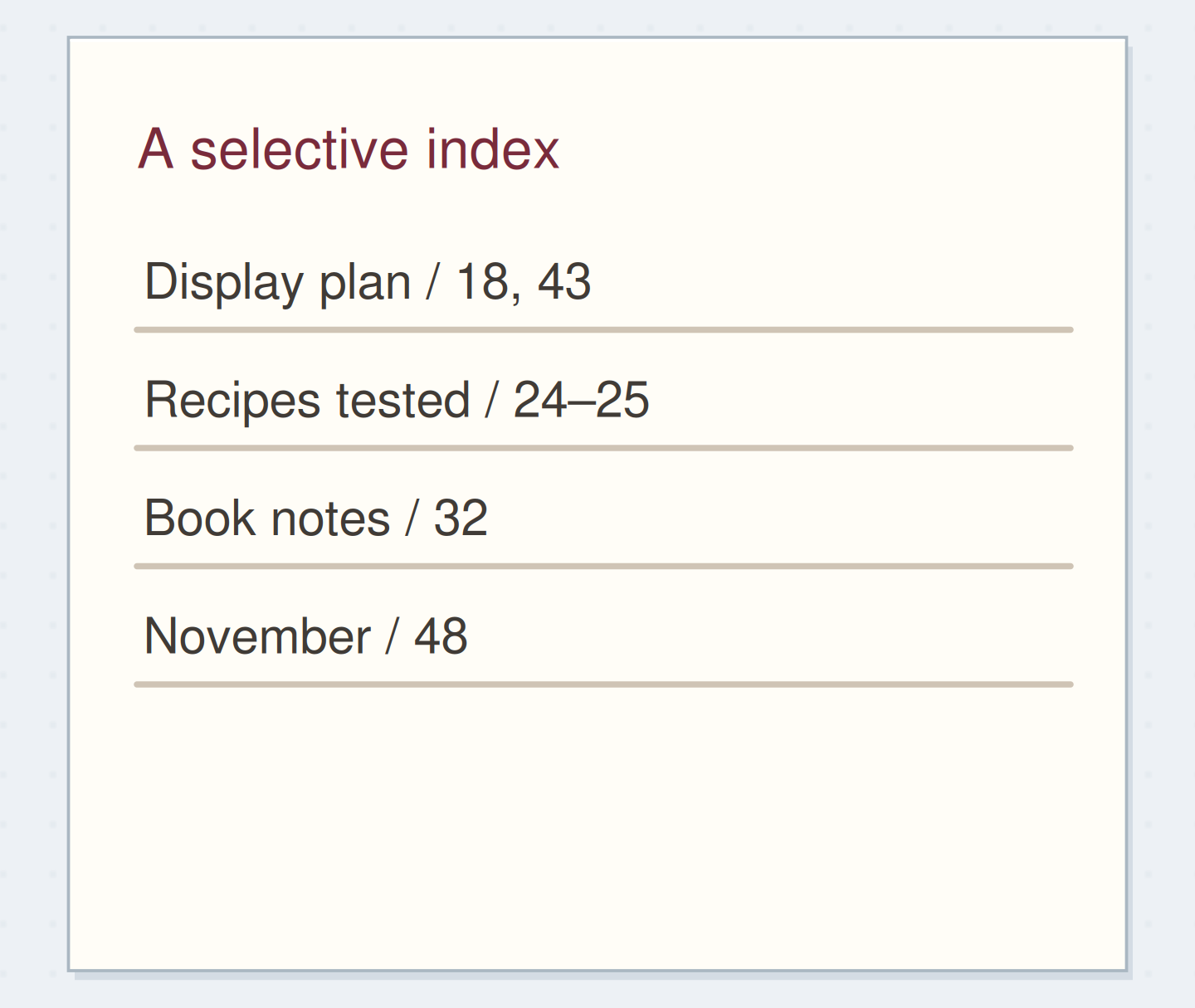
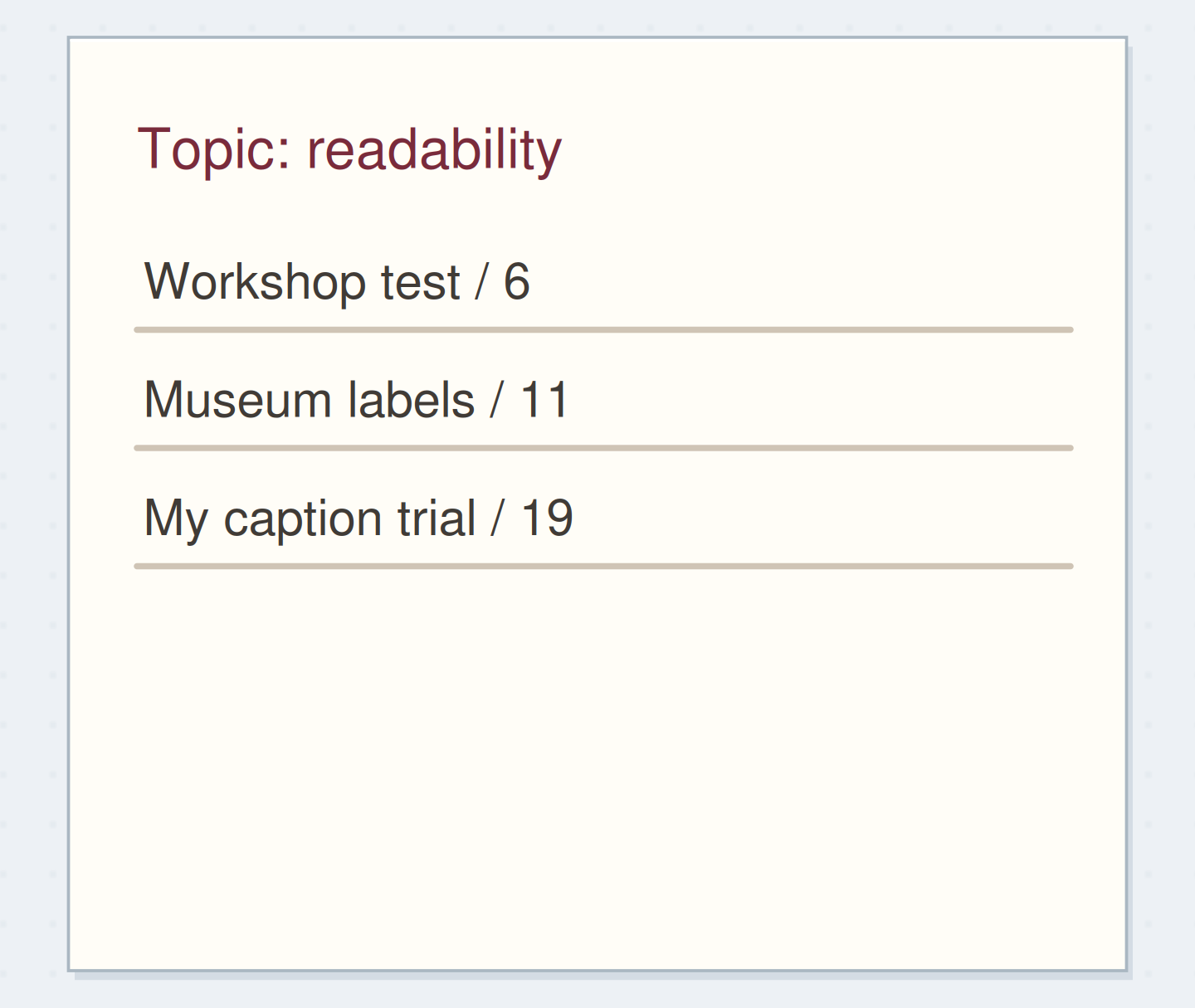
Write the topic heading on an index page. Under it, list each relevant page number with a short clue: “workshop test, 6,” “museum labels, 11,” and “my caption trial, 19.” The clue helps you choose among the pages instead of visiting all three every time.
Keep the entry compact enough to scan. If only one page exists so far, a single line is fine. You do not need to predict subtopics before you have notes for them. A page number without a clue can still work for a very small notebook, but add a clue when you notice yourself guessing.
Write a topic entry with clues
Edit the worked example into a note you can use.
Topic:Readability
First useful page:Workshop test / 6
Second useful page:Caption trial / 19
Your words have a place now.
The clue should help you choose the right page without opening every reference.
- Words on this card
- 16
“Stop after one topic connects a few relevant pages and the likely search words lead to it.”
Choose one home for near-synonyms
If you sometimes think “signs,” sometimes “labels,” and sometimes “readability,” decide which word will be the main heading for this cluster. Add a brief cross-reference under another likely word: “Signs: see Readability.” This lets you use your natural vocabulary without maintaining three duplicate lists of addresses.
Chris Aldrich's description of a digital commonplace index notes repeated terms caused by spelling and spacing. The paper version has a similar practical issue: small naming inconsistencies can split material you hoped to find together. You do not need a formal controlled vocabulary; a few deliberate aliases may be enough.
Repair two names for one subject
Move the reveal control to inspect the specific change.
Split address lists
Near-synonyms have divided related notes.
Build the readability example
Imagine page 6 contains your summary of a workshop caption test, page 11 describes the museum labels you could read comfortably, and page 19 records your own larger caption sample. Add all three beneath Readability, with their different clues. The entry now reveals a small conversation between collected advice, observation, and a practical trial.
The source records remain where they are. You do not need to copy the workshop summary onto the museum page or move the pages into a new section. If page 19 also concerns the display project, it can appear in the project index too. Two routes can point to the same stable address.
Index a useful relationship, not a keyword accident
Before adding a page, ask what you expect to learn by returning to it through this topic. A recipe that mentions “label the container” may not belong under display readability. The shared word alone is not enough. A note comparing label sizes probably does belong there.
If you find yourself adding many unrelated pages, split the topic only when the difference helps a search. “Readability: signs” and “Readability: handwritten notes” might be useful later. Make the split from actual entries, then leave a short reference from the former heading so older searches still have somewhere to go.
Make one small contents page when needed
When a topic's index entry becomes longer than the available space, start a topic contents page in the notebook. Move or summarize its address list there and change the main index entry to point to that page. Date the contents page if you expect to revise it significantly later.
You can leave old index text readable with a continuation reference instead of rewriting the whole index. If you discover two headings for the same subject, choose one main location and redirect the other. A repair should shorten a future search; it does not need to make the history of your naming decisions disappear.
Use the index before adding more headings
Close the notebook and ask where you would look for the caption-size trial. Try the first word that comes to mind. If you naturally look under Signs, the alias should lead you to Readability and then to page 19. If you still cannot choose the right page, improve the clue beside that address.
Stop after one topic connects a few relevant pages and the likely search words lead to it. Let later questions decide which topic comes next. A topic index earns its space by making scattered notes usable together.
Build a topic route from actual notes
Move the steps so the necessary checks happen before the actions that depend on them.
One workable order
- Choose related notes and a questionThe heading should describe material that exists.
- Record exact addresses with cluesThe index must point to the actual notes.
- Test the word you naturally rememberThe test reveals whether an alias would help.
Which check needs to come first?
The example shows one workable order. Other steps can move freely; these checks protect the information you need.
Where this idea began
Want to follow the idea further? These community discussions and maker references are a good place to start.
- Indexing Resources and Advice
Readers compare topic grouping and retrieval across handwritten notes and digital captures.
- An Index for My Digital Commonplace Book
Chris Aldrich describes exposing a topic index and noticing inconsistent spellings and duplicate terms.