Gather a few things See what you’ll need
- Small notebook or folded sheet of paper
- A pen kept beside it
- Your current planner or calendar
Put it where the thoughts actually happen
Choose somewhere you already pause: beside your computer, on the kitchen counter, or in the bag you take out. Keep the pen with the notebook. If you need to go and find both, the passing thought may be gone before you get back.
Start on the next empty page and write today's date. That's the whole setup. No index, color key, or decorated cover is required. If another notebook feels like too much, fold a sheet of paper in half and tuck it inside your planner with one corner sticking out.
Write just enough for later-you
A useful quick note is short but recognizable. 'School thing' may leave you guessing tomorrow. 'Check Friday's school lunch deadline' gives you something you can act on. 'Page idea: colors from today's fruit bowl' is enough to rescue an idea without designing the whole spread.
Let tasks, questions, memories, and worries share the same page. Leave a little gap between entries so you can mark them later. You can write a full paragraph when you need one, but you don't owe every passing thought a beautifully finished sentence.
Turn a vague note into something later-you can use
Name the action and the specific thing it concerns. Keep a deadline clue if one matters.
Check
Friday’s school lunch order deadline
The form was in the school email.
Your words have a place now.
The filled card is a sample. Replace any part with your own words; leave a field empty if it does not help.
- Words on this card
- 13
“If several weeks pile up, start with the newest pages and anything that looks time-sensitive.”
Don't make a deadline wait for the reset
If something must happen before your next review, put it straight into the calendar or task list you'll actually check. A quick notebook is a place to catch information; it can't remind you on its own.
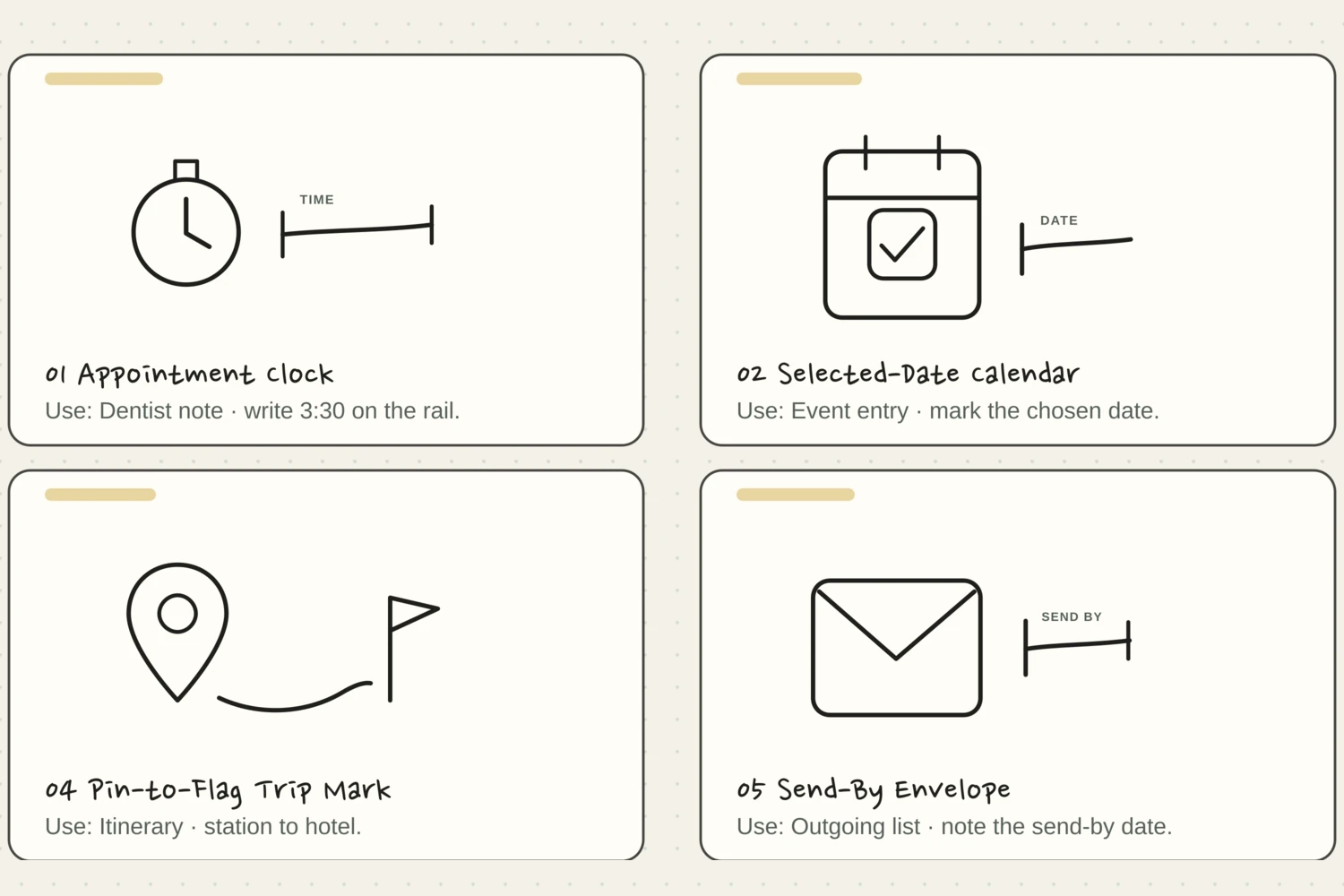
For example, write a dentist appointment in your calendar as soon as you know the time. The notebook can hold the questions you want to ask. If you do jot a date in a hurry, add a clear star and move it into the calendar that day. You don't need to wait for a particular day of the week.
Give urgent information a destination it can reach in time
Choose what you captured and inspect where it belongs next.
Put the commitment in the calendar you actually check.
A dated appointment should not wait for the next notebook reset. Add it to the calendar you use as soon as the time is known, then keep any questions in the capture notebook. The paper note can preserve context but cannot alert you by itself.
Give the useful bits somewhere to go
Pick a moment you can return to most weeks—after Sunday breakfast, perhaps, or before you close your laptop on Friday. Open the notebook beside your planner. Read from the last place you reviewed, rather than starting again at the beginning.
Move a dated commitment to its actual day. Give an undated task a place on your task list. If 'sort out photos' is too vague, turn it into 'choose ten photos from July.' A journal idea can go on an ideas page. A memory may stay right where it is, especially if you like the way you first wrote it.
Mark a note moved only after its new home is usable
Reorder the reset so the original note never becomes your only disappearing clue.
One workable order
- Read from the last review pointStart from the marked place so you can tell which notes still need attention.
- Choose a useful destination and clarify the noteAn unclear action copied elsewhere remains unclear, so name what the next place needs.
- Enter the useful information in its destinationThe destination must contain the commitment, task, or idea before the original is marked moved.
- Check the new entry, then mark the original movedVerify the destination before marking the source so unfinished transfer stays visible.
Which check needs to come first?
The example shows one workable order. Only notes that need another home are transferred. Finished, dismissed, or still-useful memories may stay in place.
Some notes have already done their job
You might find a worry that passed, a task you finished, or an idea you no longer want. Cross it out or put a small check beside it. You don't need to copy it into a nicer book just because you wrote it down once.
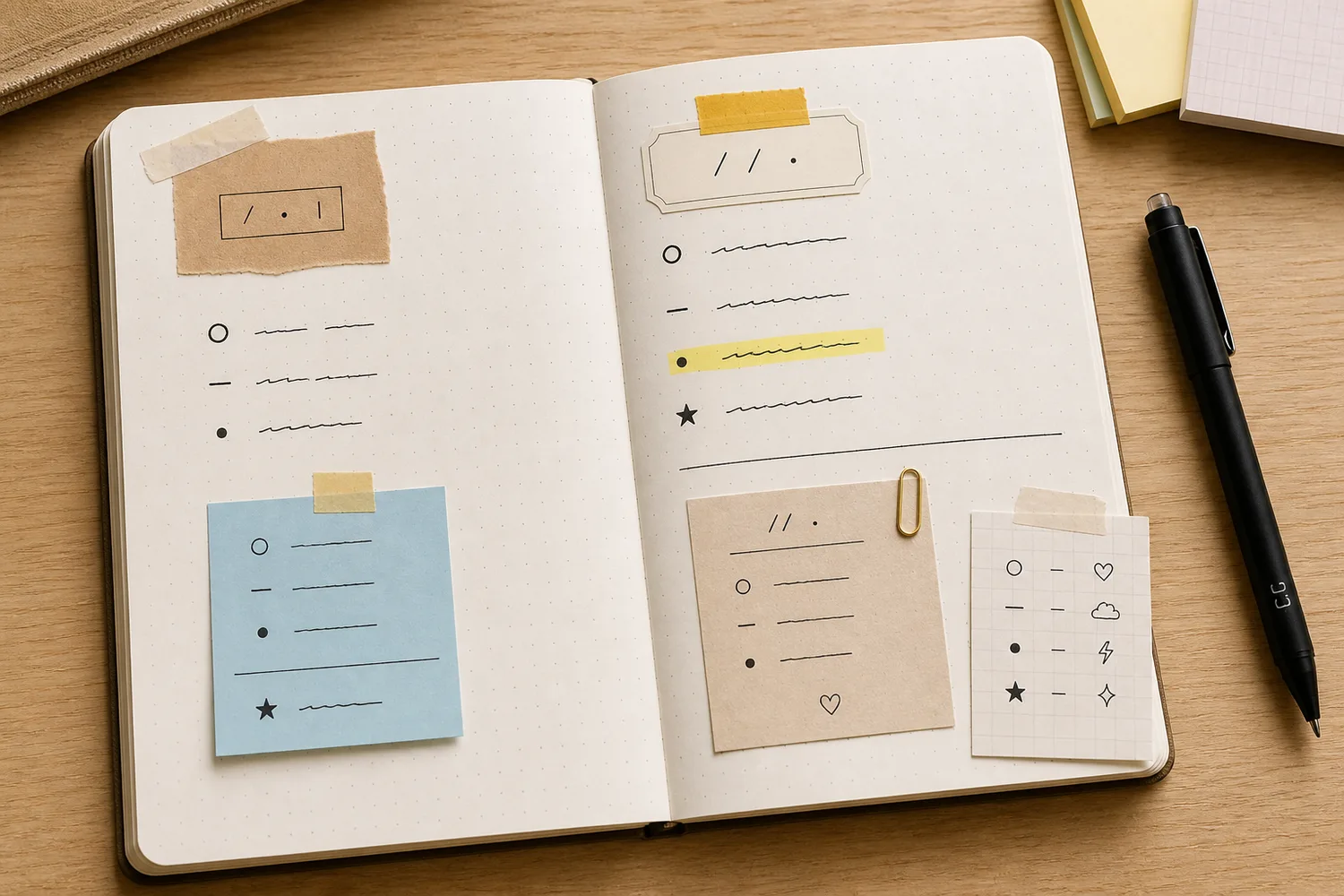
Use one simple mark for moved notes, such as an arrow, and one for finished or dismissed notes, such as a check. If a thought needs more time, leave it unmarked and circle the first few words. That makes it easy to find without inventing a whole marking system.
Keep the reset small enough to repeat
If several weeks pile up, start with the newest pages and anything that looks time-sensitive. Set aside ten minutes. Move the commitments and choose the few tasks you genuinely want to see in the coming week. Older ideas can wait for another sitting.
Stop when the next week is clear enough to use and you've marked where to resume. The goal isn't a perfectly copied notebook. It's being able to trust that the useful thought you had while making lunch won't disappear before you can do something with it.
Make a useful first pass through a pile of notes
Choose the kind of note you find on the newest pages.
Deal with the date before sorting older ideas.
Check whether the commitment is still upcoming and put the relevant information in the calendar or task list you check. Newest pages and time-sensitive notes make a useful first pass when several weeks have piled up. Do not wait for a perfect copy of the whole notebook.
Where this idea began
This guide grew from our original Instagram post. The examples and explanations here expand on that idea so you can try it at your own pace.