Gather a few things See what you’ll need
- Four related photo copies
- A notebook or loose sheet
- A pen and pencil
- A ruler
- A removable arrangement before attaching
Choose images that belong to one occasion
Pick four photographs from one event, walk, visit, or short period. They do not need to be the four most beautiful images. Choose pictures that contribute different information: a place, an action, a person, and an after-detail can make a useful set.
Keep the originals available wherever you normally store them. A small print is a reading copy for the journal, not a replacement for the original file or photograph. If one image comes from a different day, label that difference before arranging the set so the page does not imply a false sequence.
Number the pictures before writing
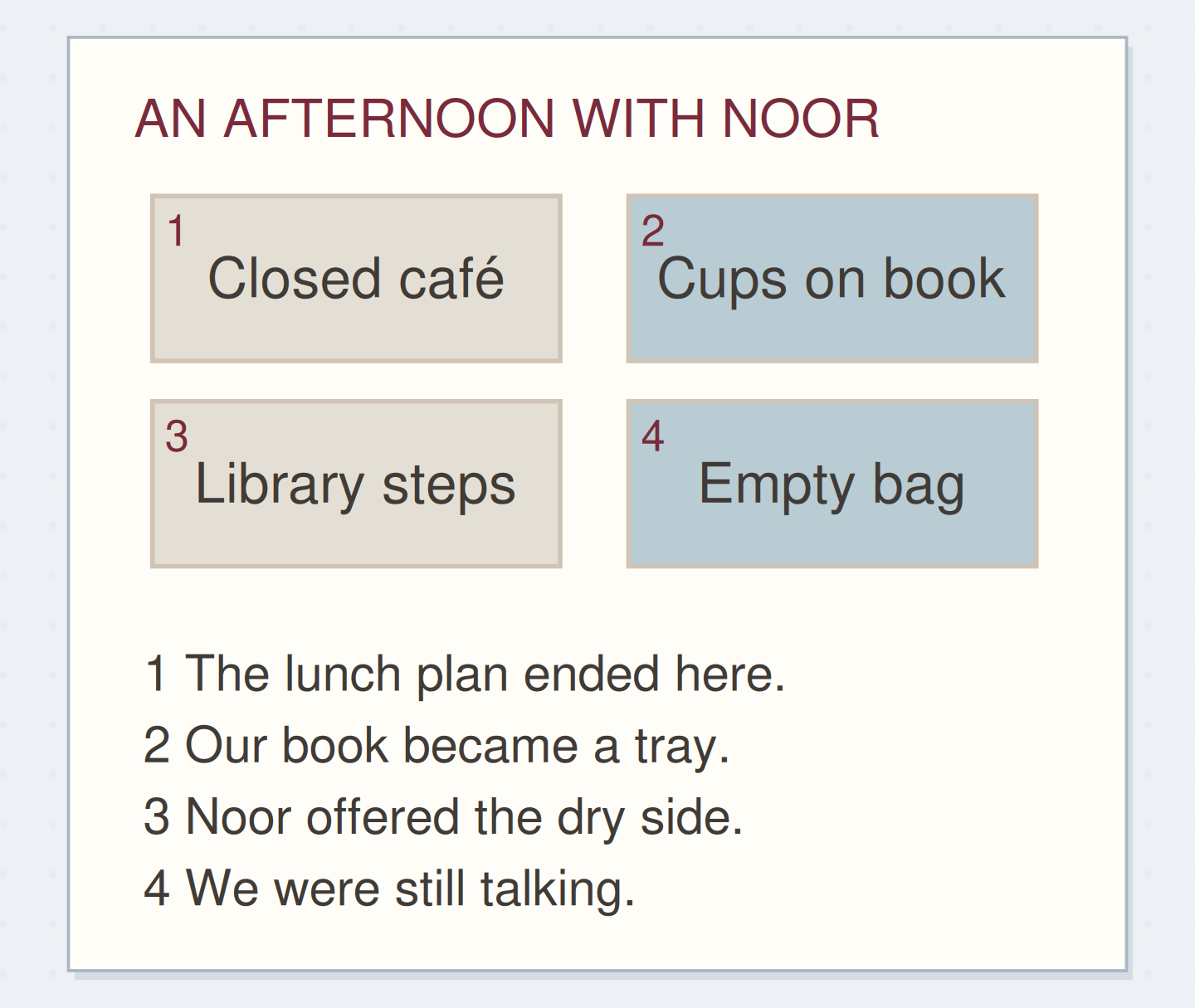
Lay the images in a two-by-two grid and assign 1 through 4 in reading order. Put the numbers beside the images rather than over important details. Beneath the grid, use the same numbers for a caption key. This makes the relationship readable even if the photos have similar colors or subjects.
For an A5 page, four prints around 40 by 30 mm leave room for a useful key below; treat that as a starting example. Dry-fit the actual prints and write two trial captions in your own handwriting. If the key feels cramped, give it the facing page instead.
Connect four pictures to four useful captions
The key adds what happened around the image without writing across it.
The four pictures belong to one afternoon.
Choose different information, not four copies of the same view.
“The contact sheet is finished when every picture has a matching caption that adds something useful.”
Caption the library-steps afternoon
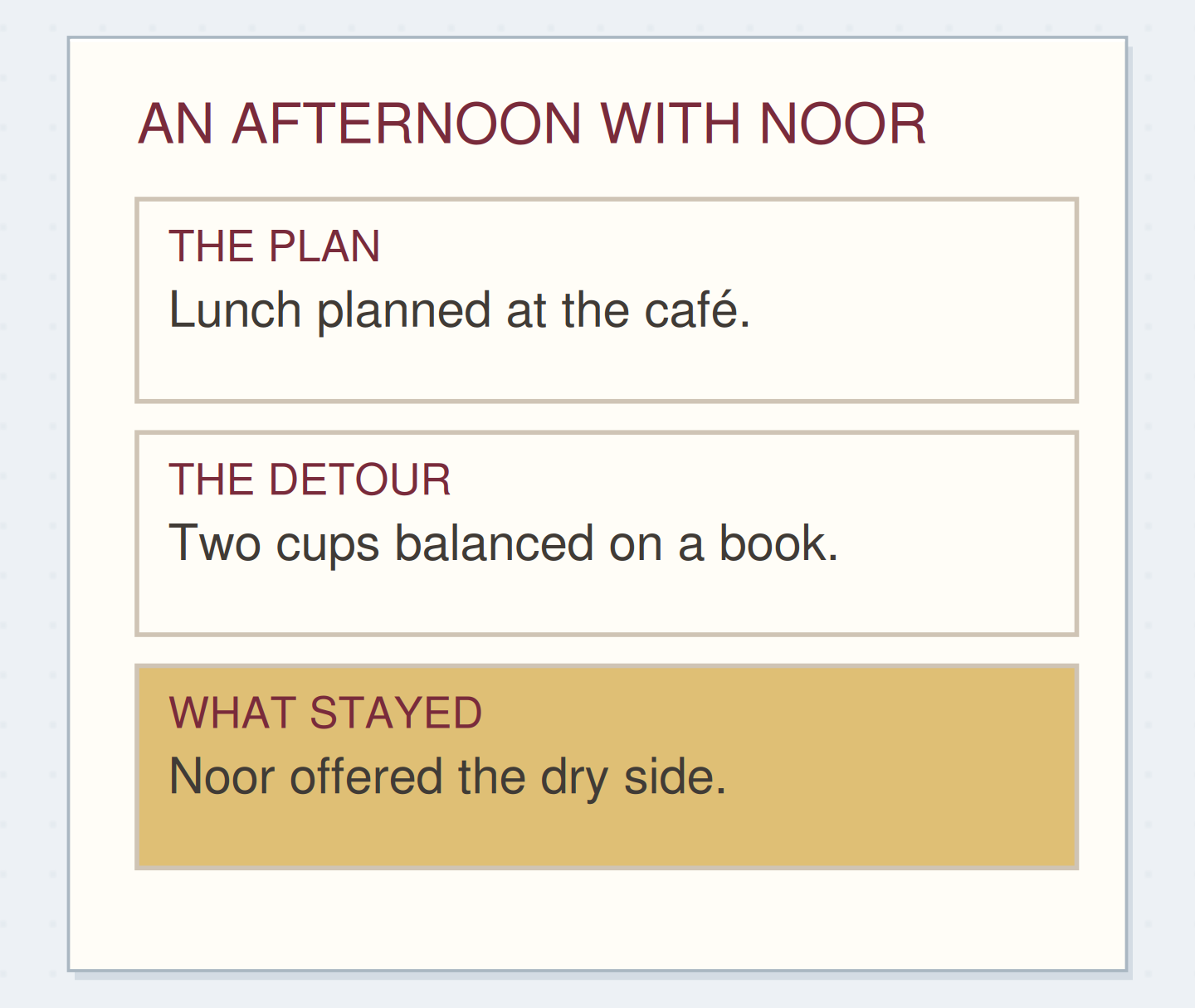
An illustrative set contains 1, the closed café sign; 2, two cups on a book; 3, the covered library steps; and 4, the empty paper bag. The key reads: 1, our lunch plan ended here. 2, the book became a temporary tray. 3, Noor gave me the dry side. 4, we finished the rolls while still talking.
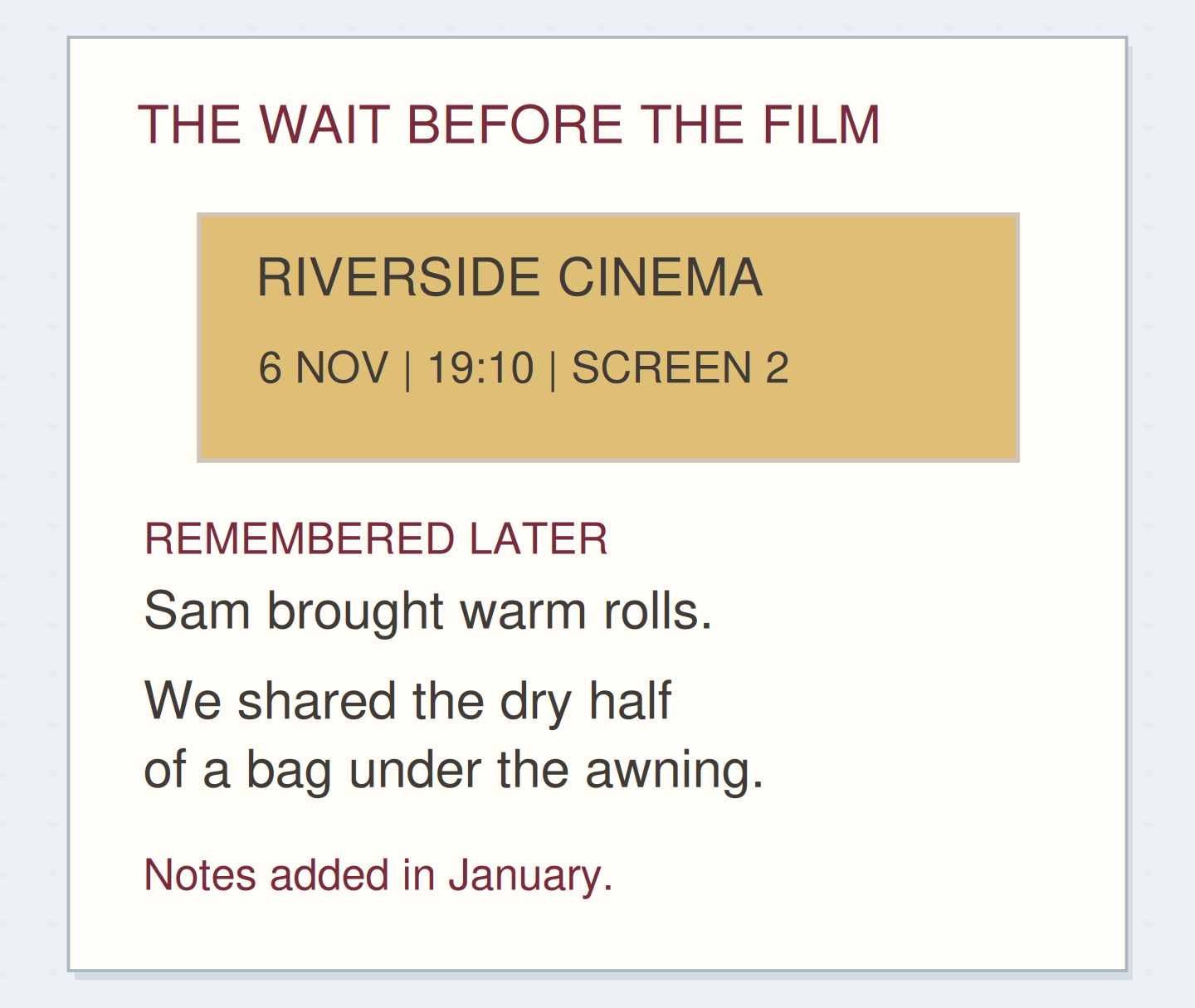
These captions work together rather than repeating visible objects. Add the occasion and date above the grid. If the captions are written later, include “Notes added in December” beneath the key. The page can honestly combine earlier images with a later account.
Write a caption that adds information
Edit the example into a record of your own. Leave out anything you do not know.
Image number:3
Visible subject:The covered library steps
Outside the frame:Noor offered me the dry side while we balanced the tea.
Your words have a place now.
A caption earns its space by adding more than the visible object’s name.
- Words on this card
- 23
Write the part the picture cannot show
Use names, places, actions just before or after the shutter, or something you heard. “Two cups” merely names visible objects. “We used the book as a tray while finding a dry place” explains their arrangement. A caption should earn its space by adding information.
Do not assume a photograph proves what someone felt. Describe a visible action or your own recollection, and attribute another person’s explanation if they supplied it. A smile can appear in a picture without telling you the whole story of the afternoon.
Keep uncertain identities or dates visible
If you are unsure who appears in an older image, use a plain label such as “possibly Jo, not confirmed.” If you only know the season, use it. Do not let a neatly numbered key make uncertain information look more authoritative than it is.
When two images look almost identical, choose the one that best supports the story or give both captions a reason to remain. One might show the table before a guest arrived and the other afterward. If neither adds anything, reduce the set to three rather than inventing a fourth contribution.
Keep an uncertain identity visible
Move the reveal to see which information changes the record.
Before the revision
A neat caption can make an uncertain identification look certain.
Leave a route to the larger pictures
Add a short reference to the folder, album, or envelope containing the originals. A useful label might be “2026, November visit, images 12 to 15.” Descriptive naming and context are part of the Library of Congress’s personal-photo guidance; your exact organization can remain simple.
If a friend supplied a photo, note that credit and keep any sharing expectations with it. The contact sheet can stay private without needing a publication-ready caption. For a single image with a fuller story, use a larger photo and a paragraph instead of forcing it into this group format.
Check the key before fixing the prints
Move the checks ahead of the actions that depend on them. Other choices can stay flexible.
One workable order
- Choose the related imagesThe set needs a clear shared occasion or labelled date range.
- Assign the image numbersThe caption key depends on stable identifiers.
- Write the corresponding keyThe words need to match their intended pictures.
- Follow every number onceThe final check catches swapped or missing captions.
Which check needs to come first?
The example shows one workable order. The sequence follows actual dependencies between selection, identifiers, and their key.
Check the numbers, then stop
The contact sheet is finished when every picture has a matching caption that adds something useful.
Follow the numbers once with your finger. Check for a missing number, a caption assigned to the wrong image, or a date that applies to only part of the set. Then leave the pictures room to be pictures. Four small images and four precise notes can make a complete record of an afternoon.
Where this idea began
Want to follow the idea further? These community discussions and maker references are a good place to start.
- Archiving Instagram journal entries
The author asks about making a paper record with captions clearly dated to an earlier period.
- Library of Congress: Keeping Personal Digital Photographs
The guidance recommends selection, descriptive names, subject information, and organized photo records.