Gather a few things See what you’ll need
- A small pile of scraps
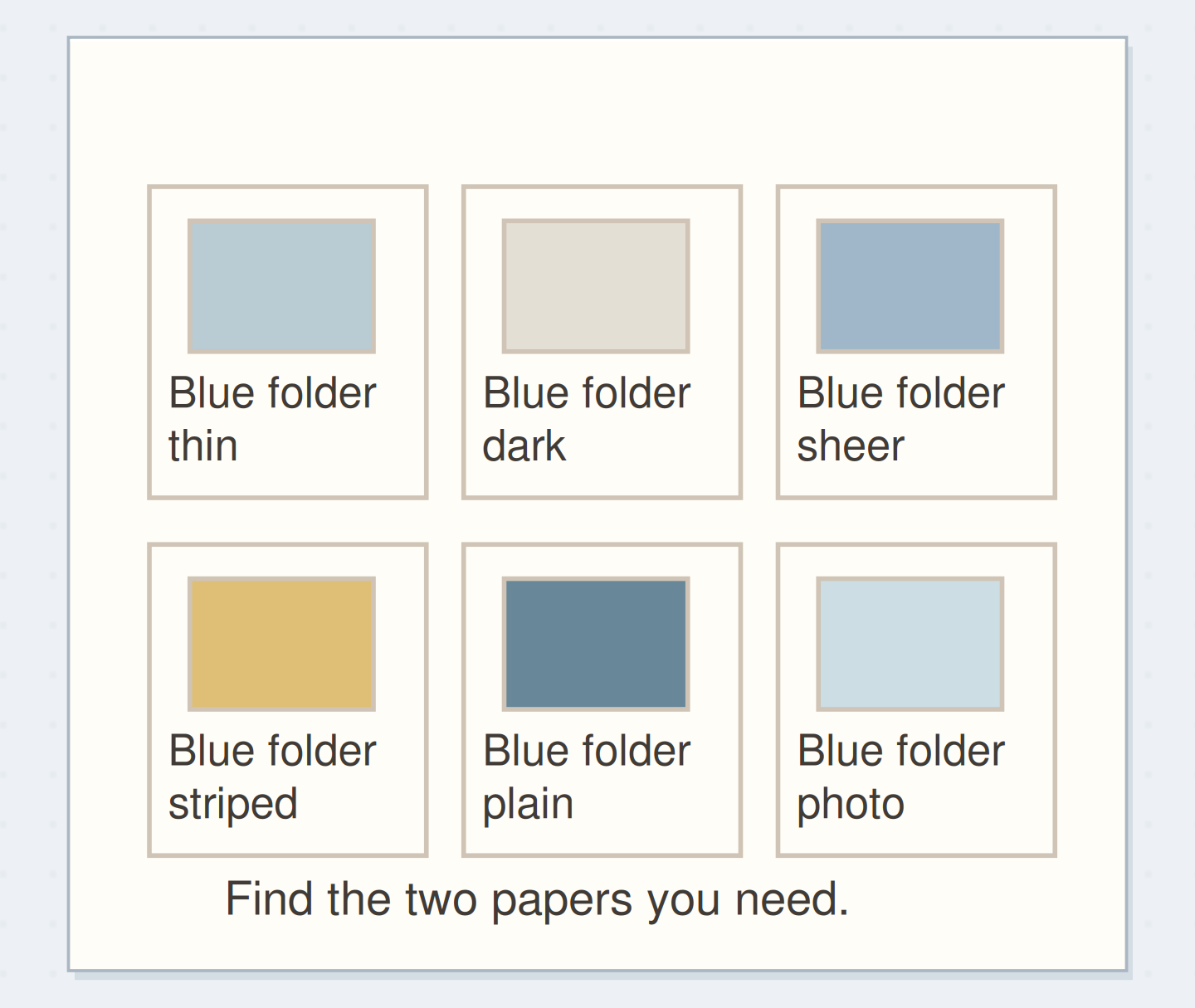
- Four paper folders
- Pencil
- One shallow return tray
Name the choices you actually make
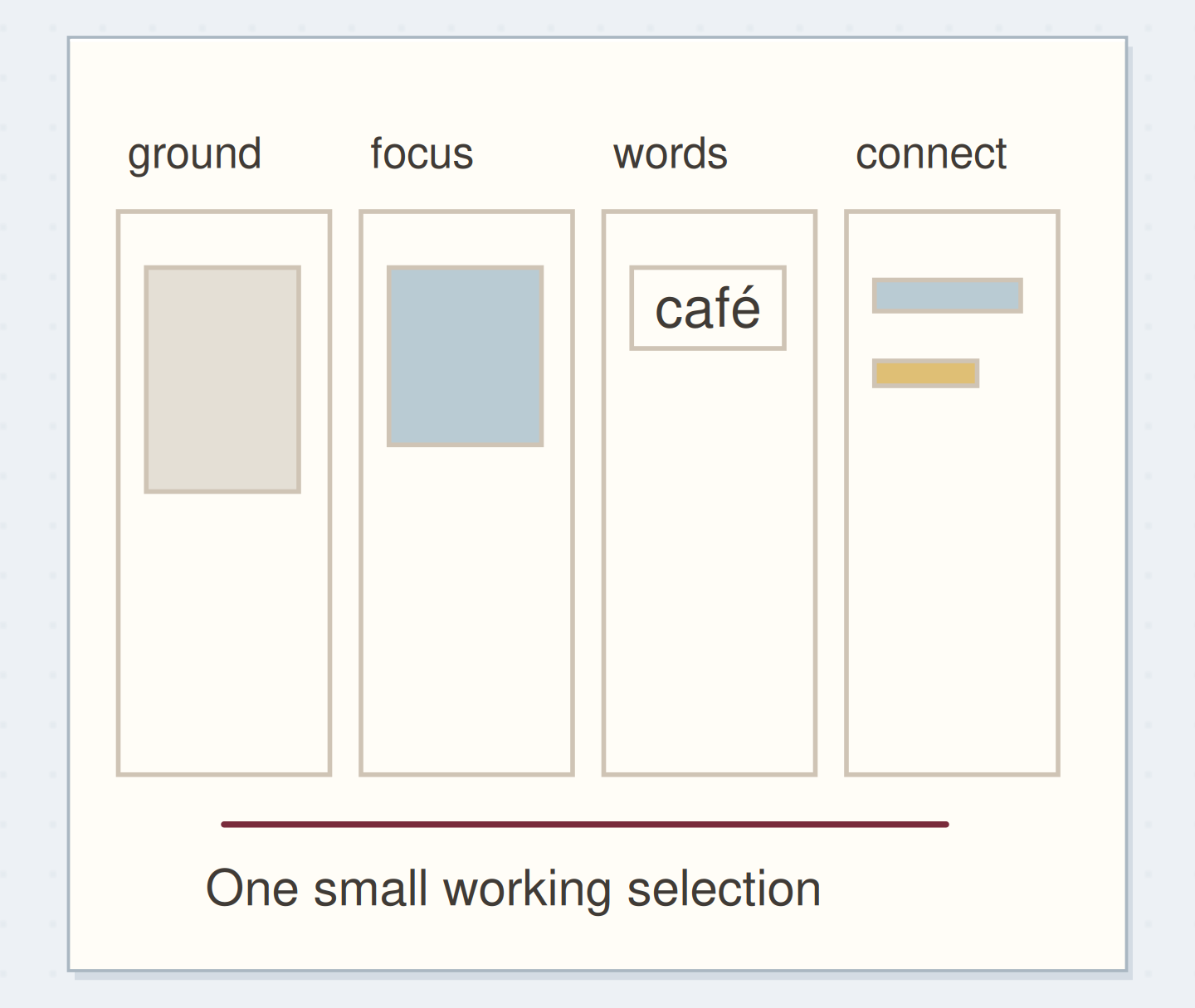
Start with four folders: ground, focus, words, and connectors. A ground gives other pieces a surface to sit on. A focus is the image or detail you notice first. Words are readable fragments you might actually use. Connectors are narrow strips, small repeats, and edges that help two areas belong together.
These are editorial roles, not permanent properties of paper. A blue square may become a focus on a pale page and a ground beneath a darker image. Put it where you are most likely to look for it first. You don't need a fifth folder for every ambiguous scrap.
Sort one useful handful
Choose about twenty pieces from the top of your current pile. Leave whole magazines, sentimental originals, and unfinished projects out of this first pass. You are organizing the material available for an ordinary session, not deciding the fate of every paper you own.
Spread the four folders open so their names remain visible. Move each scrap once, based on its most obvious use. If you hesitate, place it in the return tray. A temporary undecided space prevents one awkward item from stopping the whole sort; empty it when you next make a page.
Sort Your Scraps by the Job They Can Do
Separate the paper jobs that are easily lost inside a mixed scrap pile.
Paper roles answer different page needs.
Four paper roles, before sorting. Use the article measurements for the physical version; the drawing is a schematic.
“A useful filing system helps you choose paper and then gets out of the way.”
Try the paper in its proposed role
Hold a possible ground behind a handwritten sentence on plain paper. Does it support the words, or do its marks compete? Hold a possible focus at arm's length. Is there one clear image, or will you need to cut away most of the surrounding clutter?
For connectors, look for a repeated color, a useful straight edge, or a narrow shape. For words, read the complete phrase before saving it. A handsome typeface is useful, but an accidental fragment that says something you don't mean can distract from the entry you eventually build.
Order the steps: name four roles first
Check the physical dependencies in this scrap storage example. Reorder the actions before trying the paper version.
One workable order
- Name four rolesNamed jobs make the sorting decision concrete.
- Sort one handfulSorting exposes the useful support pieces as well as the interesting images.
- Choose pieces for a pageThe page selection uses the roles you have just separated.
- Return unused piecesReturning the remaining pieces preserves the useful separation.
Which check needs to come first?
The example shows one workable order. Returning the remaining pieces preserves the useful separation.
A receipt, a wrapper, and a leaflet
Imagine twelve scraps from a café visit: a cream bag, a blue wrapper, a receipt, a leaflet photograph, and several trimmed edges. Put the cream bag in ground, the photograph in focus, a legible place name from the receipt in words, and the blue edges in connectors.
Keep the full receipt separate if its information matters to you. The role system is for usable collage material, not an instruction to destroy a record. For the journal page, choose the photograph, one cream backing, and one blue strip. Add your own sentence about the visit rather than searching for a preprinted sentence to match it.
Plan the role I keep needing
Name the role you struggle to find, then give that material one reachable place.
The role I keep needing:Quiet grounds for dark handwriting.
Where I will put it:The first folder beside my notebook.
Your words have a place now.
Name the role you struggle to find, then give that material one reachable place.
- Words on this card
- 21
Rescue a category that keeps filling up
If every scrap lands in focus, make one sample page and notice what you struggle to find. You may be saving attractive pictures while overlooking plain paper. Move a few large, quiet pieces into ground instead of buying or collecting more material.
If words becomes a heap of tiny fragments, keep only phrases you can read at their actual size. If connectors overflows, choose a handful of varied widths and recycle the duplicates you don't want. The useful limit is the folder you can browse comfortably, not an arbitrary number that makes you sort perfectly good pieces again.
Compare browsing by role
Retrieve a plain ground and a narrow connector from your sorted material without emptying every folder.
Unsorted
A pile hides plain support paper beneath interesting pictures.
Make the folders fit your working space
For a small notebook, use smaller folders and keep pieces that fit its page without major trimming. For larger collage work, store flat sheets separately and put a representative sample or a written location note in the relevant role folder. Folding a beautiful large sheet merely to fit the system defeats its purpose.
You can add color order within a folder later, but only if you repeatedly need it. A contact-sheet reference can help when your material is stored elsewhere. Keep active projects together rather than returning their chosen pieces to the general stash between every session.
Test the system on the next real entry
A useful filing system helps you choose paper and then gets out of the way. Open the folder for the missing role, take two candidates, and compare them on the page. If neither works, return them and choose again; the folder doesn't dictate the composition.
After the entry is finished, put unused pieces into the return tray and file them during a natural pause. Stop reorganizing when you can find a ground, a focus, and a small connector without opening every container. The next page, rather than a perfectly sorted drawer, is the test of success.
Where this idea began
Want to follow the idea further? These community discussions and maker references are a good place to start.
- How analog collage makers organize their material
Readers compare sorting by subject, size, backgrounds, words, and works in progress, and describe overcomplicated filing.
- Keeping and organizing collage sources
The discussion describes separating source material into usable categories while keeping larger source pages.