Gather a few things See what you’ll need
- A small pile of scraps
- Four paper folders
- Pencil
- One shallow return tray
Choose an exercise 4 things to try as you read
Name the choices you actually make
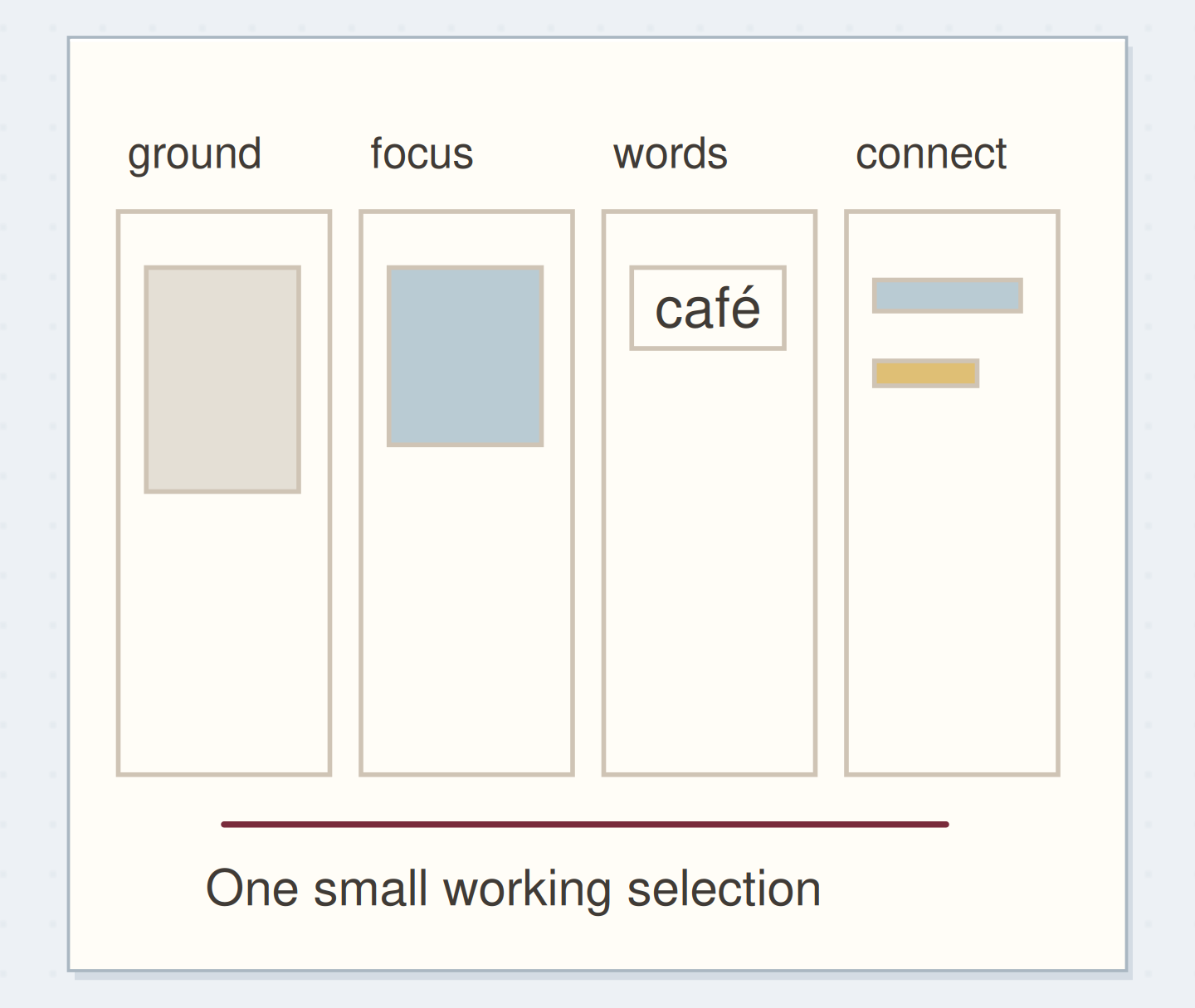
Label four folders ground, focus, words, and connectors. Ground supports a piece or sentence; focus gives you the image to notice first; words holds readable fragments; connectors gathers useful strips, repeats, and edges.
A blue square can serve as ground on one page and focus on another. File it where you would look first, and move it when a real page suggests a better use. An uncertain role does not need a fifth permanent folder.
ONE WORKED EXAMPLE
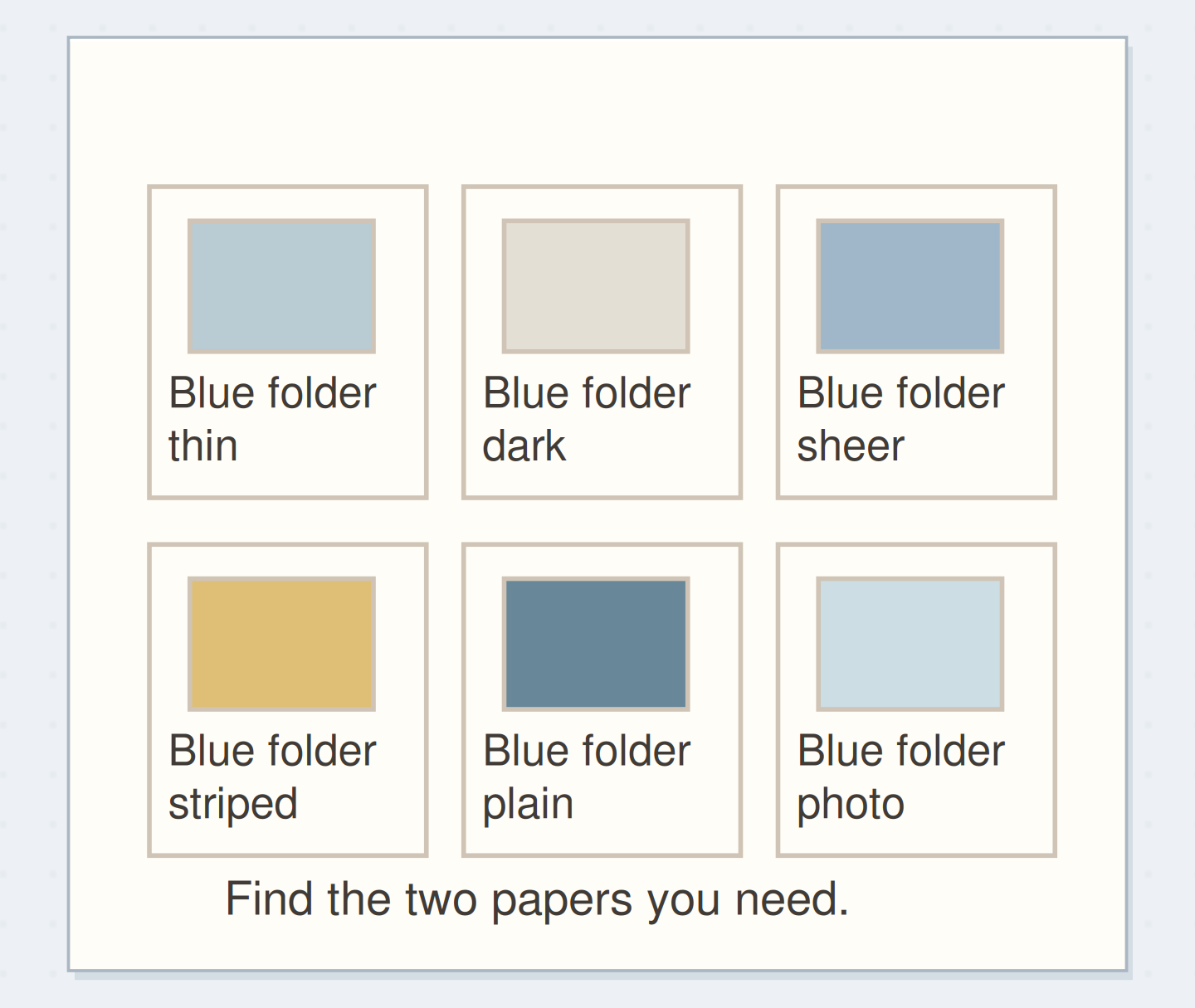
A blue folder without a quiet backing
You are making a page with a small café photograph and a handwritten sentence. Your color-sorted blue folder offers many attractive prints, but none gives the sentence a quiet background.
Before
Choosing the nearest blue scrap leaves busy type behind the handwriting, so the words are harder to read even though the colors match.
After
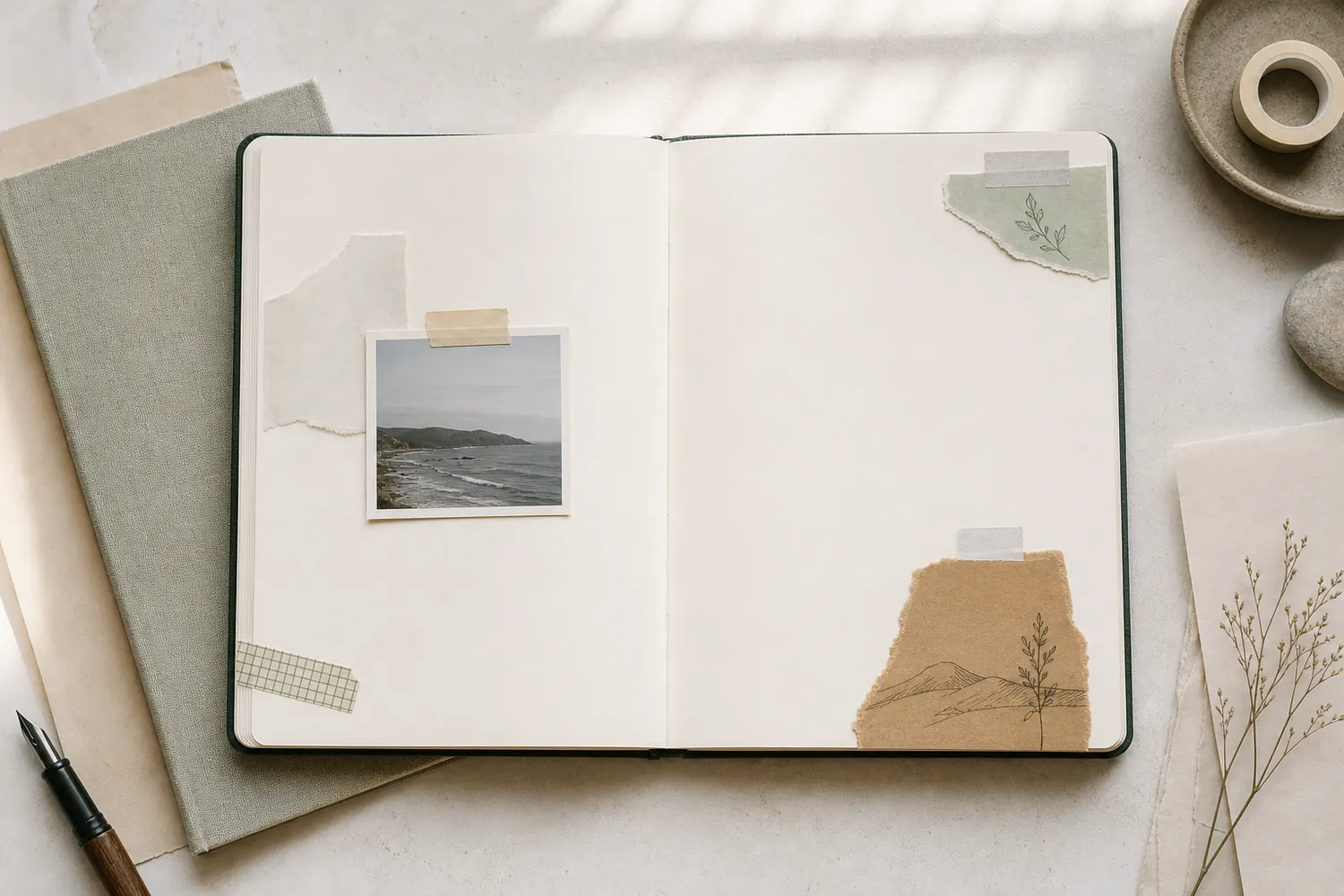
The cream bag paper goes behind the sentence as ground. The café photograph supplies the focus, and a narrow blue edge connects the two. Unused blue prints return to the role folders where you would look for them next.
What changed—and what to check
The page asks for a quiet surface and a small connection. Sorting by those jobs makes color one choice within the role rather than the only selection rule.
Try this check. Lay the actual handwritten sentence over your proposed ground and check whether the words remain easy to read.
Feel like adding another paper layer?
The Washi Tape ShopAffiliate links: we may earn a commission if you buy through these links.
Sort one useful handful
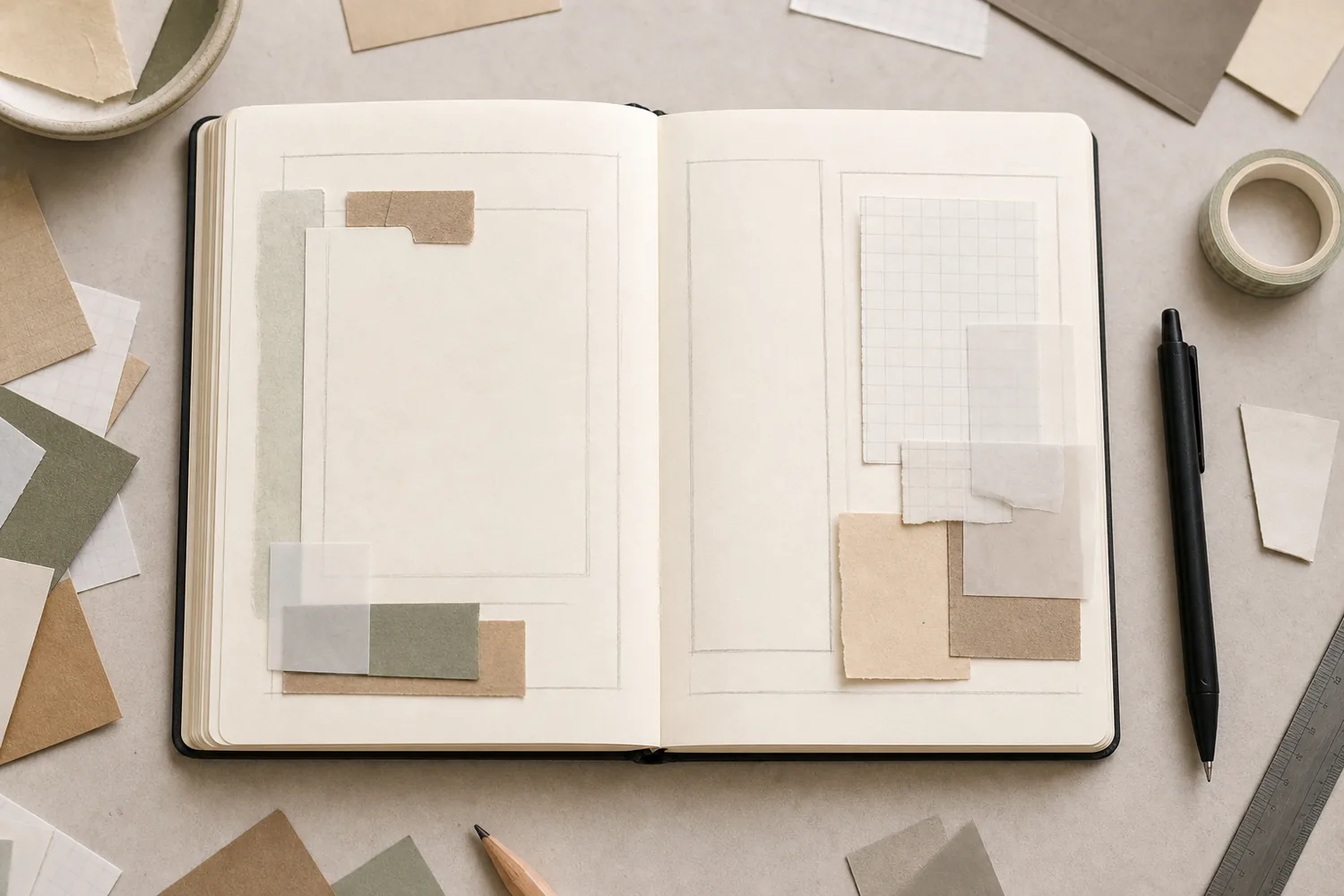
Take about twenty pieces from the top of your pile. Leave whole magazines, sentimental originals, and unfinished projects aside; this pass organizes material for an ordinary session. Open the four folders with their labels visible. Move each scrap once, choosing its most obvious role. Put uncertain pieces in a return tray, then revisit them when you next make a page so indecision does not stop the sort.
Compare the optionsSort Your Scraps by the Job They Can Do
Sort Your Scraps by the Job They Can Do
Separate the paper jobs that are easily lost inside a mixed scrap pile.
Read the words in this example
- ground
- focus
- words
- connect
Paper roles answer different page needs.
Four paper roles, before sorting. Use the article measurements for the physical version; the drawing is a schematic.
Try the paper in its proposed role
Try a proposed ground behind your actual handwriting. If it competes with the sentence, it may work better as a focus or small accent. Hold a focus at arm’s length to see whether one image reads without extensive trimming.
Connectors may offer a repeated color, straight edge, or narrow shape. Read the full phrase before filing a scrap under words; attractive type can say something unintended when cut away from its original context.
Try a what-ifHow can the folder still help you find it?
How can the folder still help you find it?
A storage folder can point to material that needs to live elsewhere.
A useful large backing sheet will not fit your ground folder without folding. You want to keep it smooth for a future photograph panel.
Compare the three choices
How can the folder still help you find it?
- Fold it to the folder size
That makes storage convenient, but introduces creases into the smooth panel you want to preserve.
- Store it flat and add a location note
The folder remains the place to look while the full sheet stays flat elsewhere. A representative scrap can work too.
- Cut it into several folder-sized pieces immediately
That may supply small grounds but removes the option of using the larger uncreased panel.
A folder can point to a useful material without physically containing its whole sheet.
What would you try?
Choose an option to see what it would do. You can explore all three.
A receipt, a wrapper, and a leaflet
Imagine twelve café scraps: a cream bag, blue wrapper, receipt, leaflet photograph, and trimmed edges. File the bag under ground, photograph under focus, a legible receipt place name under words, and blue edges under connectors. Keep the full receipt separate if its information matters. For the page, use the photograph, one cream backing, and one blue strip. Add your own sentence about the visit.
Write your versionPlan the role I keep needing
Plan the role I keep needing
Name the role you struggle to find, then give that material one reachable place.
The role I keep needing:Quiet grounds for dark handwriting.
Where I will put it:The first folder beside my notebook.
Your words have a place now.
Name the role you struggle to find, then give that material one reachable place.
- Words on this card
- 21
GO A LITTLE FURTHERRescue a category that keeps filling up
Rescue a category that keeps filling up
If focus fills first, make a sample page and notice what is missing. Move large quiet pieces into ground if you cannot find backings. Keep words you can read at their actual size. For an overflowing connectors folder, keep varied widths and recycle unwanted duplicates. Judge capacity by whether you can browse comfortably; a fixed numerical limit need not make you sort useful pieces again.
See the differenceCompare browsing by role
Compare browsing by role
Retrieve a plain ground and a narrow connector from your sorted material without emptying every folder.
Read the words in this example
Unsorted
- ground
- focus
- words
- connect
Unsorted
A pile hides plain support paper beneath interesting pictures.
GO A LITTLE FURTHERMake the folders fit your working space
Make the folders fit your working space
Match folder size to your notebook and keep pieces that fit without major trimming. Store large sheets flat elsewhere, with a representative scrap or location note in the relevant folder. Do not fold them merely to fit. Add color order only if you repeatedly need it. A contact sheet can reference remote storage. Keep an active project’s chosen pieces together between sessions instead of refiling them.
Test the system on the next real entry
On the next entry, open the folder for the missing job and compare two candidates directly on the page. Return both if neither helps; the folder offers possibilities rather than deciding your composition.
Put unused pieces in the return tray and file them during a pause. Notice which role still makes you open every container, then adjust that one place before reorganizing the whole collection.
Feel like adding another paper layer?
The Washi Tape ShopAffiliate links: we may earn a commission if you buy through these links.
Where this idea began
The method references explain the underlying ideas. Community links show the questions and experiences that helped shape this guide; they are not a popularity ranking. The worked examples here are our own.
- Community discussionHow analog collage makers organize their material
Readers compare sorting by subject, size, backgrounds, words, and works in progress, and describe overcomplicated filing.
- Community discussionKeeping and organizing collage sources
The discussion describes separating source material into usable categories while keeping larger source pages.